
AutomagicWP vs GifSpeed
Side-by-side comparison to help you choose the right AI tool.

One upload updates all connected WordPress sites.

GifSpeed
Speed up, slow down, or change GIF speed instantly in your browser. Free GIF speed changer — no watermark, no upload, 100% free.
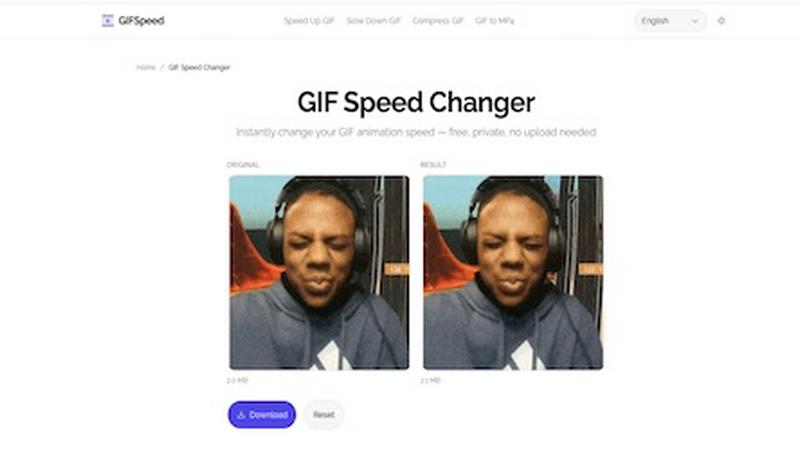
Visual Comparison
AutomagicWP

GifSpeed
Overview
About AutomagicWP
AutomagicWP distributes WordPress plugins and themes. Upload a release once, connected sites update on their own through WordPress's native update mechanism. No logging into individual wp-admin dashboards.
The workflow it replaces: finish a build, package a ZIP, log into each client's site, upload it, confirm you want to replace the existing version, reactivate, next site. Once a year, fine. Once a month across twenty sites, not fine.
Releases track changelogs and PHP requirements. Plugin pages support icons, banners, and screenshots, so wp-admin looks like a proper product listing.
For automation: push a GitHub tag, the release ships. Need to integrate updates into your own tooling? There's a REST API. A Composer package hooks into native WordPress update checks on the client side.
Built for agencies managing client portfolios, solo devs tired of the ZIP loop, and anyone distributing a premium plugin or theme who wants distribution without a full commerce platform attached.
About GifSpeed
GIFSpeed — Change GIF speed online, 100% in your browser.
Your files never leave your device. Powered by WebAssembly (gifsicle-wasm), no server upload, no waiting.
→ Any speed range
→ Drag & drop, up to 50MB
→ Zero watermarks
→ Works on mobile
→ Free forever, no sign-up
Built for creators, marketers & developers who need to tweak a GIF for demos, social posts or docs — without server queues or giving files to strangers.
Replaces: ezgif (uploads files), GIMP (overkill), FFmpeg (terminal).
Drop. Adjust. Download. Done.