
Black Screen vs GifSpeed
Side-by-side comparison to help you choose the right AI tool.

Black Screen
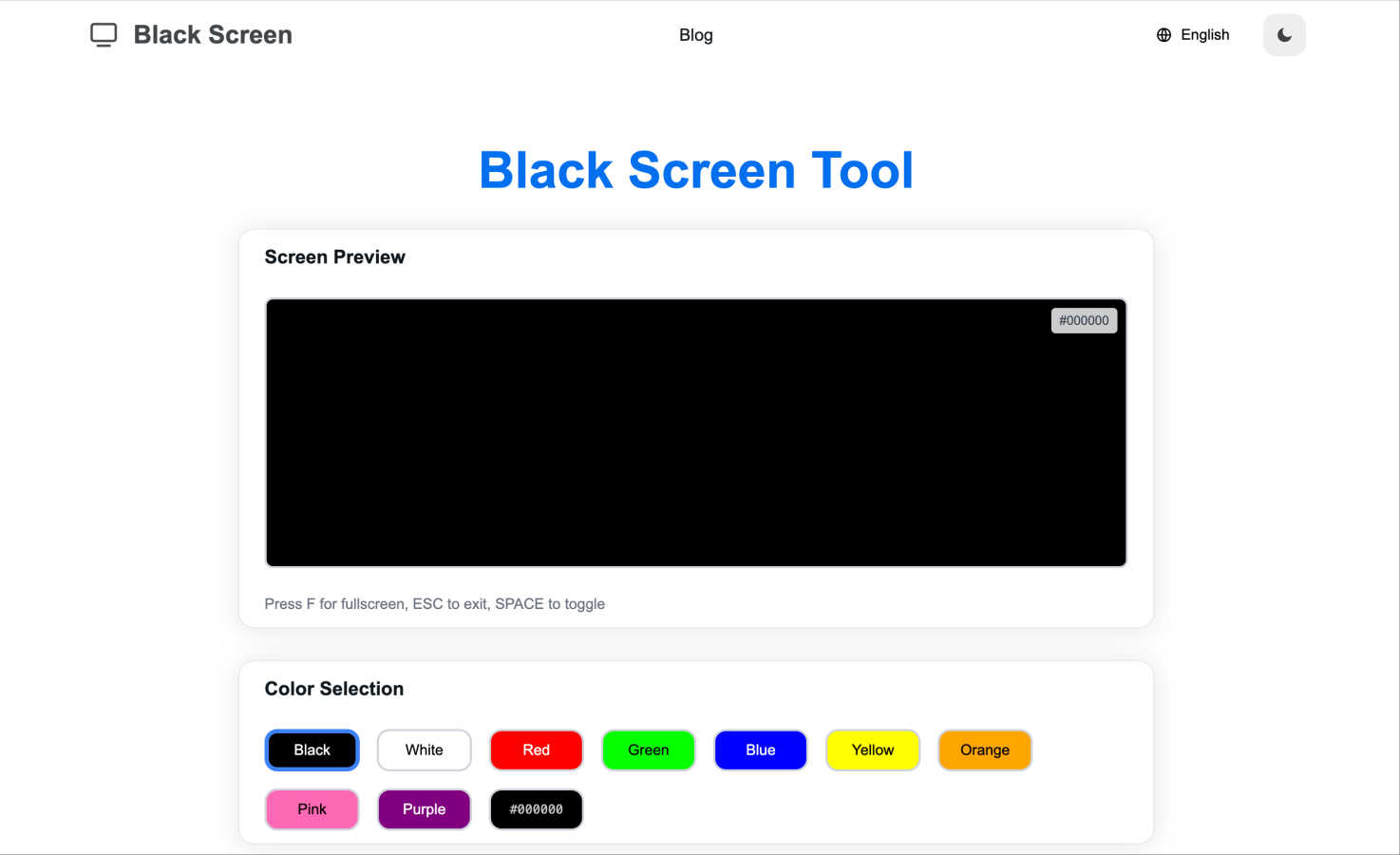
Black Screen is a free tool for fullscreen focus, display testing, and OLED protection with customizable colors and t...

GifSpeed
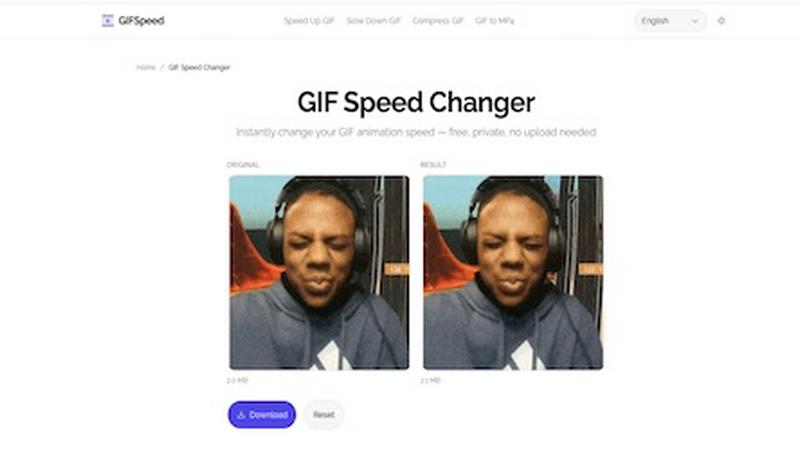
Speed up, slow down, or change GIF speed instantly in your browser. Free GIF speed changer — no watermark, no upload, 100% free.
Visual Comparison
Black Screen
GifSpeed
Overview
About Black Screen
Welcome to Black Screen, an innovative free online tool that serves as the ultimate solution for display testing, calibration, and protection. Launched in 2025, this versatile tool is tailored for graphic designers, gamers, tech enthusiasts, and anyone looking to keep their screens in peak condition. With our user-friendly approach, you can access the tool instantly without any registration, making it a privacy-focused option for all your display needs.
Black Screen allows users to test various aspects of their displays, including checking for dead pixels, assessing color accuracy, and ensuring optimal screen performance. The tool's fullscreen mode provides an immersive experience, enabling you to focus on important details without distractions. Additionally, with specialized features like OLED Protection, it helps extend the life of your display by preventing screen burn-in, which is particularly beneficial for OLED screen users. Whether you are calibrating your monitor for professional design work or simply cleaning your screen, Black Screen is your go-to solution for display care and diagnostics.
About GifSpeed
GIFSpeed — Change GIF speed online, 100% in your browser.
Your files never leave your device. Powered by WebAssembly (gifsicle-wasm), no server upload, no waiting.
→ Any speed range
→ Drag & drop, up to 50MB
→ Zero watermarks
→ Works on mobile
→ Free forever, no sign-up
Built for creators, marketers & developers who need to tweak a GIF for demos, social posts or docs — without server queues or giving files to strangers.
Replaces: ezgif (uploads files), GIMP (overkill), FFmpeg (terminal).
Drop. Adjust. Download. Done.