
Flux Krea AI vs GifSpeed
Side-by-side comparison to help you choose the right AI tool.

Flux Krea AI
Flux Krea AI instantly creates stunning images from your text descriptions in any style you choose.

GifSpeed
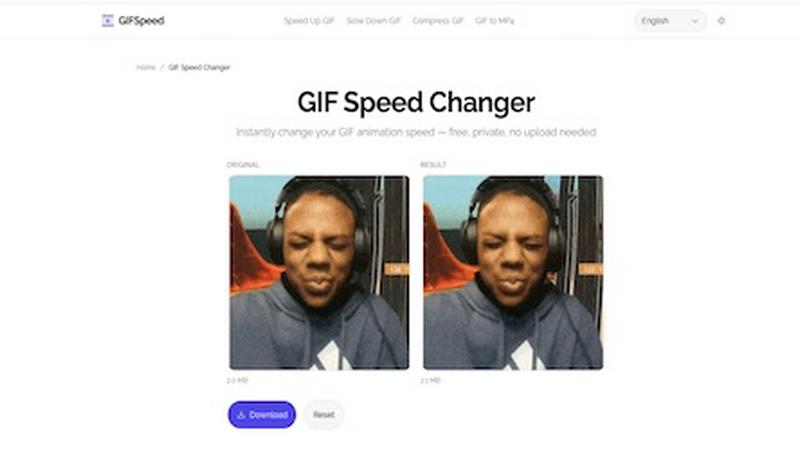
Speed up, slow down, or change GIF speed instantly in your browser. Free GIF speed changer — no watermark, no upload, 100% free.
Visual Comparison
Flux Krea AI

GifSpeed
Overview
About Flux Krea AI
Flux Krea AI is your friendly, powerful companion for turning imagination into reality. It's an advanced AI image generator that uses cutting-edge technology, specifically the Flux Krea dev model, to create stunning, high-quality images from simple text descriptions. The magic happens in about 30 seconds—you just type what you're thinking about, pick an artistic style you love, and watch as a unique image is generated just for you. No artistic skills or technical knowledge is required, making it accessible to absolutely anyone.
Whether you're a content creator looking for eye-catching graphics for social media, a marketer needing quick visual concepts, a writer wanting to visualize a scene, or just someone with a fun idea you'd love to see come to life, Flux Krea AI is here to help. Its core value proposition is simplicity paired with professional-grade results. It democratizes visual creation, offering features like 4K resolution output, a vast library of artistic styles, and intelligent prompt understanding. You can start exploring its capabilities for free and discover how simple, fast, and enjoyable AI-powered image creation can be.
About GifSpeed
GIFSpeed — Change GIF speed online, 100% in your browser.
Your files never leave your device. Powered by WebAssembly (gifsicle-wasm), no server upload, no waiting.
→ Any speed range
→ Drag & drop, up to 50MB
→ Zero watermarks
→ Works on mobile
→ Free forever, no sign-up
Built for creators, marketers & developers who need to tweak a GIF for demos, social posts or docs — without server queues or giving files to strangers.
Replaces: ezgif (uploads files), GIMP (overkill), FFmpeg (terminal).
Drop. Adjust. Download. Done.