
Gemini AI Photo Editor vs Project Genie 3
Side-by-side comparison to help you choose the right AI tool.

Gemini AI Photo Editor
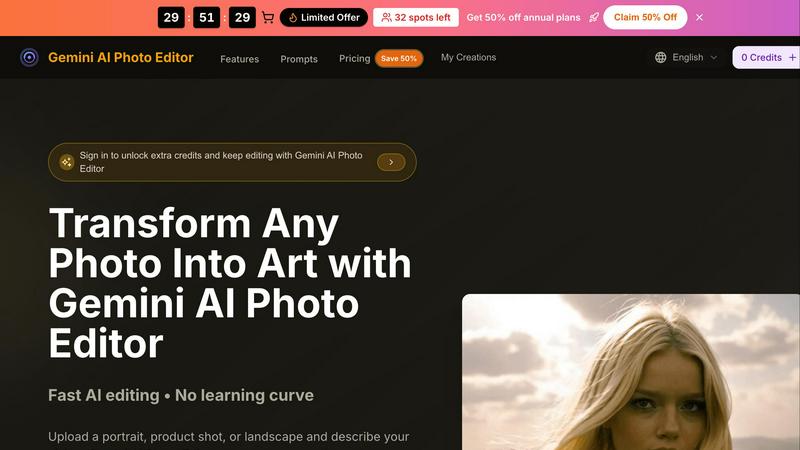
Transform any photo into art instantly with the free and easy-to-use Gemini AI Photo Editor.
Last updated: February 28, 2026

Project Genie 3
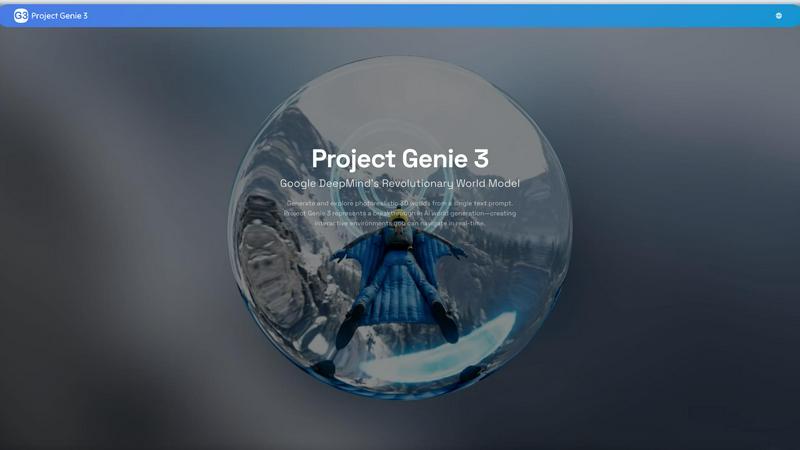
Project Genie 3 creates fully explorable 3D worlds from text prompts, providing real-time interactive experiences.
Last updated: February 26, 2026
Visual Comparison
Gemini AI Photo Editor
Project Genie 3
Feature Comparison
Gemini AI Photo Editor
Text-to-Image Editing with Chat
This is the heart of the editor. Instead of manual tools, you simply describe your vision in plain language. Upload your photo and type a prompt like "remove the distracting sign in the background" or "make this look like a vintage oil painting." The AI understands your request and rebuilds the image pixel by pixel with stunning precision, making professional editing accessible to everyone.
Support for 100+ Languages
Your creativity isn't limited by language. Gemini AI Photo Editor understands prompts and instructions in over 100 languages. Whether you're typing in English, Spanish, Japanese, or French, you can describe your editing vision naturally and get accurate results, making it a truly global tool for creators and businesses everywhere.
High-Resolution 4K Output with Gemini 3 Pro
For projects that demand the highest quality, you can select the Gemini 3 Pro model. This advanced AI model supports 4K resolution output, ensuring your final images are crisp, detailed, and ready for large-format printing, high-definition displays, or professional portfolios without any loss in quality.
Fast & Accurate Object Removal & Background Swaps
Need to clean up a photo? Describe what you want gone or replaced. The AI can instantly remove unwanted objects, people, or watermarks. It can also seamlessly swap backgrounds, whether you're placing a product in a studio setting or putting a portrait against a tropical beach, all while maintaining natural lighting and perspective.
Project Genie 3
Real-Time World Prediction
Project Genie 3 continuously predicts and updates the state of the world based on user interactions. This means that every movement and action you take is reflected in the environment, creating a dynamic and engaging experience.
Photorealistic Rendering
The platform excels in generating stunningly detailed environments that boast realistic lighting, shadows, and atmospheric effects. Users can traverse a variety of landscapes, from lush forests to vibrant cities, all rendered with impressive visual fidelity.
Text-to-World Generation
Simply describe your desired environment in natural language, and Project Genie 3 will bring it to life. This feature allows for immense creativity, as users can create anything from a serene mountain village to a bustling futuristic metropolis.
Persistent World Memory
Project Genie 3 has a remarkable ability to remember previously explored environments. This consistency ensures that users can revisit areas and find them unchanged, enhancing the sense of immersion and reality within the simulated worlds.
Use Cases
Gemini AI Photo Editor
Portrait & Headshot Retouching
Perfect for professionals and individuals alike. Quickly smooth skin, brighten eyes, balance lighting, and sharpen details for polished headshots ready for LinkedIn profiles, resumes, or professional avatars, all while preserving the subject's natural character and expression.
E-commerce Product Photo Enhancement
Ideal for online sellers. Refresh product photography by cleaning up reflections, removing distracting backgrounds, adding realistic shadows, or extending canvases to create consistent, eye-catching images for marketplaces like Amazon or Etsy, helping products stand out and look more professional.
Social Media & Marketing Content Creation
Create scroll-stopping visuals for campaigns in minutes. Generate ads, social media posts, and branded content by applying artistic filters, creating cinematic scenes, or producing user-generated content (UGC) remixes without needing a full-day studio shoot or a graphic designer.
Batch Branding Projects
Maintain visual consistency across multiple images efficiently. Process entire folders of photos at once, applying consistent edits like specific color grading, adding branded elements, or uniform framing. This is a huge time-saver for marketers and businesses running coordinated campaigns.
Project Genie 3
Game Development
Game developers can utilize Project Genie 3 to quickly prototype and visualize game levels or environments. By inputting text prompts, they can generate immersive worlds that can be tested and adjusted in real time, streamlining the development process.
Virtual Reality Experiences
For creators of virtual reality content, Project Genie 3 offers a powerful tool for crafting engaging experiences. The ability to create detailed worlds based on user prompts opens up new possibilities for storytelling and interaction in VR formats.
Education and Training
Educators can leverage Project Genie 3 to create realistic simulations for teaching purposes. Whether it’s exploring historical sites or scientific environments, students can engage with content in a visually rich and interactive way.
Creative Writing and Storytelling
Writers and storytellers can use Project Genie 3 to visualize the worlds they create. By generating environments that align with their narratives, they can enhance their storytelling process and provide readers with a more vivid sense of place.
Overview
About Gemini AI Photo Editor
Gemini AI Photo Editor is your creative partner for transforming any image with just a few words. It's a powerful, browser-based tool that uses Google's advanced Gemini AI models to understand your photos and execute your editing vision instantly. Forget the steep learning curve of complex software like Photoshop. Simply upload a portrait, product shot, or landscape, describe what you want to change or the style you want to apply, and download professional, watermark-free results in seconds.
It's designed for anyone who needs great visuals fast. Whether you're a social media creator crafting scroll-stopping content, a small business owner refreshing product photos, an e-commerce seller needing clean backgrounds, or a marketer producing campaign assets, this tool empowers you. Its core value is delivering fast, high-quality, and accessible AI-powered editing that turns your ideas into reality. Supporting over 100 languages and handling everything from single images to batch exports securely, Gemini AI Photo Editor is the smart, simple way to get the perfect image.
About Project Genie 3
Project Genie 3 is an innovative AI world generation tool developed by Google DeepMind. It allows users to create and explore photorealistic 3D environments based solely on text prompts. This cutting-edge technology goes beyond traditional AI that produces static images or videos; it creates fully interactive and responsive worlds that users can navigate in real-time. Whether you are a game developer, a storyteller, or simply curious about 3D environments, Project Genie 3 caters to a wide audience by offering a unique way to visualize and interact with imaginative spaces. The main value proposition lies in its ability to transform simple descriptions into immersive experiences, facilitating creativity and exploration like never before.
Frequently Asked Questions
Gemini AI Photo Editor FAQ
What image formats does Gemini AI Photo Editor support?
You can upload images in JPG, PNG, or WebP formats. The tool supports high-resolution files up to 4K, with a maximum upload size typically around 10-24MB depending on the plan, ensuring your originals remain high quality.
Do I need to install any software to use it?
No installation is required! Gemini AI Photo Editor is entirely browser-based. You can access it and start editing directly from your web browser on any device, making it incredibly convenient and easy to start using right away.
Are the edited images free of watermarks?
Yes, absolutely. When you download your edited images using your credits, the results are completely free of any Gemini AI Photo Editor watermarks. You own the output and can use it freely for personal or commercial projects.
How does the AI understand what I want in my prompt?
The tool uses Google's advanced Gemini AI models, which are trained to understand context and visual concepts. For best results, be specific in your prompts. Describe colors, lighting, style (e.g., "photorealistic," "anime"), composition, and mood to guide the AI toward your exact vision.
Project Genie 3 FAQ
How does Project Genie 3 generate environments from text prompts?
Project Genie 3 processes the user’s text input through the advanced Genie 3 architecture, along with the Nano Banana Pro and Gemini models, to create a coherent and visually rich environment.
Can I interact with the generated environments?
Yes, Project Genie 3 allows users to navigate through the created worlds in real time using standard controls. The environments respond to user actions, providing an interactive experience.
What kind of environments can I create?
You can create a wide range of environments, from natural landscapes to urban settings, by simply describing them in natural language. The only limit is your imagination.
Is Project Genie 3 suitable for commercial use?
While Project Genie 3 is an experimental research prototype, it has potential applications in various fields, including game development and education. However, users should check licensing agreements and terms of use for commercial endeavors.
Alternatives
Gemini AI Photo Editor Alternatives
Gemini AI Photo Editor is a free, browser-based tool that uses Google's AI to transform photos based on your text descriptions. It falls into the category of AI-powered photo editors, making professional-grade visual editing accessible to everyone without needing complex software skills. People often look for alternatives to any tool for various reasons. They might need specific features not offered, prefer a downloadable desktop application, or require a different pricing model as their needs grow. Exploring options is a natural part of finding the perfect creative tool for your unique workflow. When evaluating other AI photo editors, consider what matters most for your projects. Key factors include the core AI capabilities, ease of use, output quality, cost structure, and whether it supports your preferred platforms like web, mobile, or desktop. Finding the right balance of power and simplicity is the goal.
Project Genie 3 Alternatives
Project Genie 3 is a cutting-edge world model developed by Google DeepMind, designed to generate and explore photorealistic 3D environments from simple text prompts. As a revolutionary advancement in AI technology, it allows users to navigate fully interactive worlds in real-time rather than merely viewing static images or videos. This immersive capability places it in the realm of AI world generation and simulation. Users often seek alternatives to Project Genie 3 for various reasons, including pricing, specific feature sets, compatibility with different platforms, or user preferences for certain functionalities. When searching for an alternative, it's essential to consider factors such as ease of use, the quality of generated content, performance speed, and the ability to customize experiences based on individual needs or project requirements.