
GifSpeed vs Image Text Editor
Side-by-side comparison to help you choose the right AI tool.

GifSpeed
GifSpeed instantly changes your GIF's speed right in your browser, with no uploads and total privacy.
Last updated: February 27, 2026

Image Text Editor
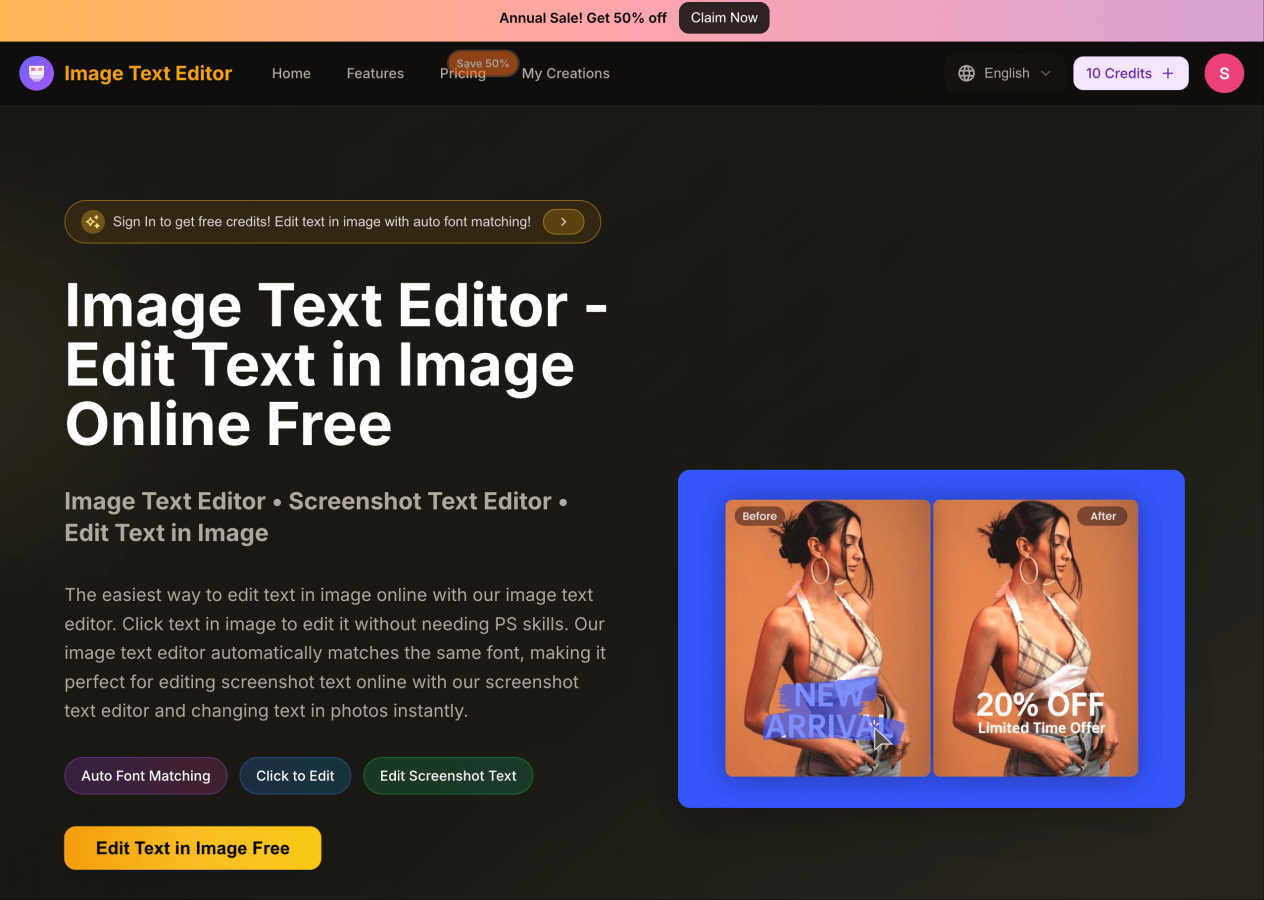
Easily edit text in images online for free with auto font matching and no design skills required.
Visual Comparison
GifSpeed
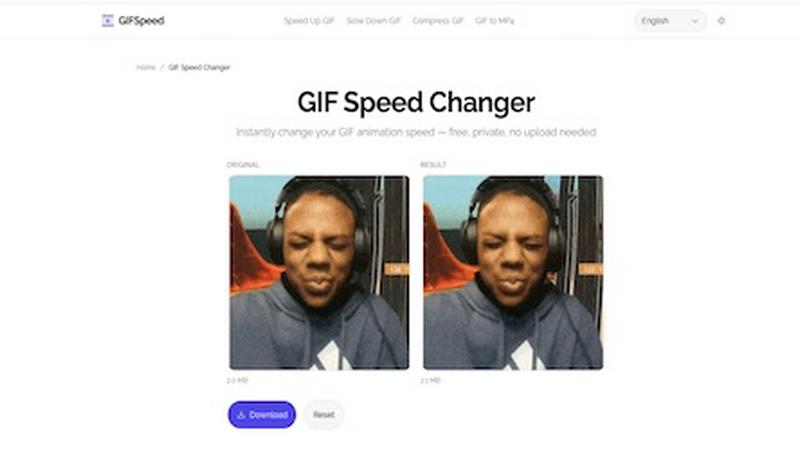
Image Text Editor
Feature Comparison
GifSpeed
Instant Browser Processing
GifSpeed leverages powerful WebAssembly technology to process your GIFs entirely within your browser. This means there's no need to upload your file to a remote server and wait for it to process. You get instant results the moment you adjust the speed slider, making edits incredibly fast and efficient without any dependency on your internet connection speed after the initial page load.
100% Private & Secure
Your privacy is paramount. When you use GifSpeed, your files never leave your computer or phone. The tool runs locally in your browser tab, so we never see, store, or have access to your GIFs. This is perfect for editing sensitive content, proprietary software demos, or any material you don't want to hand over to a third-party service.
Free Forever with No Watermarks
GifSpeed is completely free to use with no hidden costs, trials, or subscriptions. You can change the speed of as many GIFs as you want, as often as you want, without ever needing to create an account. Best of all, every GIF you download is clean and free of any annoying watermarks or branding, so your content stays purely yours.
Mobile-Friendly & Precise Control
Designed to work flawlessly on iPhones, Android devices, and all modern desktop browsers, GifSpeed offers a seamless experience anywhere. The interface provides precise control over speed adjustments with a smooth slider ranging from 0.25x (slow motion) to 4x (fast forward), complemented by handy preset buttons for common adjustments.
Image Text Editor
Auto Font Matching
With the Auto Font Matching feature, users can edit text in images without worrying about font discrepancies. The tool intelligently detects the original font style, size, and color, ensuring that your edited text looks cohesive and professional.
Click to Edit
The Click to Edit functionality allows users to simply click on the text they want to change within their uploaded images. This intuitive design makes the editing process quick and straightforward, catering to users with minimal design experience.
Edit Screenshot Text
This feature enables users to edit text in screenshots effortlessly. Whether you're updating app screenshots or website captures, the Image Text Editor provides a simple way to modify text while maintaining the original style and context.
Fast Preview and Instant Results
Image Text Editor offers a fast preview and instant results, allowing users to see their changes in real-time. This eliminates the need for tedious adjustments, making it a smart solution for those who need quick edits without complex steps.
Use Cases
GifSpeed
Speeding Up Tutorials and Demos
Turn lengthy, slow-paced tutorial GIFs into concise, quick guides. Speed up step-by-step instructions to 2x or 3x speed to help your audience get to the point faster, perfect for embedding in documentation, product demos, or educational content where time is of the essence.
Slowing Down Fast Animations
Analyze rapid motions frame-by-frame by slowing down fast animations. This is ideal for designers studying animation techniques, athletes breaking down form, or anyone who wants to appreciate and catch every detail of a quick action sequence in a GIF.
Reducing GIF File Size for Sharing
Shrink oversized GIFs to meet platform limits without complex software. Compress your GIFs to fit under Discord's 256KB emoji limit, send them via email attachments, or optimize them for faster website loading times, all while maintaining good visual quality.
Fixing Browser Playback Issues
Solve the common problem of GIFs playing too slowly in browsers like Chrome or Safari. Browsers often throttle frame delays. GifSpeed allows you to easily adjust the timing to 40ms or more, ensuring your animations play back smoothly and as intended for every viewer.
Image Text Editor
Editing Promotional Graphics
Marketers can use Image Text Editor to quickly update text in promotional graphics, ensuring that they reflect the latest offers or announcements without needing extensive graphic design skills.
Modifying Academic Presentations
Students can benefit from this tool by altering text in their presentation slides or screenshots of research materials. This allows for personalized touches that enhance their presentations.
Customizing Social Media Posts
Social media managers can easily adjust text in images prior to posting. With the ability to edit screenshots of posts or graphics, they can ensure that all content aligns with branding and messaging guidelines.
Creating Engaging Content
Content creators can leverage this tool to modify images for blogs, websites, or marketing materials, ensuring all visuals are up-to-date and aligned with their creative vision.
Overview
About GifSpeed
GifSpeed is your go-to, completely free online tool for changing the speed of any GIF animation instantly and privately, right within your web browser. Ever needed to speed up a slow tutorial GIF or slow down a rapid animation to catch the details? GifSpeed makes it effortless. The core magic lies in its use of WebAssembly technology, which means all the processing happens directly on your own device. Your GIF files are never uploaded to a server, ensuring 100% privacy and eliminating any waiting time for server queues. Built with creators, marketers, and developers in mind, it solves common frustrations like oversized files for Discord, slow browser playback, or the need for a quick edit for a social media post. It replaces clunky alternatives like ezgif (which requires uploads), complex software like GIMP (which is overkill for simple speed changes), or command-line tools like FFmpeg. With support for files up to 80MB, a simple drag-and-drop interface, and a promise of zero watermarks, GifSpeed offers a streamlined "Drop. Adjust. Download. Done." workflow that works perfectly on both desktop and mobile, no sign-up required.
About Image Text Editor
Image Text Editor is a powerful online tool designed for anyone looking to edit text within images effortlessly. Whether you're a marketer needing to update promotional graphics, a student altering screenshots for presentations, or simply someone who wants to customize photos, this tool is perfect for you. With its user-friendly interface, you do not need advanced design skills, as the Image Text Editor allows you to click directly on the text you wish to change. The tool automatically matches the original font style, size, and color, ensuring your edits look seamless and professional. Enjoy the convenience of editing images online for free, with no downloads required, making it accessible from both web and mobile browsers. New users can even receive free credits upon registration, enhancing the overall value proposition of this innovative tool.
Frequently Asked Questions
GifSpeed FAQ
How do I change GIF speed online with GifSpeed?
It's a simple three-step process. First, drag and drop your GIF file onto the upload area or click to browse your device (supports files up to 80MB). Second, use the intuitive slider to adjust the speed from 0.25x (slow motion) to 4x (fast forward). Third, click "Change Speed" to process it instantly in your browser and then download your newly speed-adjusted GIF.
Is the GIF speed changer really free?
Yes, absolutely! GifSpeed is free forever. There are no subscriptions, no hidden fees, and no requirement to sign up for an account. You can use all its features to change GIF speed, compress GIFs, or convert between GIF and MP4 as many times as you want without any cost or watermarks on your downloads.
Does changing GIF speed affect its quality?
Changing the speed of a GIF by adjusting its frame delay does not affect the visual quality or resolution of the individual frames. The tool simply alters the timing between frames. However, if you significantly speed up a GIF, the playback may appear more choppy simply because frames are displayed for a shorter duration.
What is the maximum GIF file size I can use?
GifSpeed supports GIF files up to 80MB in size. This generous limit accommodates most high-quality, lengthy animations you might need to edit. If your file is larger, you may want to consider compressing it first using the built-in compress GIF tool before adjusting its speed.
Image Text Editor FAQ
How do I get started with Image Text Editor?
To start using Image Text Editor, simply upload an image you want to edit. You can click on the text within the image to make your changes, and the tool will assist you throughout the process.
What formats does Image Text Editor support?
Image Text Editor supports multiple image formats, including JPG, PNG, and WEBP, with a maximum file size of 5MB. This flexibility allows users to work with their preferred image types effortlessly.
Do I need any design skills to use this tool?
No, you do not need any design skills to use Image Text Editor. The tool is designed for ease of use, allowing anyone to click and edit text in images without prior experience.
Can I receive free credits for using the tool?
Yes! New users can get free credits upon registration, enabling them to explore the features of Image Text Editor without any initial cost. Claim your credits now and start editing instantly!