
GifSpeed vs Image Text Editor
Side-by-side comparison to help you choose the right AI tool.

GifSpeed
Speed up, slow down, or change GIF speed instantly in your browser. Free GIF speed changer — no watermark, no upload, 100% free.

Image Text Editor
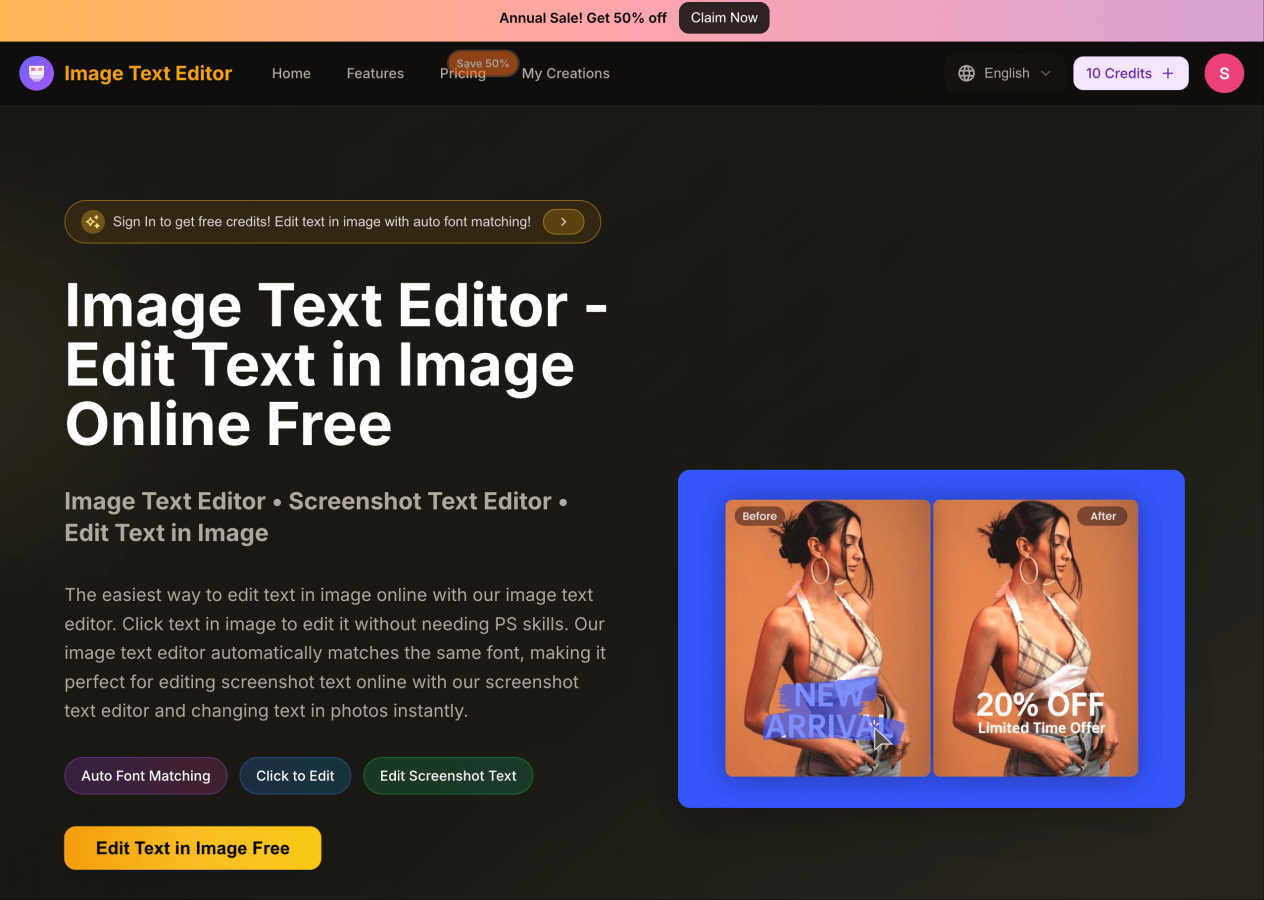
Easily edit text in images online for free with auto font matching and no design skills required.
Visual Comparison
GifSpeed
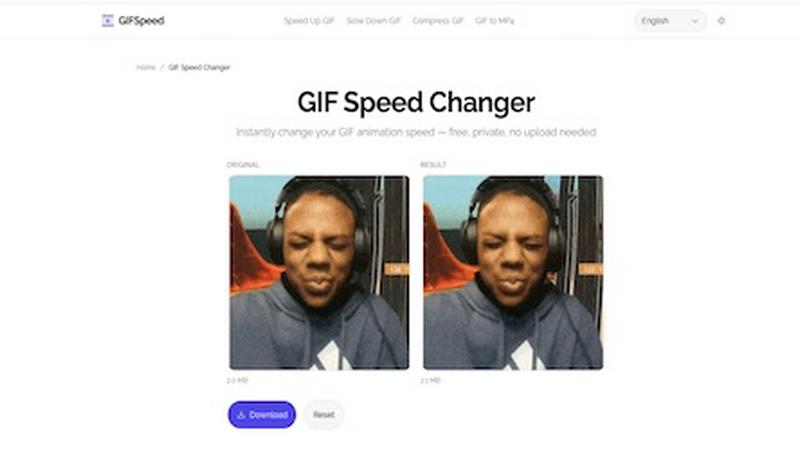
Image Text Editor
Overview
About GifSpeed
GIFSpeed — Change GIF speed online, 100% in your browser.
Your files never leave your device. Powered by WebAssembly (gifsicle-wasm), no server upload, no waiting.
→ Any speed range
→ Drag & drop, up to 50MB
→ Zero watermarks
→ Works on mobile
→ Free forever, no sign-up
Built for creators, marketers & developers who need to tweak a GIF for demos, social posts or docs — without server queues or giving files to strangers.
Replaces: ezgif (uploads files), GIMP (overkill), FFmpeg (terminal).
Drop. Adjust. Download. Done.
About Image Text Editor
Image Text Editor is a powerful online tool designed for anyone looking to edit text within images effortlessly. Whether you're a marketer needing to update promotional graphics, a student altering screenshots for presentations, or simply someone who wants to customize photos, this tool is perfect for you. With its user-friendly interface, you do not need advanced design skills, as the Image Text Editor allows you to click directly on the text you wish to change. The tool automatically matches the original font style, size, and color, ensuring your edits look seamless and professional. Enjoy the convenience of editing images online for free, with no downloads required, making it accessible from both web and mobile browsers. New users can even receive free credits upon registration, enhancing the overall value proposition of this innovative tool.