
AI Photo Assistant
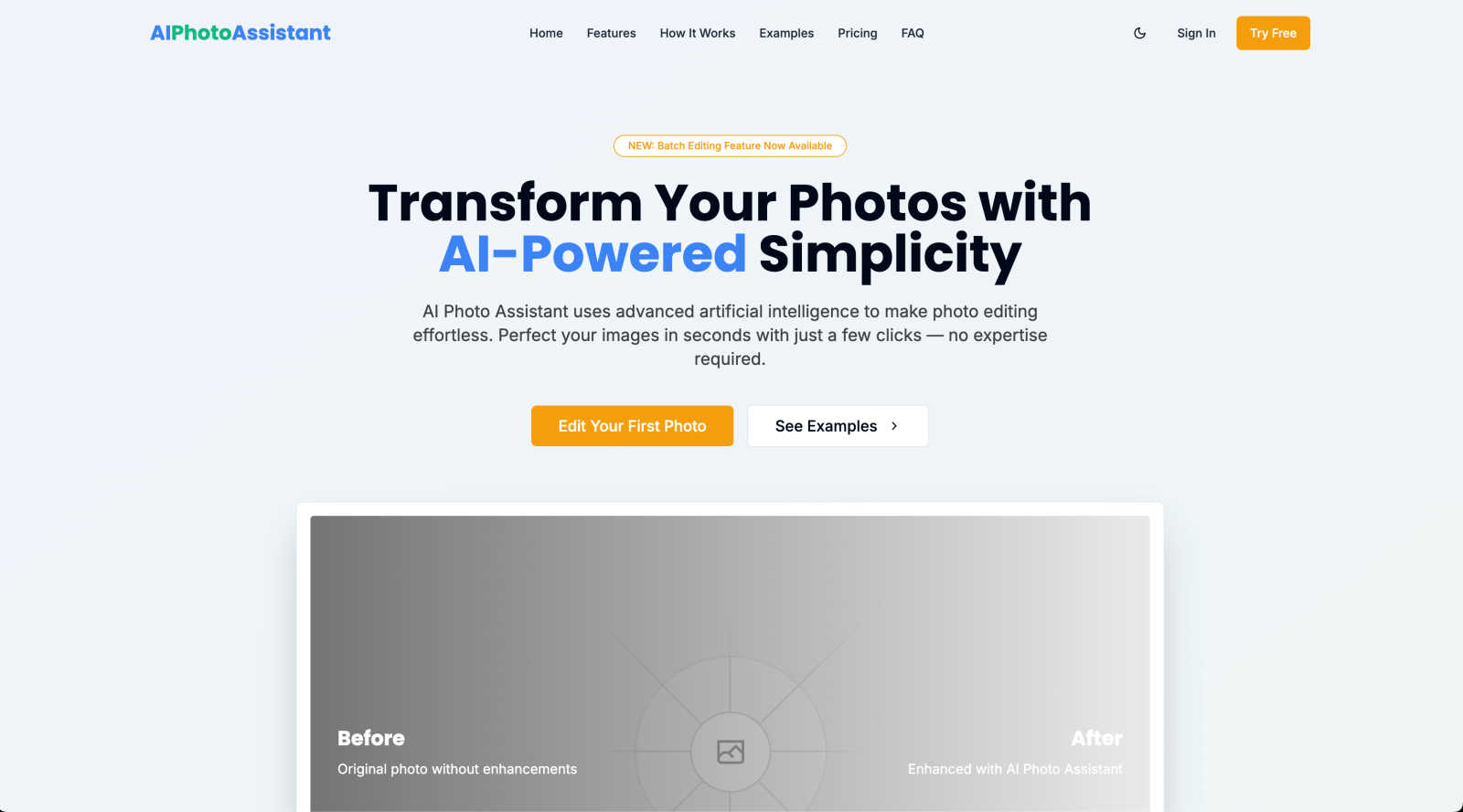
Easily enhance your photos to professional quality in seconds with AI Photo Assistant's smart and simple editing tools.
About AI Photo Assistant
AI Photo Assistant is a state-of-the-art photo editing platform that leverages advanced artificial intelligence to streamline the photo enhancement process. Designed for users of all skill levels, this tool automatically analyzes images and applies optimal adjustments to various elements such as brightness, contrast, saturation, and composition. With just a few clicks, you can achieve stunning, professional-quality results. This makes AI Photo Assistant an ideal solution for social media content creators seeking polished images quickly, as well as small business owners who need high-quality product photos without incurring the costs of hiring a professional photographer. Even those with no prior photo editing experience can produce breathtaking results effortlessly. The recent addition of batch editing capabilities allows busy professionals to edit multiple photos efficiently, making AI Photo Assistant an invaluable asset for anyone looking to elevate their photography with minimal effort.
Features of AI Photo Assistant
Intelligent Editing
The intelligent editing feature uses sophisticated AI algorithms to analyze your photos and automatically applies the perfect adjustments. This ensures that every photo you edit looks its best without you needing to adjust settings manually.
One-Click Enhancement
With the one-click enhancement feature, you can optimize your photos in seconds. The AI assesses lighting, color, and composition, applying the ideal changes automatically, so you can achieve stunning visuals effortlessly.
Batch Editing
The new batch editing feature allows users to process multiple images simultaneously, saving time and effort. Whether you are a content creator or a business owner, this tool lets you enhance several photos at once, making it incredibly efficient.
User-Friendly Interface
AI Photo Assistant offers a simple and intuitive interface that eliminates the steep learning curve often associated with traditional photo editing software. This means you can focus on creating beautiful images rather than learning complex tools.
Use Cases of AI Photo Assistant
Social Media Content Creation
For social media influencers and content creators, AI Photo Assistant is a game-changer. You can quickly enhance your images to maintain a professional aesthetic across your platforms without spending hours in front of editing software.
E-commerce Product Photography
Small business owners can use AI Photo Assistant to produce high-quality product images that stand out online. This tool allows you to create visually appealing photos that help attract customers without the need for a professional photographer.
Event Photography
Whether it's weddings, parties, or corporate events, AI Photo Assistant can help enhance photos taken during special occasions. Users can quickly edit and share stunning images with friends, family, or clients, ensuring every moment is beautifully captured.
Personal Photo Enhancement
Individuals looking to improve their personal photographs can benefit from AI Photo Assistant. With its user-friendly features, anyone can transform their snapshots into cherished memories without needing any prior editing experience.
Frequently Asked Questions
How does AI Photo Assistant enhance my photos?
AI Photo Assistant employs advanced algorithms to automatically analyze and adjust various elements of your photos, such as brightness, contrast, and saturation. This results in a professional-looking image with minimal effort on your part.
Can I use AI Photo Assistant if I have no photo editing experience?
Absolutely! AI Photo Assistant is designed for users of all skill levels. Its intuitive interface and one-click enhancements make it easy for anyone to achieve stunning results without any prior photo editing knowledge.
What formats does AI Photo Assistant support for uploads?
AI Photo Assistant supports all popular image formats, making it easy to upload photos directly from your device or cloud storage. You can enhance images in formats such as JPEG, PNG, and more.
Is there a free trial available for AI Photo Assistant?
Yes, AI Photo Assistant offers a free trial that allows you to explore its features without any commitment. You can experience the ease and effectiveness of AI-powered photo editing before deciding on a subscription plan.
Explore more in this category:
Similar to AI Photo Assistant

Restore Old Photos - Retrocap
AI photo restoration app for iPhone and Android: repair scratches and tears, colorize black-and-white photos, sharpen faces and animate old portraits.

LinkIntel
MCP server giving your AI assistant your X post results and X’s ranking weights, with sources.

Ask Versa AI
AI verdicts for any two Amazon products, in seconds. Live specs plus real buyer reviews, scored 0-100, one clear winner. Free, no account.

Bulin 47 AI
Bulin 47 AI puts your face into the viral Bulin 47 freestyle video from one photo. Get a 5–19-second vertical MP4 for TikTok and Reels.

AI Image Tools
Text to image, photo edits, background removal and restoration. Pick Nano Banana, FLUX, Seedream or GPT Image and see the price first.

ImageAICraft
GPT Image 2 AI Image Generator & Editor for Text-to-Image and Image-to-Image Creation

Verla AI
AI academic assistant for writing, research, presentations, and coding

TryThatTool
Discover AI tools worth trying. Compare options, explore practical reviews, and build your own AI stack based on your goals and budget.