
AI Photo Template
AI Photo Template uses AI to create stunning, branded photo templates that keep your unique style consistent.
About AI Photo Template
AI Photo Template is your intelligent design partner, built to solve a common creative challenge: maintaining a beautiful, consistent visual style across all your content without spending hours on complex design software. At its core, it's a smart platform that uses artificial intelligence to analyze your unique brand aesthetic—be it from your existing photos, logo, or color palette—and then generates professional, customizable photo templates that perfectly match that style. Think of it as having a professional designer who learns exactly what you like and can produce on-brand graphics for Instagram, Facebook, LinkedIn, websites, and presentations in seconds.
It’s designed for anyone who needs to create high-quality visual content regularly but may not have advanced design skills or the time to start from scratch. This makes it a perfect tool for marketing teams, small business owners, social media managers, photographers, and content creators. The main value proposition is powerful yet simple: achieve visual consistency effortlessly, save a tremendous amount of design time, and elevate your professional image. By automating the foundational design work, AI Photo Template lets you focus on your message and creativity, ensuring every post, ad, and presentation looks like it came from the same polished, professional brand.
Features of AI Photo Template
AI Style Analysis & Replication
This is the brain of the operation. Our AI engine doesn't just apply filters; it intelligently studies your uploaded sample images to understand your unique visual language—including color tones, composition preferences, lighting styles, and mood. It then replicates this distinctive aesthetic across every template it generates, ensuring that your new designs feel authentically "you" from the very first click. It learns your style so you don't have to manually recreate it every time.
Brand Kit Integration
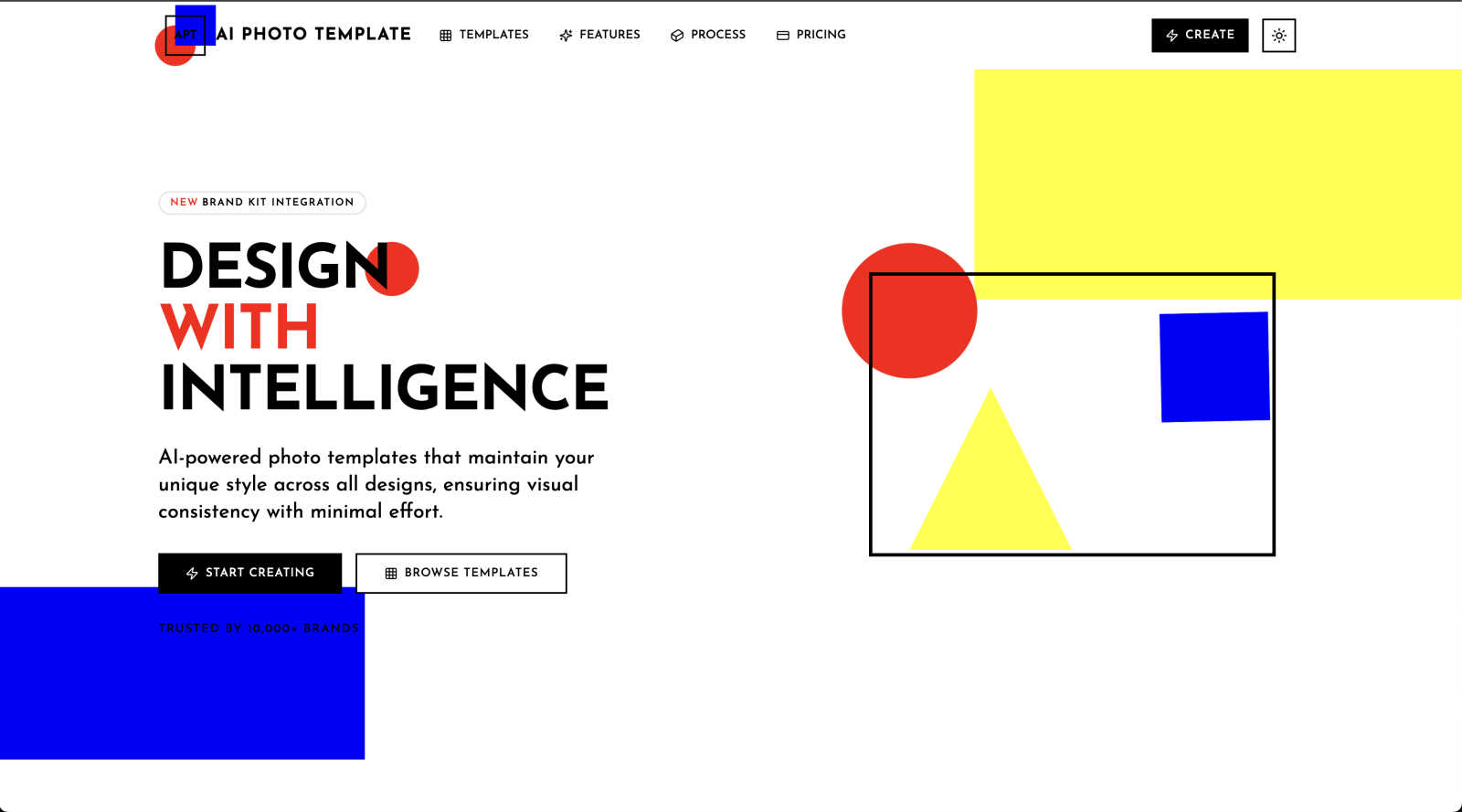
Keep your branding elements organized and instantly accessible. This feature allows you to store your official brand colors, fonts, logos, and even watermark styles directly within the platform. When you create or customize a template, you can apply these assets with a single click, guaranteeing that every piece of content adheres to your brand guidelines perfectly. It’s a huge time-saver for maintaining professionalism across all your marketing materials.
Smart Layout Engine
Good design follows principles, and our Smart Layout Engine automates them. It automatically arranges text, images, and graphic elements according to professional design rules like the golden ratio and proper visual hierarchy. This means your templates will always have balanced, aesthetically pleasing compositions, even if you're just dragging and dropping your own photos. It provides the structural foundation for designs that look expert-crafted.
Team Collaboration Tools
Designed for businesses and agencies, this feature enables seamless teamwork. You can share template libraries, brand kits, and projects with team members, allowing for real-time collaboration on designs. Set roles and permissions, leave feedback directly on templates, and ensure everyone is creating on-brand content from a single source of truth. It streamlines workflows and keeps your entire team's visual output consistent and efficient.
Use Cases of AI Photo Template
Social Media Content Creation
For social media managers and influencers, maintaining a cohesive and attractive feed is crucial. AI Photo Template allows you to quickly produce a series of Instagram posts, Stories, Facebook covers, and LinkedIn articles that all share the same color scheme, font styles, and overall vibe. You can batch-create content for a weekly or monthly calendar in a fraction of the time it would take manually, ensuring your social presence is both professional and consistent.
Small Business Marketing Materials
Small business owners often wear many hats, including that of the designer. This tool empowers them to create polished, on-brand visuals for email newsletters, digital ads, presentation decks, and website banners without needing to hire a designer. By uploading a few photos of their products or storefront, the AI can generate templates that make their marketing look established and trustworthy, helping them compete with larger companies.
Photographer Client Deliverables
Photographers can use AI Photo Template to design beautiful, consistent presentation templates for delivering client galleries, creating portfolio watermarks, or making promotional materials for their studio. By setting up a template that matches their editing style, they can quickly frame client photos in elegant layouts for previews, social media features, or printed lookbooks, adding a layer of premium service to their packages.
Agency Client Brand Management
Marketing and design agencies managing multiple client accounts can use the platform to build and store separate brand kits and template sets for each client. This ensures that junior team members or different designers always use the correct assets, speeding up project turnaround while eliminating brand guideline breaches. It’s an efficient system for scaling consistent quality across various client campaigns.
Frequently Asked Questions
Do I need any design experience to use AI Photo Template?
Not at all! AI Photo Template is built specifically for users with little to no formal design training. The platform is guided by intuitive controls and pre-built professional templates. The AI handles the complex style matching and layout principles, so you can achieve expert-looking results by simply customizing text and uploading your photos. It’s designed to make professional design accessible to everyone.
How does the AI understand my brand's style?
The AI learns your style through a simple process. You start by uploading a few sample images that represent your brand's current visual identity—this could be past social media graphics, product photos, or your website imagery. The AI analyzes these images for common patterns in color palette, contrast, composition, and mood. You can also input your brand colors and fonts directly. The system uses this data as a blueprint to generate new templates that feel cohesive with your existing content.
Can I use my own fonts and logos?
Absolutely. With the Brand Kit Integration feature, you can upload and store your custom fonts, logo files (in various formats), and specific brand color hex codes. Once saved, these assets are readily available to apply to any template you are working on, ensuring 100% brand compliance across all the visuals you create within the platform.
What kind of templates are available?
The template library is extensive and tailored for modern use cases. It includes formats for all major social media platforms (Instagram posts & stories, Facebook covers, LinkedIn articles), business materials (presentation slides, email headers), digital ads, website banners, and blog graphics. New categories and specific template designs are added regularly to keep up with the latest trends and platform specification changes.
Pricing of AI Photo Template
AI Photo Template offers simple, tiered pricing plans to suit different needs, from individual creators to growing teams and large organizations.
Basic Plan - $12 per month
Ideal for individuals just getting started. This plan includes access to 5 template styles, allows the creation of up to 20 templates per month, and offers basic customization options. Exports are available in JPG and PNG formats, with support provided via email.
Professional Plan - $29 per month (Popular)
Built for serious creators and small businesses. It unlocks 15 template styles, unlimited template creation, and advanced customization tools. You get all file formats (JPG, PNG, PSD, PDF), Brand Kit storage for your assets, and priority customer support.
Business Plan - $79 per month
Designed for teams and larger organizations. This plan provides unlimited template styles and unlimited creation. It includes full customization capabilities, batch export functionality for all file formats, support for multiple brand kits, team collaboration tools, and a dedicated account manager.
Explore more in this category:
Similar to AI Photo Template

Restore Old Photos - Retrocap
AI photo restoration app for iPhone and Android: repair scratches and tears, colorize black-and-white photos, sharpen faces and animate old portraits.

LinkIntel
MCP server giving your AI assistant your X post results and X’s ranking weights, with sources.

Ask Versa AI
AI verdicts for any two Amazon products, in seconds. Live specs plus real buyer reviews, scored 0-100, one clear winner. Free, no account.

Bulin 47 AI
Bulin 47 AI puts your face into the viral Bulin 47 freestyle video from one photo. Get a 5–19-second vertical MP4 for TikTok and Reels.

AI Image Tools
Text to image, photo edits, background removal and restoration. Pick Nano Banana, FLUX, Seedream or GPT Image and see the price first.

ImageAICraft
GPT Image 2 AI Image Generator & Editor for Text-to-Image and Image-to-Image Creation

Verla AI
AI academic assistant for writing, research, presentations, and coding

TryThatTool
Discover AI tools worth trying. Compare options, explore practical reviews, and build your own AI stack based on your goals and budget.