

Better Image
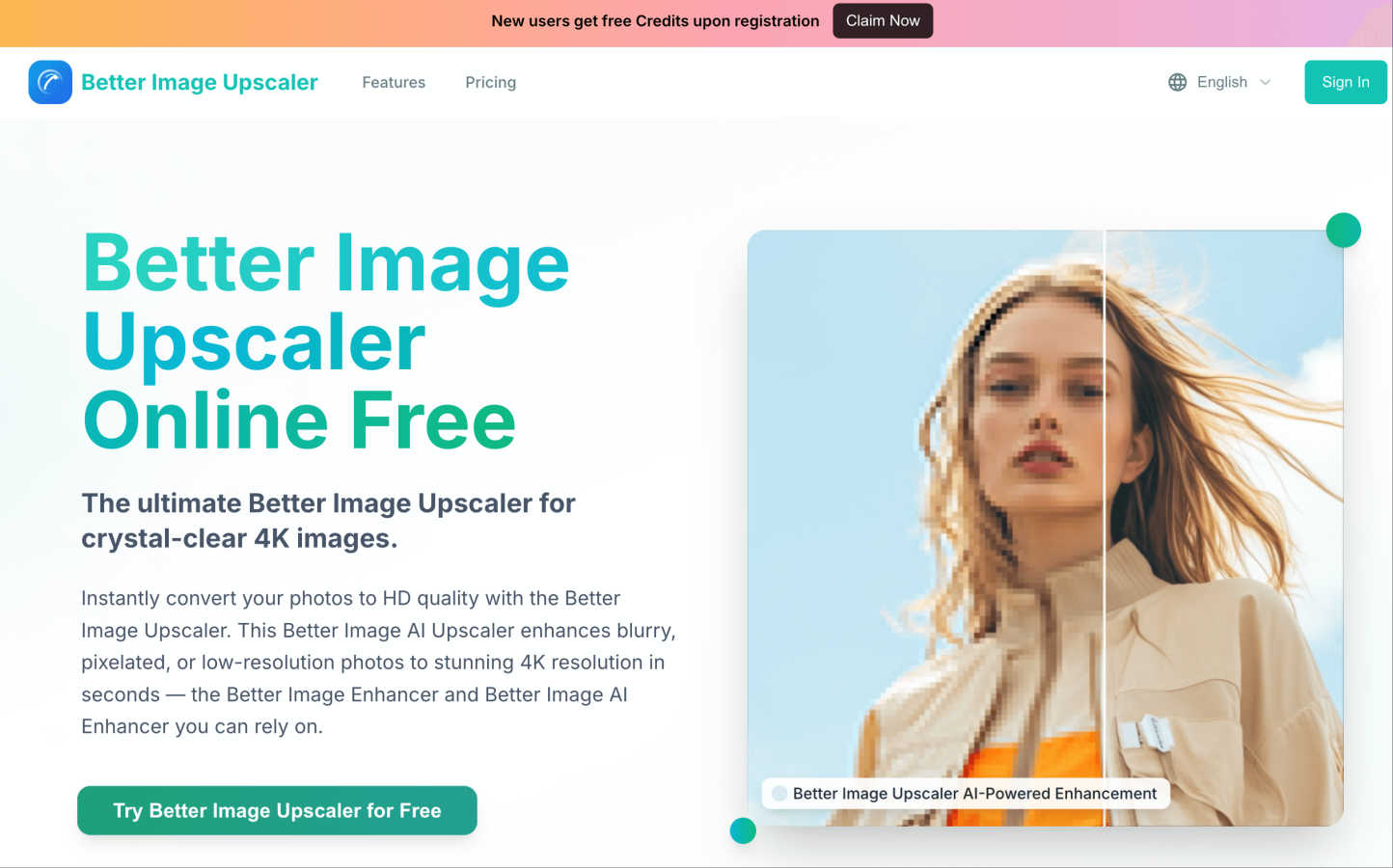
Transform blurry photos into stunning 4K images instantly with Better Image's free AI upscaling and enjoy free credits.
About Better Image
Better Image is an innovative, online AI-powered image upscaler that transforms your blurry, pixelated, or low-resolution photos into stunning high-definition images in mere seconds. Whether you have cherished family memories in old photographs, screenshots that deserve a makeover, or product images that need to shine, Better Image is here to help. The platform uses advanced artificial intelligence to analyze and intelligently reconstruct lost details, reduce noise, and sharpen edges, resulting in images that are not only clearer but also vibrantly detailed. It's perfect for a wide range of users, including photographers and designers preparing images for print, small business owners looking to enhance product shots, or families aiming to restore and preserve memories. The user-friendly drag-and-drop interface allows anyone to easily enhance their images without requiring any technical skills. Plus, new users receive free credits upon registration, making it accessible for everyone to start improving their images right away. With Better Image, you can enjoy professional, 4K-ready quality at your fingertips.
Features of Better Image
AI-Powered Image Upscaling
The Better Image Upscaler utilizes advanced AI technology to enhance low-resolution images, converting them into crisp, high-definition photos. This feature is designed to preserve textures and natural details while effectively removing blur and noise, ensuring your images look their best.
Smart Reconstruction
This feature intelligently analyzes the content of your images, reconstructing lost information for clear and natural-looking results. Ideal for restoring old photos and enhancing portrait images, it ensures that the final output retains the essence and detail of the original.
One-Click Enhancement
With just one click, you can convert your photos to HD quality in seconds. This feature processes images lightning-fast, delivering vibrant colors and sharp details that stand out, making it perfect for social media and professional presentations.
Commercial-Grade Processing
Better Image offers professional-grade upscaling, transforming your images into high-resolution outputs suitable for business use. This feature optimizes product details and ensures exceptional quality for high-quality printing, meeting the demands of commercial photography.
Use Cases of Better Image
Restoring Old Photos
Families can use Better Image to breathe new life into cherished old photographs. By upscaling and enhancing these images, users can preserve precious memories with improved clarity and detail, ensuring they can be enjoyed for generations to come.
Social Media Optimization
Content creators and social media managers can utilize Better Image to enhance their visuals before posting. The platform ensures that images are vibrant and sharp, helping users to make a strong impression on their audience and engage followers more effectively.
Product Photography Enhancement
Small business owners can elevate their product images using Better Image. By transforming low-quality product shots into high-definition images, they can attract more customers and showcase their products in the best possible light, boosting online sales.
Professional Printing
Photographers and designers can rely on Better Image for preparing images for print. The platform's ability to deliver print-ready, high-resolution outputs makes it an essential tool for anyone looking to produce high-quality physical copies of their work.
Frequently Asked Questions
How does Better Image work?
Better Image uses advanced AI algorithms to analyze low-resolution images and enhance them by reconstructing lost details, reducing noise, and sharpening edges. This process converts your images into stunning high-definition quality.
What file formats does Better Image support?
Better Image supports various file formats, including JPG, PNG, WEBP, JPEG, and BMP, allowing users to upload images easily for enhancement.
Is there a limit on image size?
Yes, users can upload images up to a maximum size of 10MB for processing. This ensures that the platform can effectively enhance the quality of the images while keeping the process quick and efficient.
Do I need technical skills to use Better Image?
No, Better Image is designed for users of all skill levels. The simple drag-and-drop interface makes it easy for anyone to enhance their images without requiring any technical knowledge or experience.
Similar to Better Image

Adobe Firefly Background Remover
Strip backgrounds from photos with one click.

shardstitch
ShardStitch helps recover and hand off AI coding work, with a visual website editor and SEO Guardrails MCP in development.

RemoveMate
AI background removal and image cleanup tools for product photos, portraits, social posts and everyday creative projects.

Krea 3
Krea 3 is an AI image editor that relights photos, swaps backgrounds and changes one object from a text prompt with GPT Image 2 and Nano Banana Pro.

Nano Pro
AI photo editor and image generator with Nano Banana models, up to 14 references and 4K output.

Remove Background
Free background remover that runs entirely in your browser — no uploads, no watermark, no account.

ihateimg
ihateimg.cv is a privacy-first collection of free image tools that run entirely in your browser. Convert, compress, resize, crop, edit, watermark, ins

Chatit Me - Free Random Chat Alternative
Chat with random strangers online for free on ChatIt.me. Enjoy safe, anonymous, and instant 1-on-1 conversations with people worldwide