

Genjutsu AI Video Editor
Edit existing videos with AI: swap characters, outfits, objects or scenes while using the source clip to guide motion and camera framing.
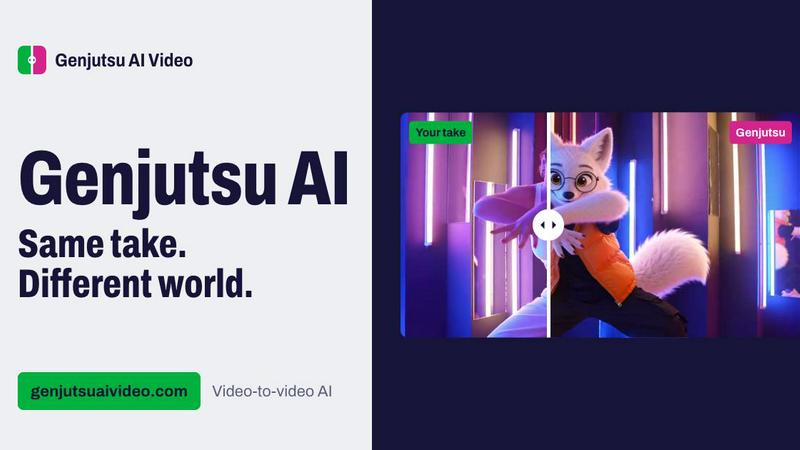
About Genjutsu AI Video Editor
Genjutsu AI Video Editor helps creators transform footage they already have. Upload a clip and reference images, then describe a character, outfit, object, location, weather, or style to change. The source guides action, timing, and camera movement, though generated details can still change. Pro uses Higgsfield Genjutsu; Standard offers lower-cost models. One-time credit packs start at $2.99 with no subscription.
Similar to Genjutsu AI Video Editor

Video Frame Extractor
Free online video frame extractor — extract frames in your browser, no upload.

The Kiss
Turn two photos into a cinematic AI kissing video. Pick one of 13 kiss video templates; 30 free credits on sign-up.

MoveFrame
Turn any photo into a 5 or 10 second AI video. Free daily credits, no sign-up, 9:16 for TikTok and Reels, MP4 download.

Dola AI
Create AI videos from text or images with Dola AI. Free sign-up credits, pick a video model, download your clips. Image generation also available.

Tiny Desk AI
Make the viral Outstanding desk-concert meme from 1 to 5 photos: you sing lead, friends take keys, vocals and sax. 19s 9:16, $8.99.

Rumpelstiltskin AI
Turn one or two photos into the tip toeing in my Jordans meme: play the imp, the girl in the straw, or both. 15s 16:9, $8.99 once.

Zombie Couple Video
Turn two photos into an AI zombie couple love story: a rainy standoff, then a golden hug. 15s 9:16 MP4 with music, $8.99 once.

Bulin 47 AI
Turn one selfie into a 12-second 9:16 clip of you rapping the viral dembow freestyle, lips synced to the verse. $8.99 once.