

ImageGen2
ImageGen2 is a powerful AI image generator that creates stunning, photorealistic visuals with precise text rendering and versatile editing options.
About ImageGen2
ImageGen2 is a cutting-edge online platform that utilizes AI technology to generate and edit images efficiently. Designed for creators, marketers, and professionals, it offers a robust solution for producing photorealistic images, enhancing existing visuals, and crafting unique graphics tailored to various needs. The platform leverages the advanced capabilities of GPT Image 2, OpenAI's most sophisticated AI image generation model, which excels in text rendering and image quality. Whether you need product photos, posters, logos, or social media content, ImageGen2 empowers users to bring their creative visions to life. Its user-friendly interface, combined with powerful editing tools, makes it accessible for everyone, from novice users to seasoned designers, ensuring that anyone can create stunning visuals without extensive design experience.
Features of ImageGen2
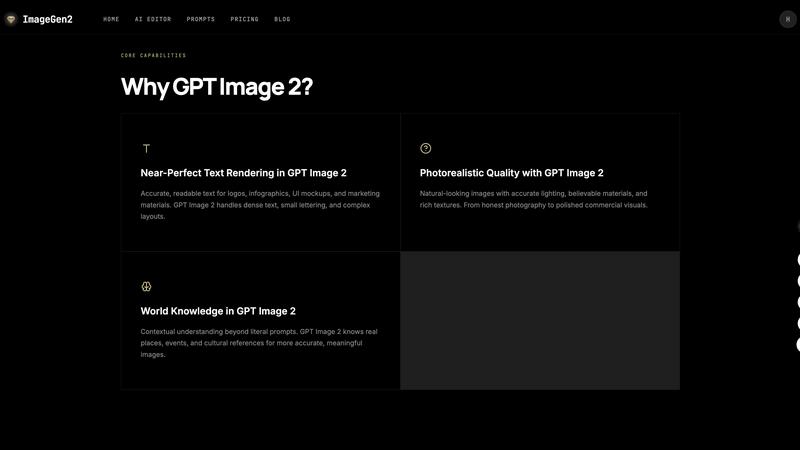
Near-Perfect Text Rendering
ImageGen2 offers near-perfect text rendering capabilities, ensuring that any text integrated into images is clear, readable, and aesthetically pleasing. This feature is particularly advantageous for creating marketing materials and logos where accurate text presentation is crucial for brand identity.
Photorealistic Image Quality
With the power of GPT Image 2, ImageGen2 produces photorealistic images that closely mimic real-life visuals. Users can expect natural lighting, believable textures, and intricate details, making it ideal for product photography and commercial use.
Versatile Editing Tools
The platform includes a comprehensive AI image editor that allows users to upload images and specify changes. This feature enables the creation of various image variants, whether for ads, portraits, or backgrounds, giving users the flexibility to adapt their visuals as needed.
Multi-Image Input Capability
Users can upload up to five reference images simultaneously, facilitating advanced compositing, style transfer, and precise visual guidance. This feature enhances creative possibilities by allowing users to combine different styles and elements seamlessly.
Use Cases of ImageGen2
Product Photography
E-commerce businesses can leverage ImageGen2 to generate high-quality product images that attract customers. By creating stunning visuals that highlight product features, businesses can enhance their online presence and boost sales.
Marketing Campaigns
Marketing professionals can create eye-catching ads and promotional materials using ImageGen2. Its ability to produce visually appealing images with accurate text rendering makes it an invaluable tool for crafting effective marketing campaigns.
Social Media Content
Content creators and social media managers can utilize ImageGen2 to generate engaging posts and stories. The platform's versatility allows for the creation of unique graphics that resonate with audiences and elevate brand engagement.
Logo and Branding Design
Designers looking to create logos or branding elements can benefit from ImageGen2's precise editing capabilities and photorealistic quality. This tool enables them to experiment with different styles and layouts, ensuring a polished final product.
Frequently Asked Questions
What is ImageGen2?
ImageGen2 is an AI-powered online image generator and editor that utilizes GPT Image 2 to create photorealistic images, edit existing visuals, and produce various graphic content for diverse applications.
How does ImageGen2 differ from other image generators?
Unlike many other image generators, ImageGen2 combines advanced AI capabilities with user-friendly editing tools, offering near-perfect text rendering, exceptional photorealistic quality, and a rich understanding of context and styles.
Can I edit existing images with ImageGen2?
Yes, ImageGen2 includes an AI image editor that allows users to upload existing images, specify desired changes, and create various versions tailored to specific needs, enhancing creative flexibility.
Is there a limit to how many images I can generate?
In a single generation, users can choose to generate up to ten images, providing flexibility and options to find the perfect visual that meets their requirements.
Explore more in this category:
Similar to ImageGen2

PixText
Free photo text editor: click any text in your image to change or remove it. AI rebuilds the background behind it, with no watermark. Free to start.

White Screen Checker
Check your screen display for dead pixels using White screen or black screen checkers.

LooksMeter
Upload one photo for a free PSL score and face rating. 47 tools cover face shape, symmetry, color season and more. No signup needed.

Mitu AI
All-in-One AI Image & Video Generator Online. Make viral videos or turn your ideas into high-quality visuals.

VYREEL
Design an original AI character, then film a move and it performs it, talk to camera with lip sync, or prompt a scene. Adults 18+.

MenuCapture
Upload a photo of your dish, type what you want changed, and get an edited menu photo in about 15 seconds. The dish in the photo stays the same.

Goshortsai
Turn photos into AI videos for free with Goshortsai. Sign in daily for free credits, upload an image, describe motion, and generate your video.

Dola AI Hub
Browser workspace for AI video, image and audio. Compare Seedance, Kling and Wan models, see credit costs, try with 10 signup credits.