

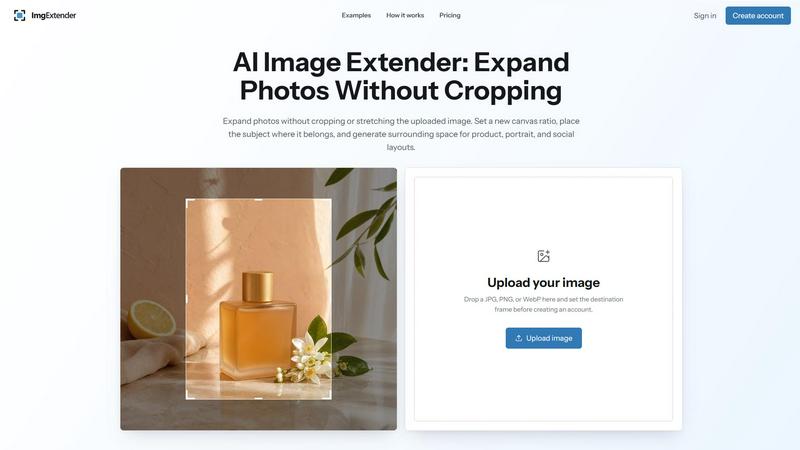
About ImgExtender
ImgExtender is an AI image extension workspace for turning tightly framed photos into more flexible visual compositions. Upload an existing image, place it on a canvas, choose an aspect ratio, and generate new content beyond the original edges. Instead of forcing you to crop out the main subject, ImgExtender creates additional surrounding space that follows the visual direction of the source image.
Use ImgExtender when a photo looks right but does not fit the layout you need. Expand a portrait for a vertical post, create more room around a product, widen a landscape for a banner, or adapt an image for a video thumbnail. The original image stays visible in the editor, so you can control its position and review the generated areas before using the result.
The workflow is designed for practical image adaptation rather than complicated manual editing. ImgExtender can continue surrounding skies, walls, landscapes, floors, colors, textures, and other contextual details. Every image is different, so the comparison view helps you inspect transitions, edges, faces, text, logos, and detailed objects before downloading.
ImgExtender is made for creators, designers, marketers, photographers, ecommerce sellers, bloggers, and small businesses that want to reuse existing visual assets across more layouts. It focuses on one clear job: giving your images more room with AI-powered outpainting.
Explore more in this category:
Similar to ImgExtender

AI Halloween Photo Generator
Halloween AI portraits—templates, no long prompts

Design.com AI Image Generator
Turn text prompts into polished, copyright-safe visuals that plug directly into branded templates

FastH3 Omni
Run FastH3 Omni in your browser. Up to 9 reference images plus 3 audio references become a 5–15s clip with synced audio. No install, no GPU.

Halloween Unicorn
Create an original Halloween unicorn portrait from a photo with 34 ready-made styles.

Nano AI
Create and edit AI images and videos in one workbench, with multiple models, reference images and a shared credit balance.

VisageMap
Free face shape, color season, symmetry and undertone tools that run in your browser. The photo is measured on your device and never uploaded.

picttool
Create and edit images with a collection of easy-to-use AI tools

YIX
YIX combines AI image and video generation, photo editing, restoration, product visuals and free prompt tools in one browser studio.