

Mp3To
Convert over 30 audio formats instantly and securely in your browser, all for free and without uploads.
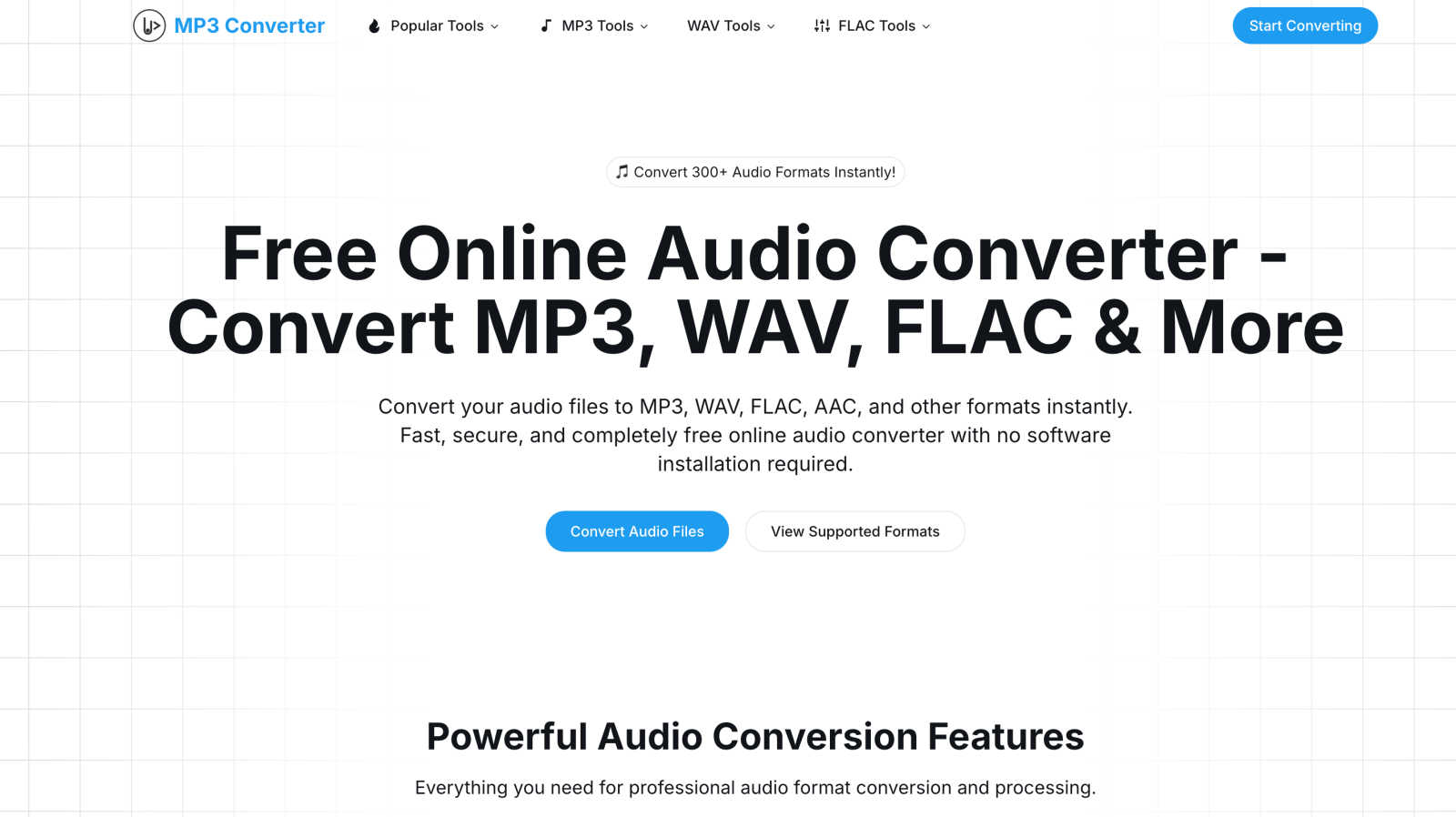
About Mp3To
Mp3To is your go-to, all-in-one online toolkit for managing audio and media files, completely free of charge. At its heart, it's a powerful audio converter that works directly in your web browser, allowing you to convert between over 30 audio formats—like MP3, WAV, FLAC, AAC, and OGG—instantly and securely. What truly sets Mp3To apart is its unwavering commitment to your privacy: because it uses cutting-edge browser-based technology, your files are processed on your own device and never uploaded to any server. This means no waiting for uploads, no data limits, and complete peace of mind.
But Mp3To is more than just a converter. It's a full suite of creative utilities designed for audio enthusiasts, podcasters, video editors, musicians, and everyday users. Alongside conversion, you can cut and join audio clips, extract soundtracks from videos, record your voice, adjust audio properties like speed and pitch, and even handle image and subtitle files. With an intuitive interface, batch processing for multiple files, and high-quality output settings, Mp3To provides a professional-grade solution that is remarkably accessible and easy for anyone to use. It’s the reliable, private, and powerful helper you need for all your digital media projects.
Features of Mp3To
Privacy-First Browser Processing
Your privacy is our top priority. All conversion and editing magic happens locally within your web browser using advanced technology like FFmpeg.wasm. Your original audio and video files never leave your computer to be uploaded to an external server. This ensures your sensitive recordings, music, or project files remain completely confidential and under your control at all times.
Extensive Format Support
Never worry about compatibility again. Mp3To supports a wide array of over 30 audio and media formats for conversion and manipulation. This includes all the popular ones like MP3, WAV, FLAC, AAC, OGG, WMA, and M4A, as well as video formats for audio extraction. This versatility makes it the perfect tool for preparing files for different devices, software, or distribution platforms without needing multiple programs.
Batch Conversion & Processing
Save valuable time when working with large collections of files. Mp3To's batch processing feature allows you to upload and convert multiple audio or video files simultaneously. Whether you're a musician rendering a whole album in a different format or a podcaster preparing several episodes, you can set your desired output format and let the tool handle everything in one go, downloading all the converted files together.
High-Quality Customization
Maintain full control over your audio output quality. Beyond simple format conversion, Mp3To provides options to customize key audio parameters. You can adjust the bitrate and sample rate to find the perfect balance between file size and sound fidelity for your specific need, ensuring professional results whether you're archiving lossless audio or optimizing files for web streaming.
Use Cases of Mp3To
Podcast Production & Editing
Podcasters can use Mp3To as a Swiss Army knife for episode preparation. Record your session, then use the tool to convert the raw recording to a standard MP3, cut out mistakes or silences with the MP3 Cutter, merge intro/outro music with the Audio Joiner, and even adjust the volume levels for consistency—all in one seamless, browser-based workflow without complex software.
Music Archiving & Format Management
Audiophiles and music collectors can use Mp3To to organize and preserve their digital libraries. Easily convert lossless FLAC files to high-quality MP3s for portable devices, or convert old WMA files to a more universal format. The privacy-first guarantee means your personal music collection is never exposed online during the conversion process.
Video Content Creation
Video editors and content creators can quickly extract high-quality audio tracks from their MP4, MOV, or AVI video files using the dedicated video-to-audio converters. This is perfect for repurposing video soundtracks for social media clips, isolating dialogue for transcription, or saving music from a video file to use in another project.
Everyday File Compatibility
For everyday users, Mp3To solves common compatibility headaches. Need to play an audio file on a car stereo that only reads WAV? Want to reduce the size of a voice memo (M4A) to send via email or messaging app? Simply drag the file into Mp3To, choose the required format or use the compressor, and get a perfectly compatible file in seconds, with no technical expertise required.
Frequently Asked Questions
Is the audio converter really free?
Yes, absolutely! Mp3To is 100% free with no hidden costs, registration requirements, or subscription fees. You can convert and process an unlimited number of files without any file size limits. We believe powerful media tools should be accessible to everyone, and we are committed to keeping it that way forever.
Are my files safe and private?
Completely safe and private. This is the core of our service. Since all processing is done directly within your browser using client-side technology, your files are never uploaded to our servers or the cloud. They stay on your computer the entire time. Once you close the browser tab, the data is gone, leaving no trace behind.
What audio formats are supported?
Mp3To supports a comprehensive range of over 30 audio formats for conversion. This includes all major formats like MP3, WAV, FLAC, AAC, OGG, WMA, M4A, OPUS, and many more. You can convert between any of these supported formats freely. The website also lists dedicated tools for specific conversions like MP3 to WAV or FLAC to MP3.
Can I convert multiple files at once?
Yes, you can! Mp3To features a batch processing capability that allows you to convert multiple files simultaneously. Just select several files from your computer, choose your desired output format and settings, and the tool will process them all in one batch. This is a huge time-saver for converting entire albums, podcast episodes, or collections of sound effects.
Explore more in this category:
Similar to Mp3To


RunMyWealth
Smart, private financial calculators for mortgage, FIRE, and debt. 100% free, runs locally in your browser, no signup required.

sakuttoAI
A free suite of online tools for everyday tasks like PDF compression, image conversion, text diff and CSV to Excel.

VoiceVibe
Talk to your computer: dictate, rewrite, ask about your screen, launch AI agents.

imgtxtapp.laviolab.com
imgtxtapp.laviolab.com is a Telegram-based image-to-text converter that turns photos, screenshots, scanned documents into editable text

Toolara Music
Describe a song in plain text and get a complete track — vocals or instrumental, custom lyrics, up to 120 seconds, MP3 download

AFFLIGO
AFFLIGO is a free online toolkit for everyday file tasks. Easily edit PDFs, compress images, convert file formats, and get things done.