

Picture to Drawing
Easily transform your photos into stunning drawings or sketches with our free AI art tool in just seconds.
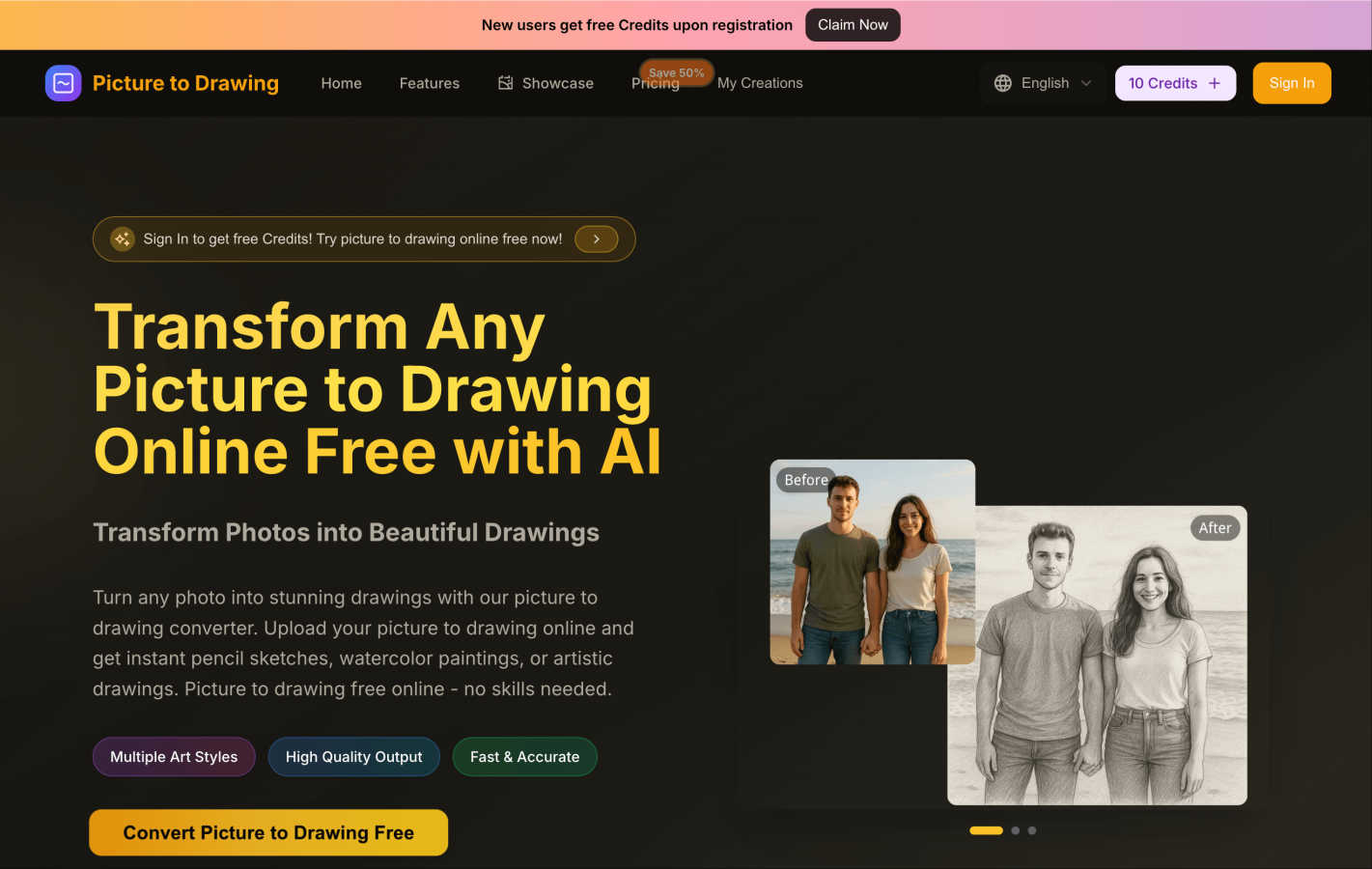
About Picture to Drawing
Picture to Drawing is a groundbreaking AI-powered online tool that transforms your everyday photos into stunning artwork, all for free. This innovative platform is designed for anyone who wants to express their creativity without needing extensive artistic skills or expensive software. Whether you are a complete beginner or a seasoned artist, Picture to Drawing offers a seamless way to convert your images into beautiful sketches, paintings, or drawings with just a few clicks. The core value proposition is to democratize art creation, enabling users to transform their personal memories into unique pieces of art effortlessly. Just upload your chosen image, select one of the various artistic styles, and watch as the advanced AI technology generates high-quality, downloadable artwork in seconds. Additionally, new users receive free credits upon registration, allowing them to explore the platform without any financial commitment.
Features of Picture to Drawing
Multiple Art Styles
Picture to Drawing offers a diverse range of artistic styles, allowing users to choose from pencil sketches, watercolor paintings, ink art, and more. This variety ensures that every user can find a style that resonates with their vision and artistic intent.
High Quality Output
The tool guarantees high-quality output, transforming your photos into professional-grade artwork. Each generated drawing is crafted with meticulous attention to detail, ensuring that the essence of the original image is preserved while giving it an artistic flair.
Fast & Accurate
Speed is one of the standout features of Picture to Drawing. The AI technology processes your images rapidly, delivering stunning artwork in seconds. This efficiency makes it ideal for users who want quick results without sacrificing quality.
User-Friendly Interface
The platform's interface is designed with simplicity in mind, making it accessible for users of all skill levels. The drag-and-drop functionality and straightforward navigation ensure that anyone can easily upload images, select styles, and download their creations without hassle.
Use Cases of Picture to Drawing
Personal Memories
Picture to Drawing is perfect for turning cherished personal photos into unique art pieces. Whether it’s a family portrait or a snapshot from a memorable vacation, users can create beautiful drawings that capture the essence of their experiences.
Gifts and Keepsakes
Looking for a thoughtful gift? Transforming a loved one's photo into a stunning piece of art makes for a memorable present. These custom drawings can serve as keepsakes for special occasions like birthdays, anniversaries, or holidays.
Social Media Content
Artists and influencers can use Picture to Drawing to enhance their social media presence. By converting everyday photos into eye-catching artwork, users can create engaging content that stands out in crowded feeds.
Creative Projects
For those involved in creative projects, such as graphic design, marketing, or education, Picture to Drawing offers a quick way to generate artistic resources. Whether you need illustrations for presentations or creative assets for campaigns, this tool simplifies the process.
Frequently Asked Questions
Is Picture to Drawing completely free to use?
Yes, Picture to Drawing is free to use. New users receive free credits upon registration, allowing them to convert their photos into drawings without any cost.
What file formats does Picture to Drawing support?
The platform supports various file formats, including JPG, PNG, WEBP, and HEIC. This versatility ensures that users can upload their images without worrying about compatibility issues.
How long does it take to convert a picture to drawing?
The conversion process is extremely fast, typically taking just seconds to transform your uploaded photo into a stunning piece of artwork.
Do I need any artistic skills to use Picture to Drawing?
No, you do not need any artistic skills to use Picture to Drawing. The tool is designed for everyone, and its one-click transformation process makes it easy for anyone to create beautiful artwork.
Explore more in this category:
Similar to Picture to Drawing

AI Image Tools
Text to image, photo edits, background removal and restoration. Pick Nano Banana, FLUX, Seedream or GPT Image and see the price first.

Base97
Free browser-based image, PDF and audio tools — no uploads, no sign-up, 100% private.

AIPetGen
AI pet image generator with photo-to-pet and free credits

Segmentit
Turn objects in your photos into 3D assets. Select, refine, preview and export in one browser-based workspace.

Tesla Wrap
AI Tesla wraps exported as template-sized PNGs.

Adobe Firefly Background Remover
Strip backgrounds from photos with one click.

shardstitch
ShardStitch helps recover and hand off AI coding work, with a visual website editor and SEO Guardrails MCP in development.

RemoveMate
AI background removal and image cleanup tools for product photos, portraits, social posts and everyday creative projects.