

Quickfix AI
Quickfix AI quickly diagnoses your computer's health and explains issues in simple terms for easy understanding.
About Quickfix AI
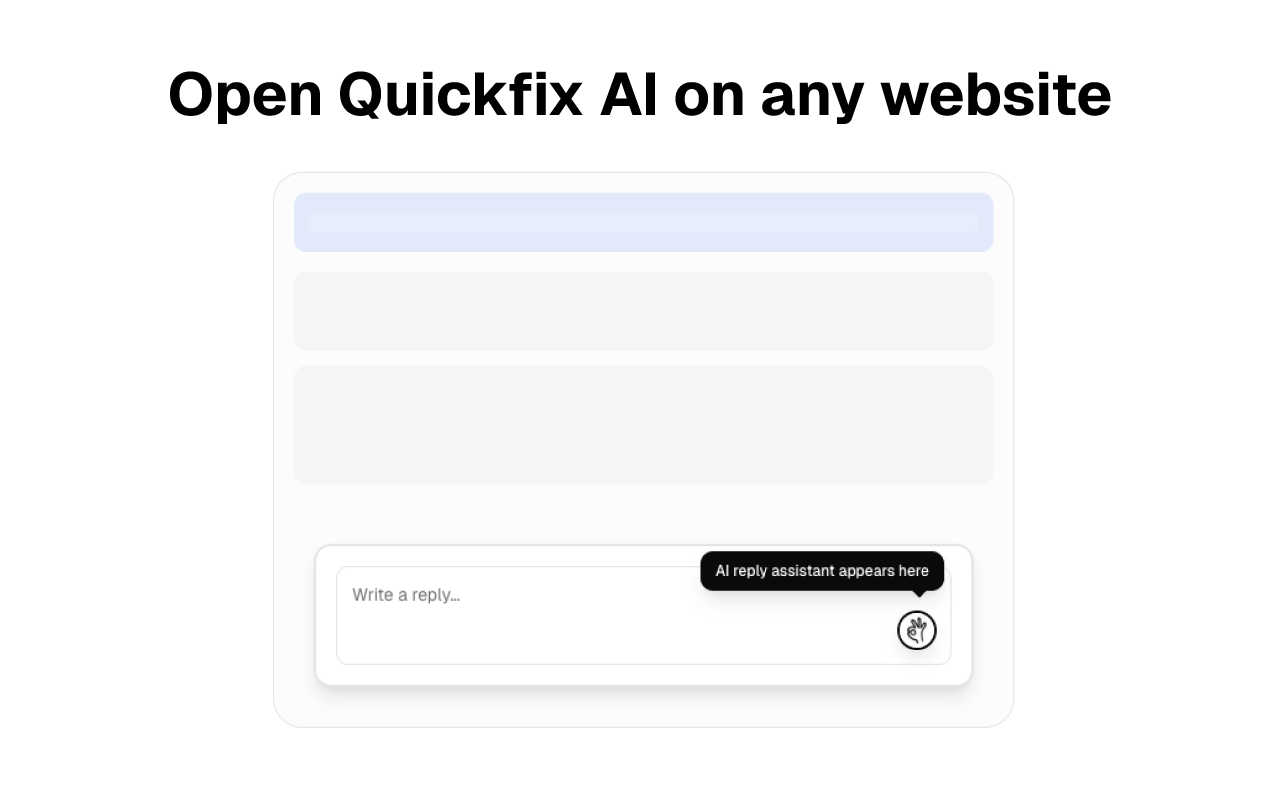
Quickfix AI is your intelligent companion designed to simplify two critical aspects of digital life: communication and system diagnostics. Primarily functioning as a powerful browser extension, Quickfix AI leverages advanced artificial intelligence to generate perfect replies for various online interactions. Whether you are responding to complex emails, managing customer support tickets, or engaging on social media, Quickfix AI eliminates the frustration of staring at blank text boxes. With just one click, it analyzes the context of your current page and provides relevant, thoughtful replies in an instant, saving you countless hours each week. In addition to its communication capabilities, Quickfix AI serves as a comprehensive system diagnostics tool. It delivers immediate insights into your computer's health and performance by executing a full system scan in under a minute. From CPU usage to battery health and security status, Quickfix AI breaks down intricate data into easy-to-understand insights, ensuring that everyone, from casual users to IT professionals, can effectively monitor and optimize their technology. With its dual functionality, Quickfix AI empowers users to communicate smarter and gain a deeper understanding of their devices, enhancing productivity and peace of mind.
Features of Quickfix AI
Smart Reply Generation
Quickfix AI utilizes advanced machine learning algorithms to analyze the context of your online interactions, crafting personalized and relevant replies. This feature enables users to engage in meaningful communication without the hassle of composing messages from scratch, making it ideal for busy professionals and social media managers.
Comprehensive System Diagnostics
With Quickfix AI, users can run thorough diagnostics on their systems with just one click. The tool assesses CPU usage, memory pressure, storage health, and battery status, providing valuable insights into your computer's overall performance. This feature is essential for anyone looking to optimize their device's efficiency.
AI-Powered Explanations
One of the standout features of Quickfix AI is its built-in AI assistant, which interprets diagnostic results in plain English. Users can ask questions about their system's performance and receive clear, actionable answers. This eliminates the intimidation often associated with technical jargon, making it accessible for all users.
Instant Performance Insights
Quickfix AI delivers real-time information on your device's performance metrics, including internet speed, CPU load, and memory usage. This instant feedback enables users to identify issues quickly, ensuring they can take action before minor problems escalate into significant challenges.
Use Cases of Quickfix AI
Streamlined Communication for Professionals
Busy professionals can use Quickfix AI to handle multiple communication channels effortlessly. By generating context-aware replies, they can save time while maintaining high-quality interactions, whether responding to client emails or managing social media engagements.
Troubleshooting System Issues
When users encounter technical problems, Quickfix AI provides an easy way to diagnose issues. By analyzing system performance and health, it helps users identify the root cause of problems, making it an invaluable tool for troubleshooting and maintenance.
Enhanced Understanding for Tech Enthusiasts
Tech enthusiasts looking to dive deeper into their system performance can rely on Quickfix AI's detailed diagnostics. The tool offers insights that appeal to gamers, developers, and power users, allowing them to fine-tune their systems for optimal performance.
IT Support Simplified
IT support teams can streamline their workflow by utilizing Quickfix AI to diagnose issues remotely. By sharing a link and using a unique sharing code, support staff can quickly assess a user's system, providing timely assistance without the need for on-site visits.
Frequently Asked Questions
Is Quickfix AI free?
Yes, Quickfix AI offers a free version for users to download and utilize its core features. However, additional premium features may be available for a fee.
Is my data secure?
Absolutely. Quickfix AI prioritizes user privacy and security, employing robust measures to protect your data during diagnostics and communication.
Do I need technical knowledge to use Quickfix AI?
No, Quickfix AI is designed for users of all technical levels. Its AI assistant provides clear explanations and actionable recommendations, making it accessible to everyone.
What information does Quickfix AI collect?
Quickfix AI collects data related to your system's performance and health metrics, such as CPU usage, memory, and security status. This information is used solely for diagnostics and improving user experience.
Explore more in this category:
Similar to Quickfix AI

@fuck.it - email with attitude
Private email. Pure. Secure. Exclusive. No ads, no tracking, no data selling. GDPR compliant, EU-hosted.

xfiles
Free PDF, image and audio tools that process your files locally in your browser. No account or added watermarks.

this+that
An AI agent that reads every email and chat message your team gets, turns requests into tasks, and does what they ask.

Toolbit.ai
Describe your task and Toolbit finds the right AI tool. Compare tools side by side, see top rankings, and follow daily AI news and guides.


RunMyWealth
Smart, private financial calculators for mortgage, FIRE, and debt. 100% free, runs locally in your browser, no signup required.

Nutrition Fact Label
Free FDA-compliant nutrition facts label generator with recipe-to-label nutrition, allergen checks and 152 label formats for 114 countries.

IdeaAize Free AI Tools
IdeaAize Free AI Tools is a suite of 50+ free online utilities that run 100% in your browser — no registration, no file uploads, no watermarks.