

Seedance 2
Seedance 2 turns prompts, images, or scripts into AI videos, with reference controls for consistent subjects, editing, and scene extensions.
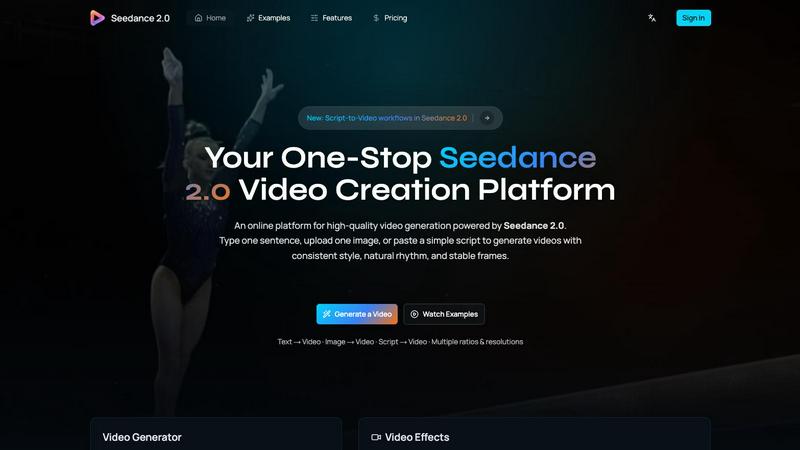
About Seedance 2
Seedance 2 is an AI video creation platform for turning text prompts, images, or simple scripts into clips. Its workflow lets creators start with a scene description, add a reference image to anchor composition or identity, then adjust pacing and visual style. The product also supports multimodal inputs that include video and audio.
Reference generation can combine media to guide character motion, camera language, setting, and sound. Separate editing tools target changes such as replacing a subject or adding, removing, or repairing an object. Video extension supports continuing a clip or generating a prequel, which may suit story development and pre-visualization.
Choose output settings for the destination
The site lists 16:9, 9:16, and 1:1 aspect ratios, plus 720p, 1080p, and 4K output options. Those choices make the tool relevant to wide-screen explainers as well as vertical social clips, though the available resolution and generation cost may depend on selected settings. Teams planning frequent production should check the live credit cost for each task before submitting; editing and extension may be billed differently from standard generation.
Features of Seedance 2
- Generate video from text, images, video, or audio inputs.
- Use reference media to guide subjects, motion, camera language, and setting.
- Edit targeted elements or extend an existing clip.
- Choose listed aspect ratios and output resolutions, including up to 4K.
Use Cases of Seedance 2
- Create vertical reels, social shorts, or square feed videos.
- Produce product demonstrations and marketing variations from prompts or reference images.
- Build visual sequences for lessons and training materials.
- Explore camera movement and story beats during film pre-visualization.
Frequently Asked Questions
What can I use as input?
The site describes text prompts, images, video, audio, and simple scripts as inputs, depending on the creation mode.
Can I revise an existing video?
Yes. The listed tools include targeted edits such as replacing or removing objects, as well as extending a clip forward or generating a prequel.
Which output formats are available?
The site lists 16:9, 9:16, and 1:1 aspect ratios, with 720p, 1080p, and 4K resolution options.
Pricing of Seedance 2
Paid access is offered through monthly or yearly credit subscriptions, with one-time credit packs also available. The site describes a free generation option; check current plan details and credit costs before choosing.
Explore more in this category:
Similar to Seedance 2

No Scrubs AI
Turn one to three portraits into a 23-second white-studio dance video with sound, in 480p or 720p.


MAGI-2
MAGI-2 video generation on Magi2Gen creates up to 30 seconds of 1080p video with native sound from a prompt, with optional image references.

draftlab
draftlab is a community where people share what they make with AI, and how they make it, so others can learn from it.


IntelCue
IntelCue monitors market and competitor signals, then turns them into ranked content opportunities and drafts for marketers and small teams.

AgenticSEO
AI agents automate your SEO pipeline—from keyword research and content creation to QA, publishing, performance audits, and AI visibility tracking.

EYROVE
Turn any web image into an editable, generation-ready AI prompt with an eight-dimension breakdown.