

Seedance AI
Seedance 2.0 transforms your text, images, and audio into cinematic AI videos with precise creative control.
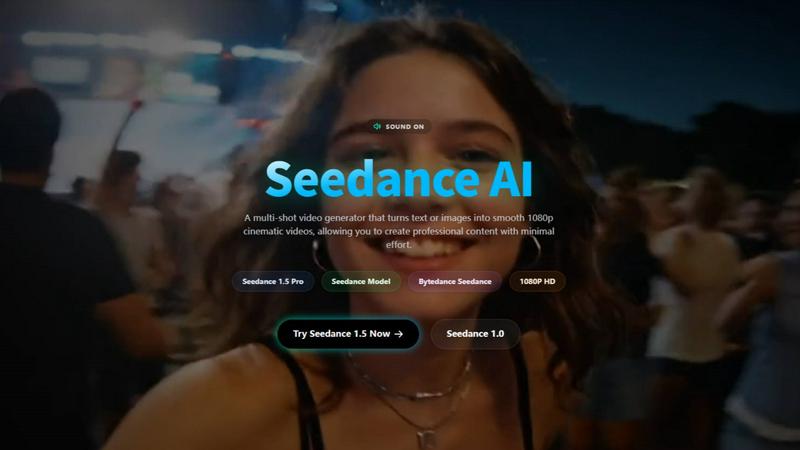
About Seedance AI
Seedance AI is your all-in-one creative studio for bringing ideas to life as stunning, cinematic videos. At its core is the powerful Seedance 2.0 model, a multi-modal AI video generator that goes far beyond simple text prompts. It allows you to create videos using a combination of text descriptions, images, video clips for motion reference, and even audio for rhythm and timing—all within a single, intuitive workflow. This platform is designed for creators, marketers, and storytellers who want precision and control, moving away from random AI outputs to directed, professional-grade content. Whether you're crafting a short film, a social media ad, or a product showcase, Seedance AI empowers you to guide the scene, camera movement, and artistic style with remarkable consistency. It's the ideal tool for anyone looking to produce engaging video content quickly, without sacrificing creative vision or requiring extensive technical expertise.
Features of Seedance AI
Multi-Modal Input Workflow
Seedance AI, especially with its 2.0 engine, lets you build videos from multiple sources at once. You're not limited to just text. Start with an image for the visual style, add a short video clip to define the specific camera motion you want, layer in an audio track to sync the action to a beat, and then fine-tune everything with a descriptive text prompt. This fusion of inputs gives you unparalleled creative control over the final output.
Reference-Based Motion & Style Control
This powerful feature allows you to upload existing images or video clips to directly control the composition, motion, and aesthetic of your new AI-generated video. Want your scene to pan slowly like a reference film clip or adopt the color grade of a specific photo? Simply upload it as a reference. This makes achieving specific cinematic looks and complex motions much more reliable than text prompts alone.
Consistent Character Generation
One of the biggest challenges in AI video is maintaining a character's identity across different scenes. Seedance AI tackles this head-on, allowing you to generate characters that retain their clothing, facial features, and other visual details throughout a video sequence. This is a game-changer for narrative storytelling, branded content, and any project where character continuity is essential.
Native Audio-Visual Sync & Video Continuation
Seedance AI can synchronize the motion and editing rhythm of your video to an uploaded audio track, creating a natural, music-video-like flow. Furthermore, its video continuation feature lets you seamlessly extend an existing video clip, whether it's AI-generated or your own footage, while preserving the narrative flow and visual consistency, perfect for lengthening scenes or creating sequels.
Use Cases of Seedance AI
Marketing & Promotional Video Production
Quickly generate eye-catching product videos, ad concepts, and promotional content for social media or websites. Showcase a product from multiple angles, demonstrate features with dynamic motion, or create a series of branded clips with consistent characters and styles—all without a full-scale film production.
Creative Storytelling & Short Films
Bring your storyboards and scripts to life. Create narrative video sequences with consistent characters, controlled camera movements (like dramatic pans or close-ups), and extended scenes. It's an excellent tool for indie filmmakers, writers, and animators to visualize stories before committing to expensive production.
Engaging Social Media Content
Produce a high volume of trendy, platform-optimized short-form videos for TikTok, YouTube Shorts, and Instagram Reels. Use the 9:16 aspect ratio preset, sync clips to popular audio, and quickly remix visual ideas to stay ahead of trends and engage your audience with fresh, professional-looking content daily.
Animation & Concept Pre-Visualization
Animators and directors can use Seedance AI to rapidly prototype scenes, test character movements, and visualize complex shots before beginning the labor-intensive traditional or 3D animation process. It's a cost-effective way to experiment with styles, pacing, and compositions during the pre-production phase.
Frequently Asked Questions
What kind of files can I upload as a reference?
You can upload images (like JPG, PNG), video clips, and audio files to guide your video generation. These references can define the visual style, specific camera motions, or the rhythmic timing of your final AI-generated video, giving you multiple levers of creative control.
How can I improve the quality and consistency of my AI videos?
For best results, use clear, high-quality reference images with isolated subjects. When writing text prompts, be specific about motion, style, and sequence. For smoother videos, ensure the start and end frames of your desired motion are visually consistent. Also, leverage the platform's aspect ratio guides (e.g., 16:9 for YouTube, 9:16 for social media).
Can I use the videos I create for commercial purposes?
Yes, you own the rights to the videos you generate using Seedance AI. This means you can freely use them in commercial projects, such as advertisements, social media campaigns, client work, and other professional applications, giving you full creative and commercial freedom.
Do I need powerful hardware or prior video editing experience?
Not at all. Seedance AI is a cloud-based platform, so all the heavy processing happens on their servers. You can create videos from any standard computer or even via their mobile app. The interface is designed to be user-friendly, making advanced AI video creation accessible to beginners and pros alike.
Explore more in this category:
Similar to Seedance AI

AI Face Swap Video
Swap any face into any video online with AI in minutes. Upload a clip and a photo, get natural lighting and expressions. Free credits on sign-up.

Restore Old Photos - Retrocap
AI photo restoration app for iPhone and Android: repair scratches and tears, colorize black-and-white photos, sharpen faces and animate old portraits.

LinkIntel
MCP server giving your AI assistant your X post results and X’s ranking weights, with sources.

Ask Versa AI
AI verdicts for any two Amazon products, in seconds. Live specs plus real buyer reviews, scored 0-100, one clear winner. Free, no account.

Rumpelstiltskin AI Video Generator
Make the viral Rumpelstiltskin tiptoe dance meme video from two photos

TryH3 - MiniMax H3 Video Generator
Try MiniMax Hailuo H3 video generation in the browser

Bulin47
One photo → viral freestyle AI video. Join the Bulin 47 / Kevin Wai trend in seconds.

Bulin 47 AI
Bulin 47 AI puts your face into the viral Bulin 47 freestyle video from one photo. Get a 5–19-second vertical MP4 for TikTok and Reels.