

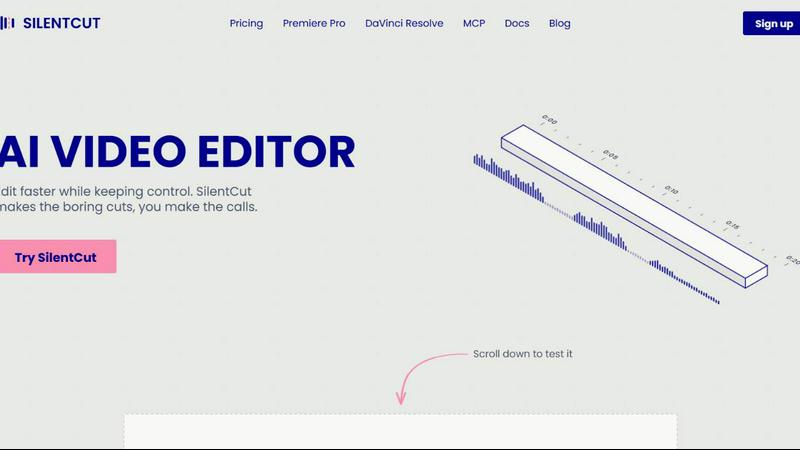
About Silentcut
SilentCut is an AI video editing plugin for editors who cut talking-head videos, podcasts and creator content. It runs inside Premiere Pro and DaVinci Resolve (free edition and Studio), and in the browser with SilentCut Studio.
Three tools take the tedious part out of an edit:
- Silence Remover finds and cuts the silent gaps, with sensitivity and minimum gap length under your control.
- Speech Cleanup removes filler words, stutters, false starts, unfinished sentences and repetitions.
- Best-Take Selector highlights every version of a repeated sentence, so you keep one take and cut the rest.
SilentCut makes the boring cuts and you make the calls. Your video stays on your machine: only the audio is uploaded.
The Silence Remover is free, with no limit. The Editor plan ($29/mo) and the Agency plan ($79/mo) add Speech Cleanup and the Best-Take Selector, with a 14-day money-back guarantee.
Similar to Silentcut

FastH3 Omni
Run FastH3 Omni in your browser. Up to 9 reference images plus 3 audio references become a 5–15s clip with synced audio. No install, no GPU.

Influence
Influence helps creators write social captions with AI & keep the next week’s posts organized.

OzilGoal
Turn one photo of you or your pet into the viral Ozil goal: a 15-second vertical AI video with music.

PPTMaster
Turn text PDFs into editable PowerPoint slides with source references.

BeatMotion
Turn a text prompt, your lyrics, or a photo into an original song with vocals plus a cinematic AI music video, ready to share in minutes.

Seedream 6
Independent Seedream 6 guide with a browser-based AI image and video generator powered by Seedream 5.0 Pro and 5.5.

PicVideo
Turn photos into animated videos with AI. Free credits on selected models; paid options for private, watermark-free results.

Leadeon
AI growth tool for X and LinkedIn: write posts in your voice, schedule at your best times, find leads on X and see what works.