

SpeedTestry
SpeedTestry is a free, fast, and unbiased tool to instantly check your internet speed with complete privacy.
About SpeedTestry
SpeedTestry is an advanced, free internet speed testing tool that provides users with instant and reliable insights into their network connection performance. Whether you are a casual web surfer, a dedicated gamer seeking low latency, or a professional who relies on stable upload speeds for video conferencing, SpeedTestry is designed to meet your needs. With its cutting-edge testing algorithm, the tool delivers accurate results in mere seconds, measuring essential metrics such as download speed, upload speed, ping, and jitter. These insights are invaluable for troubleshooting slow connections, verifying the speeds promised by your Internet Service Provider (ISP), or simply understanding how your internet performs for various online activities. The primary value proposition of SpeedTestry lies in its commitment to delivering unbiased and precise speed test results while ensuring user privacy is maintained. Users can confidently rely on SpeedTestry for their internet speed assessments, knowing that their data is never stored or shared.
Features of SpeedTestry
Download Speed Test
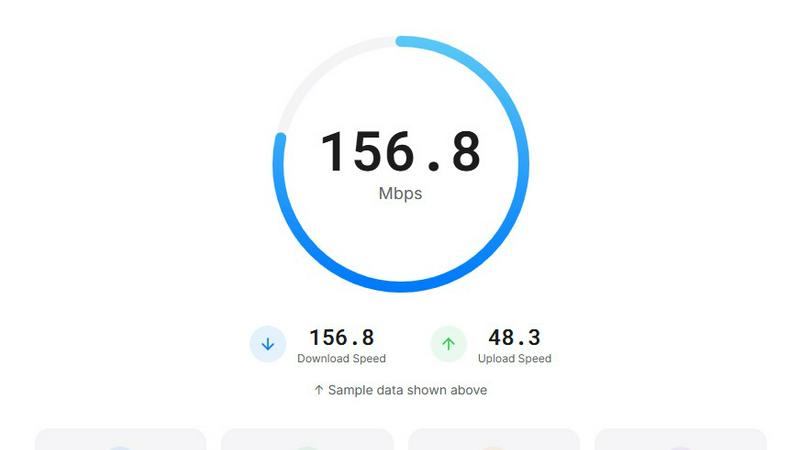
The download speed test measures how quickly data is delivered to your device. This feature is crucial for activities like streaming videos, downloading files, and browsing websites. SpeedTestry provides real-time results, allowing you to gauge how well your internet performs for these tasks.
Upload Speed Test
This feature assesses how fast you can send data from your device to the internet. It's particularly useful for users engaged in video calls, cloud backups, or content creation. Knowing your upload speed helps ensure that you have a smooth experience when sharing files or participating in online meetings.
Ping Speed Test
The ping speed test evaluates the response time between your device and remote servers. This is essential for gamers and anyone who relies on real-time communication. A lower ping indicates a more responsive connection, which is critical for activities like online gaming and video conferencing.
Jitter Speed Test
Our jitter speed test measures the stability of your internet connection by analyzing variations in ping. This is important for ensuring smooth video calls and high-quality streaming experiences. By monitoring jitter, SpeedTestry helps users identify potential issues in their connection that could affect performance.
Use Cases of SpeedTestry
Verifying ISP Speeds
If you suspect that your Internet Service Provider is not delivering the speeds you are paying for, SpeedTestry serves as an excellent tool for verification. By comparing your results with the speeds advertised by your ISP, you can hold them accountable and ensure you receive the service you deserve.
Troubleshooting Connection Issues
When experiencing slow internet speeds, SpeedTestry can help identify the problem. Running a speed test will provide you with key metrics that can assist in diagnosing slow connections, allowing you to take appropriate actions to resolve the issue.
Preparing for Online Activities
Before engaging in online activities such as gaming, video conferencing, or streaming, running a speed test with SpeedTestry can help you gauge if your connection is suitable. This proactive approach ensures that you have a smooth and uninterrupted experience for your online tasks.
Comparing Different Locations
If you frequently switch between different networks, such as home, work, or public Wi-Fi, SpeedTestry allows you to assess the performance of each connection. By comparing speed test results from various locations, you can determine which network provides the best performance for your needs.
Frequently Asked Questions
How accurate is this speed test?
SpeedTestry utilizes advanced algorithms to provide highly accurate speed test results. While various factors can influence test outcomes, including network congestion and distance from the server, our tool aims to deliver consistent and reliable results.
Why is my speed test result slower than what I'm paying for?
Several factors can affect speed test results, including network congestion, outdated hardware, or issues with your ISP. Running multiple tests at different times can help determine if the speed you receive is consistently lower than expected.
What is a good speed test result?
A good speed test result varies based on your internet usage. For general browsing, a download speed of 25 Mbps is often sufficient, while streaming in HD may require at least 5 Mbps. Gamers may prefer lower ping times to ensure a responsive connection.
How often should I run a speed test?
It is advisable to run a speed test whenever you experience connectivity issues or notice slower-than-usual internet speeds. Regular testing can also help you track changes in your internet performance over time, especially if you have upgraded your service or hardware.