

TravelMapVisited
Use a countries visited map to track your travels, count how many countries you’ve been to, and create a visited countries map.
About TravelMapVisited
Use a countries visited map to track your travels, count how many countries you’ve been to, and create a visited countries map to share your journey.
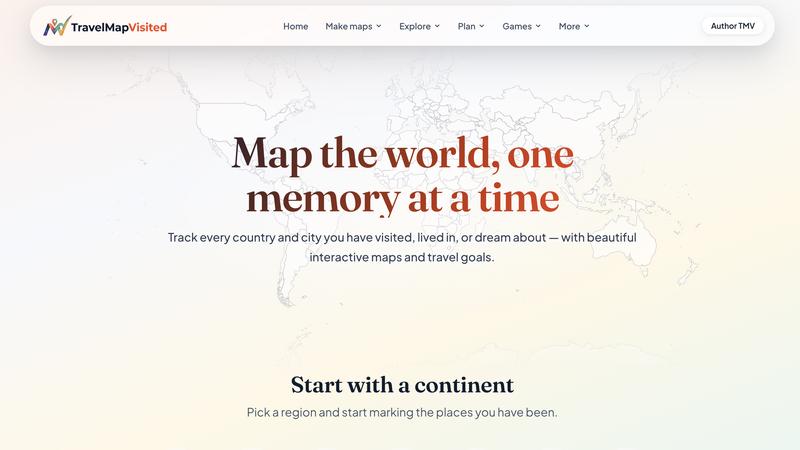
Open the map and click on any country you have been to. That country fills in with color and stays that way, turning your screen into a real map of where you’ve traveled. This is not just a map for looks. It also works as a country counter. Every click adds to your running total, so you always have an answer ready when someone asks how many countries you’ve been to. If you ever want to count how many countries I’ve visited without doing the math yourself, the number sits right above the map and updates the second you click.
This setup also works as a countries you have been to map that others can view, and as a map with visited countries you can return to after every trip. Some people search for a world map with visited countries just to see their travels laid out in one place. This tool gives you exactly that, built from your own clicks instead of a template.
A Country Checklist That Updates Itself
Think of this as a country checklist that fills itself out. Instead of writing country names on paper, you build a tick list of countries by clicking on the map itself. Each colored country works like a completed item on your travel been to checklist, and every click doubles as a quick country check you can look back on anytime.
Explore more in this category:
Best Blogging & Publishing AI tools
Best Education & Learning AI tools
Similar to TravelMapVisited

Promptifi
Reviewed AI prompts and workflows for B2B sales, from account research to renewal. Run them in ChatGPT, Claude, Gemini or Copilot. 100 free.

Statement2QBO
Bank statement PDF to QBO, Excel and Xero. Runs in your browser; three pages a day are free.

Takehound
AI video editor in your browser for long talking videos. Cuts pauses and retakes, places your own footage, and says why for every change.

Emailyy
Free email tools for signatures, subject lines, HTML previews, word counts, and email headers. Browser-based, simple to use, and no signup required.

Kamero
AI event photo sharing for photographers. Guests take a selfie and face recognition instantly finds every photo they appear in from weddings & events.

Rankenza
Rankenza is an SEO blog writer for small businesses and bloggers. Enter a keyword and get an article researched from real search results.

Uniclip
Clip pages, take full-page screenshots and batch-capture list data to Notion, Feishu, Obsidian, Markdown, CSV or JSON.

TroveKey
Search tabs, Chrome bookmarks and history, run browser commands, and save webpages and social posts locally—no account.