

Ultimate Forms
Build no-code forms and automation for SharePoint to create business solutions faster.
About Ultimate Forms
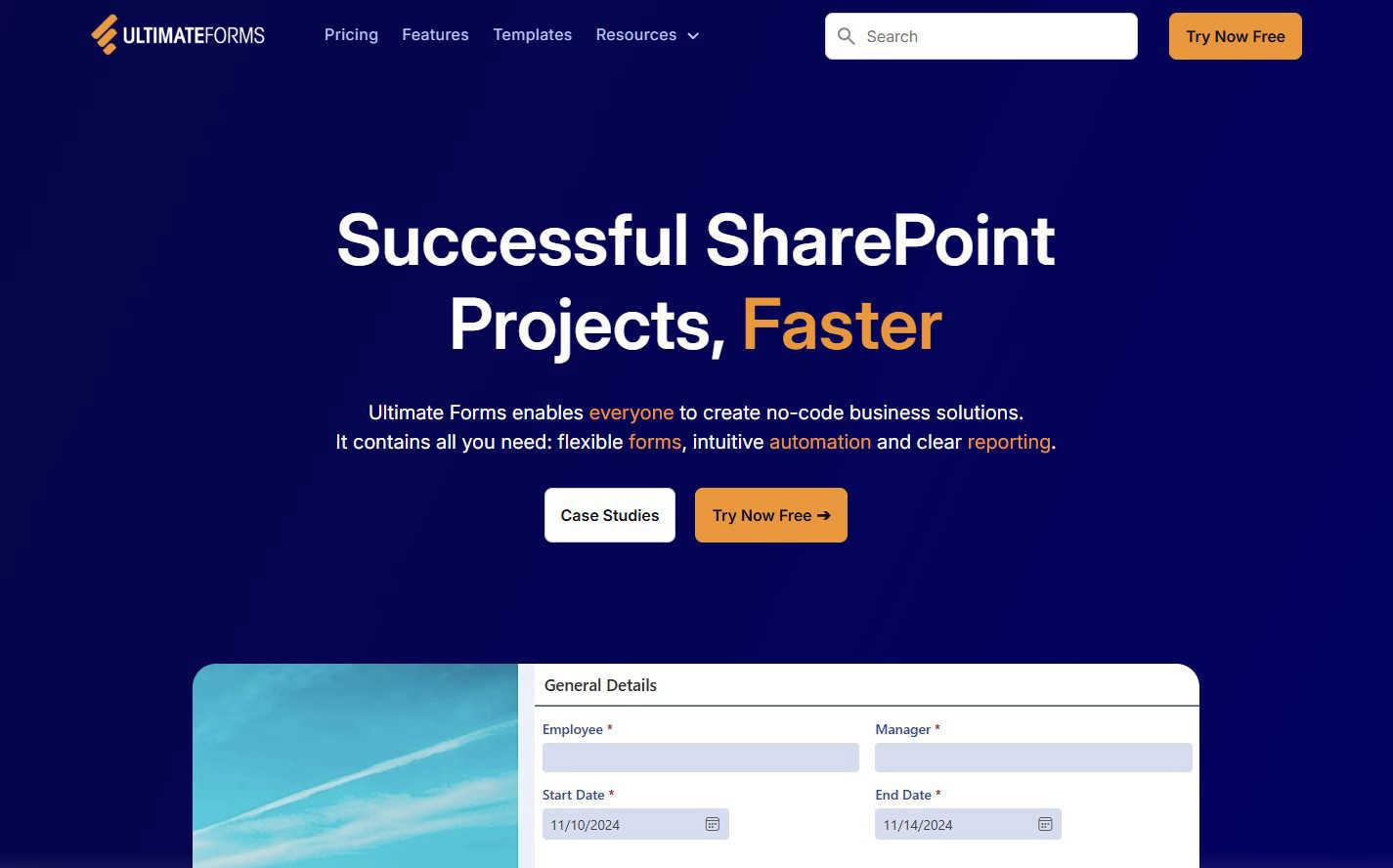
Ultimate Forms by Infowise is a powerful, no-code platform designed to unlock the full potential of your Microsoft 365 and SharePoint investment. It transforms SharePoint from a simple document repository into a dynamic hub for custom business applications. The core idea is to empower everyone in your organization—from HR and operations to project managers and administrators—to build sophisticated forms and automate complex processes without needing any programming skills. Its main value proposition is delivering "Successful SharePoint Projects, Faster." By providing flexible, modern forms, intuitive automation tools, and clear reporting dashboards, Ultimate Forms drastically reduces the time, cost, and complexity traditionally associated with developing SharePoint solutions. It keeps all your data securely inside your trusted SharePoint environment while seamlessly connecting to other tools like Microsoft Teams, Exchange, and SQL Server. Trusted by thousands of organizations globally for over 20 years, it acts like a set of intelligent building blocks for common business scenarios, allowing teams to build, replicate, and deploy effective solutions with ease and confidence.
Features of Ultimate Forms
Flexible, Responsive Forms
Create modern, user-friendly forms that work perfectly on any device. Go beyond basic SharePoint forms with advanced features like tabs, repeating sections, dynamic rules that show or hide fields based on user input, column-level permissions, and built-in input validation. You can even capture electronic signatures directly within the form. All this power ensures an exceptional user experience, improves data quality, and keeps all information securely stored in your SharePoint lists and libraries.
Intuitive Automation with Actions
Replace complex, hard-to-maintain workflows with simple yet powerful "Actions." These no-code automation steps allow you to create, update, and manage data not only within SharePoint but also across integrated applications like Microsoft Exchange, Teams, and SQL Server. By reducing the technical learning curve, you empower more people in your organization to automate business processes, successfully removing bottlenecks and increasing operational efficiency without relying on a single developer.
Clear Reporting and Dashboards
Turn raw SharePoint data into actionable insights with detailed, shareable reports, interactive dashboards, KPI indicators, calendars, and charts. This feature allows everyone in the organization to visualize information in an accessible and understandable fashion. Improved visibility into processes and data leads to better responsiveness, accountability, and data-driven decision-making across all levels of your business.
Pre-built Solution Templates
Jumpstart your projects with a vast library of pre-configured, automation-enhanced solution templates for common business needs like HR recruitment, project management, and leave requests. These templates allow you to build a solution once and deploy it multiple times across different sites and tenants, saving enormous amounts of time and effort. You can also create and save your own custom templates for consistent, rapid deployment of your unique business processes.
Use Cases of Ultimate Forms
HR Recruitment Portal
Streamline your hiring process with a multi-stage recruitment portal built on SharePoint. Create forms for job applications, automate routing to hiring managers, set up review and evaluation stages, and send automated communications to candidates via Exchange. Keep the entire team aligned with a centralized dashboard that tracks all open positions and candidate statuses, making the hiring process transparent and efficient.
Project Management Tracking
Manage customers, projects, tasks, and work hours all in one connected system. Use forms for project requests and time entry, automate task creation and assignment, and generate real-time reports on project budgets, timelines, and resource allocation. This use case turns SharePoint into a central command center for your project teams, improving visibility and coordination without costly external software.
Employee Leave Request Management
Simplify the process of managing employee time-off. Employees can submit requests through a user-friendly form that automatically checks against company policy and available leave balances. The request is then routed through a predefined approval workflow to the appropriate manager. Once approved, the calendar is updated, and the employee receives confirmation, all while keeping a perfect audit trail within SharePoint.
IT Asset and Inventory Tracking
Create a comprehensive system to track company assets like laptops, software licenses, and equipment. Use forms for check-in/check-out, automate alerts for maintenance schedules or warranty expirations, and generate clear reports on asset location, status, and value. This solution ensures accountability, reduces loss, and provides a single source of truth for your organization's physical and digital assets.
Frequently Asked Questions
Do I need coding skills to use Ultimate Forms?
No, you do not need any coding skills. Ultimate Forms is specifically designed as a no-code platform. Its intuitive, visual interface for building forms and automations (called Actions) allows business users, administrators, and power users to create powerful solutions using point-and-click configuration. The goal is to empower those who understand the business process to build the solution themselves.
How does Ultimate Forms connect with other Microsoft 365 apps?
Ultimate Forms integrates seamlessly with the Microsoft 365 ecosystem. Its built-in Actions can interact directly with applications like Microsoft Teams (to post notifications or create teams), Exchange Online (to send and manage emails), and SharePoint itself. It can also connect to external data sources like SQL Server. This allows you to create automated workflows that span across your digital workplace, making SharePoint the central hub for your processes.
Is my data secure with Ultimate Forms?
Yes. Ultimate Forms is an add-on that runs entirely within your Microsoft 365 or SharePoint environment. It does not store your form data in an external cloud; all information is kept securely in your own SharePoint lists, libraries, and databases. This means your data benefits from the same security, compliance, and governance policies you have already established for your Microsoft 365 tenant.
Can I try Ultimate Forms before purchasing?
Yes, Infowise offers a free trial so you can experience the capabilities of Ultimate Forms firsthand. You can access the trial directly from their website to explore the form designer, automation tools, and templates within your own SharePoint environment. This allows you to build a proof-of-concept for a specific business process and see the value it delivers before making any commitment.