

UnstakeDesk
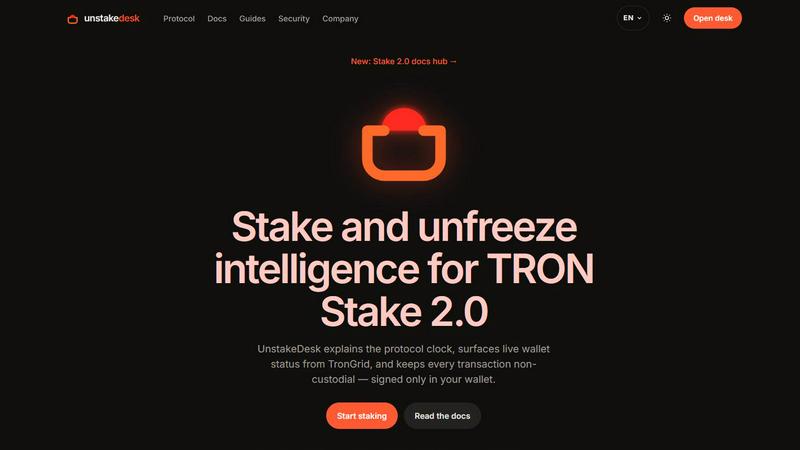
UnstakeDesk helps TRON Stake 2.0 users stake TRX, track unfreezes, and review read-only wallet status without giving up custody.
About UnstakeDesk
TRON's Stake 2.0 exit can involve several steps: reclaim delegated resources when needed, start unfreezing, wait for the lock period, then withdraw. UnstakeDesk puts these actions in a single desk and offers guides for staking, delegation, and common errors. Wallet transactions are signed by the user, while status reads use public TronGrid data.
For operators checking a position before connecting a wallet, the address lookup shows stake, pending unlocks, and amounts ready to withdraw. That view is read-only and does not require wallet connection. The site describes the unfreeze delay as about 14 days, so users should account for the wait before expecting funds to be withdrawable. Its focus is specifically TRON Stake 2.0; readers looking to manage assets across other chains will need a broader tool.
Features of UnstakeDesk
- Non-custodial staking, undelegation, unfreezing, and withdrawal workflow.
- TRX staking options for Energy or Bandwidth.
- Address-based, read-only wallet status from TronGrid.
- Documentation on protocol steps, timing, and errors.
Use Cases of UnstakeDesk
- Review stake and pending unlock status for a TRON mainnet address.
- Start a Stake 2.0 unfreeze and return later to withdraw matured TRX.
- Reclaim delegated resources before attempting an exit.
- Learn the difference between Energy, Bandwidth, and related Stake 2.0 terms.
Frequently Asked Questions
Is a wallet needed for a status check?
No. The read-only status page accepts a mainnet address without a wallet connection.
What happens after starting an unfreeze?
The TRX remains in the wait period, described by the site as about 14 days. A separate withdrawal follows after maturity.
Does UnstakeDesk sign transactions for me?
No. The connected wallet signs each transaction.
Explore more in this category:
Similar to UnstakeDesk

CryptoBriefs
AI-written crypto news briefs from trusted publishers, one card per story. Free on iOS and Android.

Ignelis
Launch and manage Solana tokens with a non-custodial launchpad, liquidity tools, portfolio features, and copy trading.

EU Funds Tracker
EU Funds Tracker matches startup and SME profiles with EU funding programmes and tenders, then emails ranked opportunities with risks and next steps.

Zanbots
Zanbots deploys autonomous AI SDR fleets in minutes for B2B email and LinkedIn outreach with pre-warmed domains, intent signals, and calendar booking.

Hermes AI
Hermes AI turns stocks, commodities, and crypto into a 0–100 score, with portfolio tracking and downloadable analysis reports.

Jumpbit
Jumpbit brings together Solana token launch, trading, distribution and safety tools, alongside a directory comparing fees, custody and live status.

Bad Influence
Bad Influence plans AI automation for small businesses, including lead follow-up, appointment setting, marketing and repetitive operations.

KVERX
KVERX lets users train small trading AI networks on a simulated market using real price data, with no real money at risk.