

Volume Shader
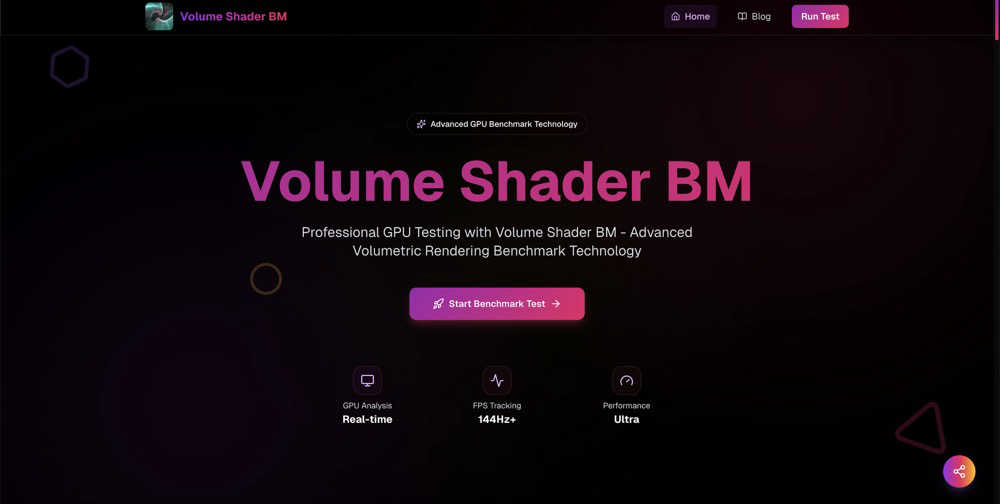
Volume Shader BM is a powerful benchmark tool that tests your GPU's volumetric rendering performance in real-time.
About Volume Shader
Volume Shader BM is an innovative benchmarking tool designed specifically for testing the capabilities of your graphics card through advanced volumetric rendering technology. It serves as a specialized fitness assessment for GPUs, allowing users to gauge how well their hardware can handle intricate 3D graphics, such as realistic fog, dynamic clouds, and explosive effects. This makes it an essential tool for game developers, 3D artists, PC building enthusiasts, and anyone interested in pushing their visual projects to new heights. By focusing on volumetric shader performance, Volume Shader BM provides insights that standard benchmarks often overlook. This tool runs seamlessly in your web browser using WebGL, eliminating the need for downloads or complex setups. Whether you're developing cutting-edge games or creating stunning visualizations, Volume Shader BM equips you with the necessary data to optimize your projects and maximize your GPU's potential.
Features of Volume Shader
Real-Time Testing
Volume Shader BM offers real-time testing capabilities, providing instant feedback with live FPS counters and performance metrics. This feature allows you to monitor how your GPU performs during the benchmark execution, ensuring you can make informed decisions based on current performance levels.
WebGL Based
The benchmark runs entirely in your browser using advanced WebGL technology, which means no downloads are required. This feature enhances accessibility, enabling users to test their GPU capabilities quickly and effortlessly from any device that supports WebGL.
Accurate Metrics
With sophisticated measurement algorithms, Volume Shader BM delivers precise performance data. This accuracy is crucial for understanding your GPU's capabilities, as it uses advanced timing methods to present metrics that reflect real-world performance, making it an invaluable tool for serious developers and enthusiasts.
Cross-Platform Compatibility
Volume Shader BM is designed to work on any device that supports WebGL, from high-end desktops to mobile devices. This cross-platform compatibility ensures that you can run the benchmark test on various systems, making it easier to compare performance across different setups.
Use Cases of Volume Shader
Game Development
Game developers can leverage Volume Shader BM to assess their GPU's performance capabilities, ensuring that their games run smoothly with realistic volumetric effects. This insight allows for better optimization and visual fidelity in gaming applications.
Scientific Visualization
Researchers and scientists can utilize Volume Shader BM to evaluate how well their GPUs can render complex scientific visualizations, such as fluid dynamics and molecular structures. This capability is vital for creating accurate and detailed visual representations of data.
Medical Imaging
In the medical field, professionals can use Volume Shader BM to test GPU performance for rendering intricate medical imaging applications. High-quality volumetric rendering is essential for visualizing anatomy and pathology effectively.
3D Art and Animation
3D artists and animators can benefit from Volume Shader BM by testing their hardware’s ability to handle detailed volumetric shaders in real-time. This insight helps artists create more immersive and visually stunning projects without sacrificing performance.
Frequently Asked Questions
What is Volume Shader BM?
Volume Shader BM is an advanced GPU benchmarking tool that measures your graphics card's performance in rendering complex volumetric effects. It provides detailed insights into how well your GPU can handle modern graphics workloads.
Do I need to download anything to use Volume Shader BM?
No, you do not need to download anything. Volume Shader BM runs entirely in your web browser using WebGL, making it easy and convenient to use without complicated setups.
How accurate are the performance metrics provided?
Volume Shader BM utilizes sophisticated measurement algorithms to provide highly accurate performance metrics. These metrics reflect real-world performance and are crucial for understanding your GPU's capabilities.
Can I use Volume Shader BM on mobile devices?
Yes, Volume Shader BM is designed to be cross-platform and works on any device that supports WebGL, including mobile devices. This allows users to test their GPU capabilities on a variety of systems.
Similar to Volume Shader

IdeaAize Free AI Tools
IdeaAize Free AI Tools is a suite of 50+ free online utilities that run 100% in your browser — no registration, no file uploads, no watermarks.

TokenSave
Free AI token counter and cost calculator for ChatGPT, Claude and Gemini, plus a private Claude Code usage analyzer.

APIKO AI API
One OpenAI-compatible endpoint for text, image and video models from OpenAI, Anthropic, Google, DeepSeek and more.

BlazePhoenix
On-chain DEX aggregator: the swap route is computed inside the transaction that executes it. No API key, no signup.

SiteScoper
AI Website UX Auditor & Instant SEO Checker

AFFLIGO
AFFLIGO is a free online toolkit for everyday file tasks. Easily edit PDFs, compress images, convert file formats, and get things done.

SightRadar
Face recognition API, a drop-in replacement for AWS Rekognition. Index, search, compare and detect faces, billed per photo with no subscription.
