

Wplace
Wplace Live is a dynamic platform for global collaboration, allowing users to create stunning pixel art in real time.
About Wplace
Wplace Live is an innovative online platform that redefines collaborative creativity through pixel art. It transforms the entire globe into a vibrant, interactive digital canvas stretching across a staggering 4 trillion pixels. This immense space allows artists, gamers, and creators from every corner of the world to come together in real-time to create, collaborate, and engage in friendly competition. The concept is simple yet powerful: users can place individual colored pixels on a global map, crafting everything from personal icons to intricate murals. Wplace Live is designed for anyone who enjoys the thrill of creativity and community engagement, whether you are a seasoned artist or a casual doodler. With its large canvas and supportive community, Wplace Live empowers users to connect through the universal language of art, making every contribution a unique part of a collective masterpiece.
Features of Wplace
Massive 4 Trillion Pixel Canvas
Wplace Live offers an unprecedented digital canvas that maps the real world, giving users the freedom to create pixel art in any geographical location. This feature adds real-world significance to your artwork, inviting creativity that resonates with diverse audiences.
Real-Time Global Collaboration
Experience the excitement of watching your creations unfold live as you collaborate with artists from around the world. Wplace Live's real-time capabilities ensure that your artistic projects come to life collectively, fostering a sense of community and shared achievement.
Pixel Drawing System
The platform's intuitive pixel drawing system allows users to select a location, zoom in to pixel level, choose colors, and place pixels with ease. You can hold SPACE while using the mouse for continuous drawing, making it perfect for creating lines, fills, and precise designs.
Virtual Economy System
Wplace Live features a unique virtual economy where users earn Droplets by participating in the platform’s activities. These Droplets can be used to access premium features, colors, and tools, encouraging engagement and rewarding creativity.
Use Cases of Wplace
Collaborative Art Projects
Join forces with friends or global artists to work on large-scale community murals. Wplace Live provides the tools and environment to create intricate designs that reflect collective creativity and teamwork.
Personal Art Expression
Use Wplace Live to express your individuality by creating personal pixel art. Whether you want to depict your favorite character or a significant moment, the platform provides the perfect space for you to showcase your creativity.
Strategic Pixel Wars
Engage in competitive gameplay through strategic pixel wars where users compete for digital territory. This adds an exciting layer of strategy to art creation, combining creativity with tactical planning and teamwork.
Educational Resource for Artists
Wplace Live can also serve as an educational platform for aspiring pixel artists. With its tools and community support, users can learn techniques, share tips, and gain inspiration from experienced artists, enhancing their skills in pixel art.
Frequently Asked Questions
What is Wplace Live?
Wplace Live is the world's largest collaborative pixel art platform, enabling users to create and collaborate on a massive digital canvas in real-time.
How can I start creating on Wplace Live?
To start creating, simply visit the Wplace Live website, create an account, and dive into the vibrant community. You can begin placing pixels immediately using the easy-to-navigate interface.
Are there tools available for enhancing my pixel art?
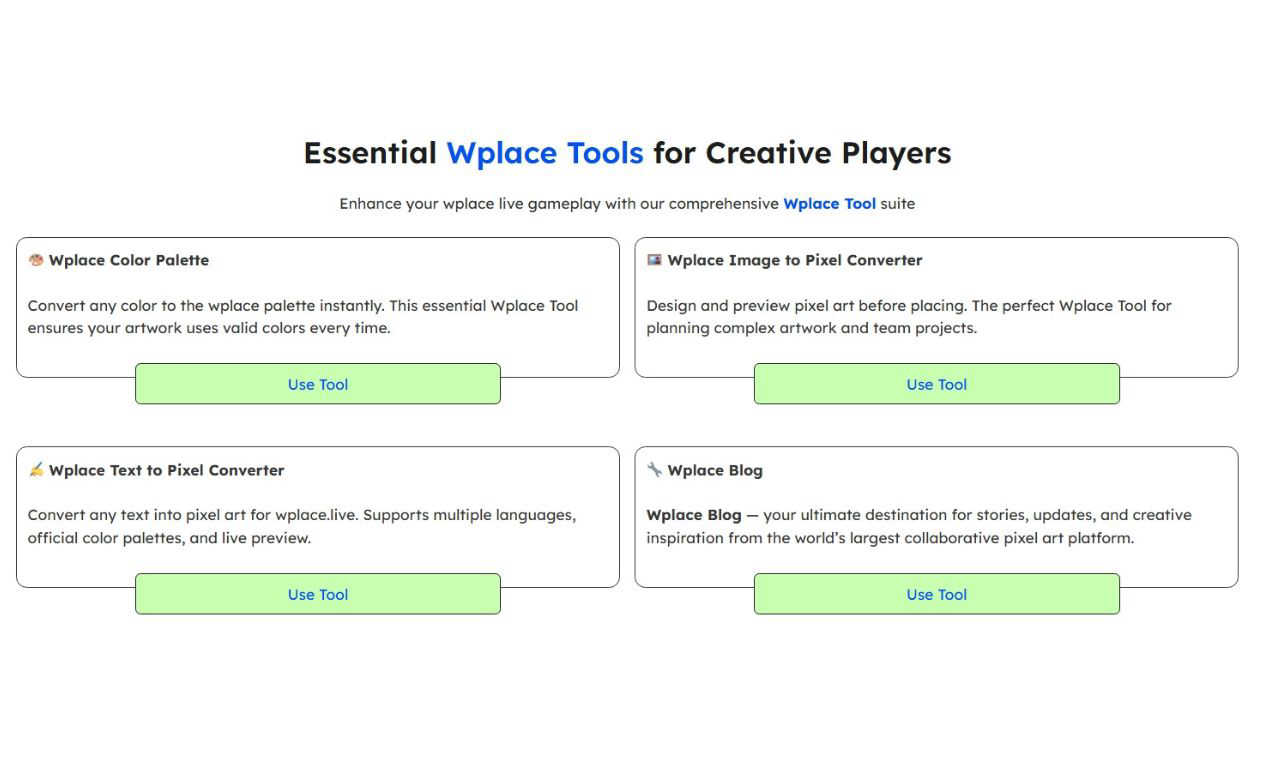
Yes, Wplace Live offers a suite of tools such as the Color Palette, Image to Pixel Converter, and Text to Pixel Converter to help you create and refine your pixel art effortlessly.
Is there a community aspect to Wplace Live?
Absolutely! Wplace Live is built around a thriving global community where users can collaborate, share their work, and participate in events, fostering a sense of connection and creativity among artists worldwide.
Explore more in this category:
Similar to Wplace

Budgetpixel AI
Create and edit AI images, videos, music, and designs in one workspace, with multiple models, reusable characters, and API access.

Try OC Maker
Create OCs from text or images, customize their look, and turn them into animated videos with AI.

IconCreator
IconCreator is an AI-powered logo and app icon generator. Create professional logos, app icons, favicons, and brand assets in minutes.

Reword Image
Change the text already printed inside a photo, screenshot or poster, without the original design file.

Leadeon
AI growth tool for X and LinkedIn: write posts in your voice, schedule at your best times, find leads on X and see what works.

IdeaAize Free AI Tools
IdeaAize Free AI Tools is a suite of 50+ free online utilities that run 100% in your browser — no registration, no file uploads, no watermarks.

Bulin 47 AI
Turn one photo into the viral 19-second Bulin 47 freestyle, with original sound and a watermark-free vertical MP4.

Spaceora
Turn room and outdoor photos into AI interior, virtual staging, garden and landscape design concepts.