
Alternatives to AI Hairstyle TryOn
Explore the best alternatives and competitors to AI Hairstyle TryOn.
Explore 20 alternatives to AI Hairstyle TryOn. Compare features, pricing, and find the best fit for your needs.
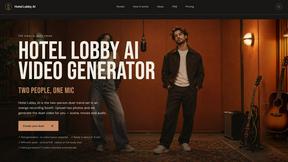
Hotel Lobby AI
Hotel Lobby AI turns two portraits into a duet video in an orange recording booth with motion, lip-sync, and audio.
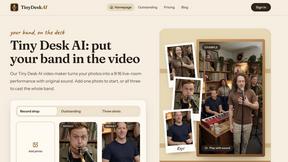
Tiny Desk AI Video Maker
Turn three photos into a vertical Tiny Desk-style concert video with original sound.
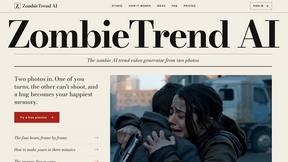
ZombieTrend AI
ZombieTrend AI turns two photos into a cinematic zombie love story video with sound, no watermark, and a free preview.
GenX
All-in-one AI workspace to generate images, videos, and audio with multiple leading AI models.


Hotel Lobby AI Video
Create a Hotel Lobby duo video from two character photos. Choose left and right performers, review the AI result, and download your finished clip.
Design.com AI Image Generator
Turn text prompts into polished, copyright-safe visuals that plug directly into branded templates
FastH3 Omni
Run FastH3 Omni in your browser. Up to 9 reference images plus 3 audio references become a 5–15s clip with synced audio. No install, no GPU.
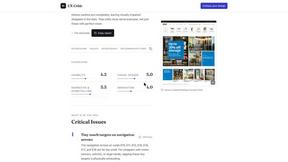
UX Critic
AI design critic: scored UX reviews with every issue pinned to the exact region of your screenshot.
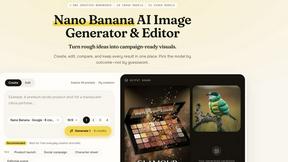
Nano AI
Create and edit AI images and videos in one workbench, with multiple models, reference images and a shared credit balance.
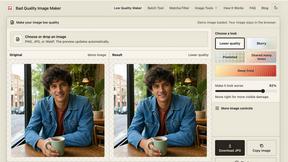
bad quality image maker
Make any image look intentionally bad — blurry, pixelated, or deep fried. Free, in your browser, no signup.
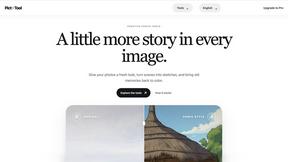
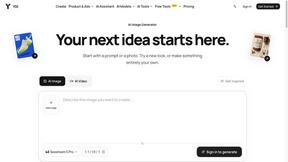
YIX
YIX combines AI image and video generation, photo editing, restoration, product visuals and free prompt tools in one browser studio.
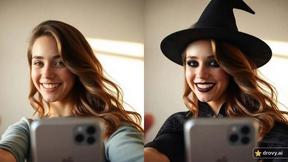
drovy.ai
Turn one selfie into this week's viral photo trend in about 20 seconds. One free AI tool per trend, no app, no account.
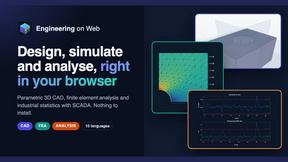
Engineering on Web
Free browser CAD, FEA and SPC with an AI assistant: model by text or voice, AI-tuned solvers, AI result interpretation. No install, no account.
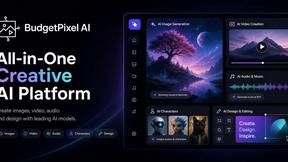
Budgetpixel AI
Create and edit AI images, videos, music, and designs in one workspace, with multiple models, reusable characters, and API access.
Aigena
All-in-one AI generator in Russian: images, video, music, voice and chat in one account, no VPN needed in Russia.
GPT Image Hub
Curated image prompts, reusable templates, and multi-model AI generation in one workspace.
About AI Hairstyle TryOn Alternatives
AI Hairstyle TryOn is a smart design tool that lets you try on any hairstyle and color on your own photo in just a few seconds. It belongs to the image generation category, specifically focusing on virtual hair transformations. People often look for alternatives because they might need different pricing options, additional features like more advanced editing tools, or platform compatibility that better fits their device or workflow. Others may want a tool with a simpler interface, faster processing, or the ability to handle multiple photos at once without limitations. When searching for an alternative, consider what matters most for your specific needs. Look for tools that offer realistic previews and accurate color matching, as well as smart recommendations based on face shape and skin tone. Check if the platform works on your preferred device, whether that is a phone, tablet, or computer, and see if it provides a free tier or trial so you can test it before committing. Also, pay attention to privacy policies—you want a tool that handles your uploaded photos securely and does not store them without your permission. By focusing on these factors, you can find a solution that helps you confidently choose your next hairstyle.
FAQs about AI Hairstyle TryOn Alternatives
What is AI Hairstyle TryOn?
AI Hairstyle TryOn is a free AI-powered hairstyle changer that lets you try on any haircut, color, and style on your own photo in seconds. It uses artificial intelligence to generate realistic previews, helping you visualize potential looks before visiting a salon. The tool also includes an AI Smart Recommendation feature that analyzes your face shape, head shape, and skin tone to suggest personalized styles. You can explore everything from classic Bobs and Pixies to bold fantasy colors and custom text-prompted hairstyles.
Who is AI Hairstyle TryOn for?
This tool is designed for anyone considering a new hairstyle or hair color, whether you are a regular salon visitor or someone who likes to experiment at home. It is especially helpful for people who want to see how a style will look on their own face without the risk or cost of a real change. Stylists and barbers can also use it to show clients potential results during consultations. Additionally, it is great for creative individuals who enjoy trying out fantasy colors or unique looks inspired by text prompts.
Is AI Hairstyle TryOn free?
Yes, AI Hairstyle TryOn is a free AI hairstyle changer that allows you to preview realistic haircuts and colors on your photo. There is no cost to upload your image and try on different styles using the basic features. Some advanced options, like custom text-prompted looks or higher-resolution outputs, may have usage limits or a premium tier. However, the core functionality of trying on a variety of hairstyles and receiving smart recommendations is available at no charge.
What are the main features of AI Hairstyle TryOn?
The main features include the ability to try on any hairstyle and color on your photo in seconds, with realistic AI-generated results. It offers an AI Smart Recommendation system that analyzes your face shape, head shape, and skin tone to suggest personalized styles like Bobs, Pixies, and fantasy colors. You can also use custom text prompts to create unique, tailored looks that go beyond preset options. The tool is designed to be intuitive and fast, making it easy to experiment with dozens of styles in a single session.