
Alternatives to Black Screen
Explore the best alternatives and competitors to Black Screen.
Explore 20 alternatives to Black Screen. Compare features, pricing, and find the best fit for your needs.
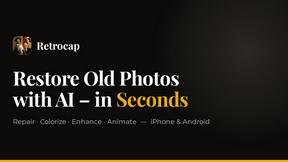
Restore Old Photos - Retrocap
AI photo restoration app for iPhone and Android: repair scratches and tears, colorize black-and-white photos, sharpen faces and animate old portraits.
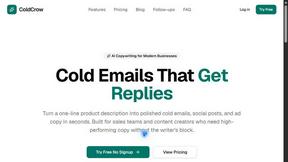
ColdCrow
AI cold email writer: turn one line about a prospect into personalized outreach with a deliverability score in seconds. Free trials, no credit card.
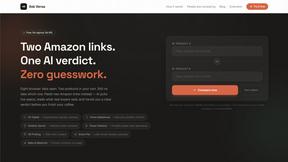
Ask Versa AI
AI verdicts for any two Amazon products, in seconds. Live specs plus real buyer reviews, scored 0-100, one clear winner. Free, no account.
Panzoe
Panzoe is an all-in-one AI platform for personal productivity, business automation, AI assistants, content creation, and custom AI solutions.
Bulin 47 AI
Bulin 47 AI puts your face into the viral Bulin 47 freestyle video from one photo. Get a 5–19-second vertical MP4 for TikTok and Reels.
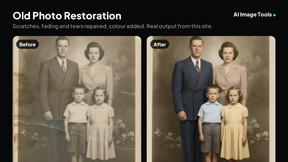
AI Image Tools
Text to image, photo edits, background removal and restoration. Pick Nano Banana, FLUX, Seedream or GPT Image and see the price first.
ImageAICraft
GPT Image 2 AI Image Generator & Editor for Text-to-Image and Image-to-Image Creation
TryThatTool
Discover AI tools worth trying. Compare options, explore practical reviews, and build your own AI stack based on your goals and budget.
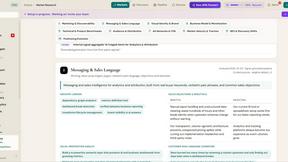
ROIpad
Stop losing enterprise deals to inferior products with better copy. Discover the exact messaging gaps your competitors left wide open.
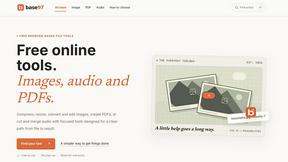
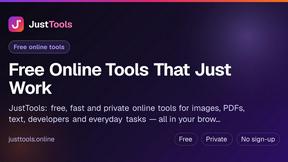
JustTools
JustTools offers a growing collection of free online tools that run directly in your browser, with no sign-up and no uploads.
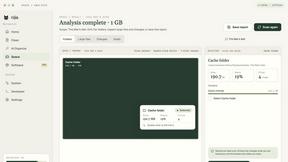
Nijia
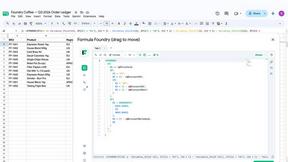
A paid Mac app with local AI-assisted file organization, editable proposals and reviewed storage cleanup.
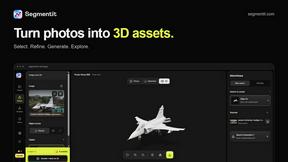
Segmentit
Turn objects in your photos into 3D assets. Select, refine, preview and export in one browser-based workspace.
Novastart
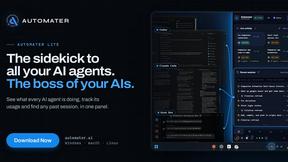
Novastart brings apps and files onto an infinite canvas where people and AI agents can work together.
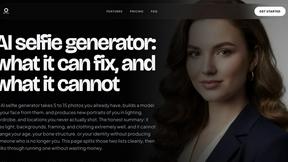
MyPhotoAI
Turn your selfies into AI headshots and portraits. Get 3 photos for US$5 or every photo from one shoot for US$10. No subscription.
About Black Screen Alternatives
Black Screen is a free online tool designed for fullscreen focus, display testing, and OLED protection, making it a valuable resource in the categories of design tools, development, and productivity. Users often seek alternatives to Black Screen for various reasons, such as needing specific features that may not be available, preferences for different pricing structures, or compatibility with various platforms and devices. Additionally, some users might look for alternatives that offer enhanced capabilities or unique functionalities tailored to their specific needs. When choosing an alternative, it's essential to consider the features that will best serve your requirements, such as the range of colors available, the ability to download high-resolution images, and any additional functionalities like timer controls or burn-in protection. Evaluating user interface designs and ease of access can also play a significant role in ensuring a smooth experience. Ultimately, the right alternative should align with your personal or professional goals while providing reliable performance.
FAQs about Black Screen Alternatives
What is Black Screen?
Black Screen is a free online tool that enables fullscreen focus, display testing, calibration, and OLED protection.
Who is Black Screen for?
Black Screen is ideal for graphic designers, gamers, tech enthusiasts, and anyone interested in maintaining their screen's performance.
Is Black Screen free?
Yes, Black Screen is completely free to use without any registration required.
What are the main features of Black Screen?
Key features of Black Screen include dynamic fullscreen modes, high-resolution wallpaper downloads, flexible timer controls, and advanced OLED burn-in defense.