
Alternatives to ContextBolt
Explore the best alternatives and competitors to ContextBolt.
Explore 20 alternatives to ContextBolt. Compare features, pricing, and find the best fit for your needs.

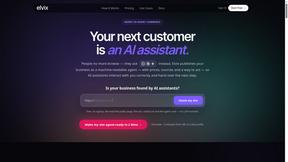
Elvix
Turns your website into an AI sales agent trained on your business data — answers visitors, qualifies leads and books meetings.

Kettle
Kettle is an AI family assistant you text. It keeps the family calendar, plans dinners and lunches, fills an H-E-B cart and sends reminders until done
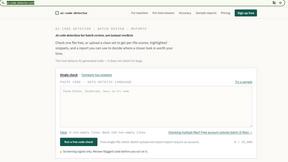
ai-code-detector
What is an AI code detector? An AI code detector is a screening tool that estimates how closely code matches patterns associated with AI generation.
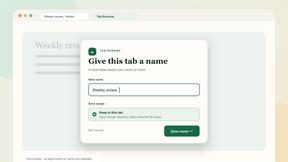
Tab Rename
Rename any browser tab with a name that sticks — one page, one session, or every URL matching a rule. Local-first, no account, no tracking.

AIShortDrama
Turn your story idea into a complete AI short drama — from script and characters to scene images and cinematic video, ready for any platform.
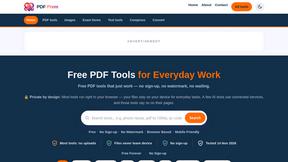
PDF Prem
Free PDF tools that run in your browser — merge, compress, convert, sign and edit PDFs, plus image tools and calculators. No sign-up, no watermark.

Propovo
Create proposals, quotes, and contracts with AI and share them in one branded sales room.
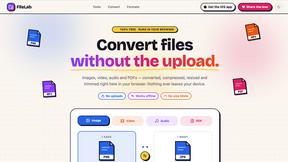
FileLab
Convert files without the upload. Images, video, audio and PDFs — converted, compressed, resized and trimmed right here in your browser.

NoCoder
AI agent that builds full-stack web apps from a description, then runs the build and clicks through the live app before saying done.
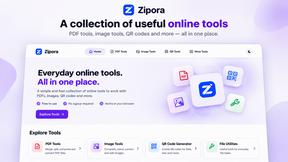

My Tools Suite Pro
Discover the best free online tools with ToolSuite Pro. Explore AI, productivity, marketing, SEO, writing, business, and software tools in one place.

Meet In The Middle
Meet in the Middle — The Group Meetup Planner Find a fair central meeting spot based on real travel time, not just distance
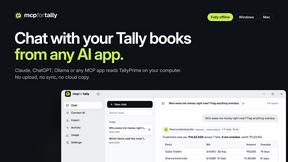
MCP for Tally
Desktop app that connects TallyPrime to Claude, ChatGPT, Ollama and any MCP app. Chat with your books and export to Excel and CSV.
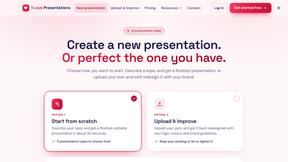
I Love Presentations
AI presentation maker: turn a topic or document into a designed, editable PowerPoint with speaker notes in under a minute. First one free.

Transpic
Transpic is an AI image translator that helps users translate text inside photos, screenshots, product images, manga, posters, and document scans whi.

Dove
AI email app that sorts your inbox into Focus, Feed and Noise, sums up long threads and drafts replies. Mac, Windows, iPhone, Android and web.
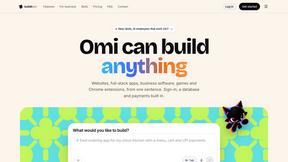
BuildItOmi
Omi can build anything: apps, websites, business software, games and Chrome extensions. Describe it in one sentence and AI agents build it.

About ContextBolt Alternatives
ContextBolt is a tool that plugs directly into popular AI agents like Claude and Cursor, giving them access to real-world data they normally can't reach. It fits into the AI Assistants and Dev Tools categories, offering MCP servers that pull in your bookmarks from social platforms, live SEO and keyword data, and competitor intelligence. Instead of making you learn a new dashboard, it makes the AI agent you already use the interface, so you can ask research questions in plain English and get real numbers back. Users often look for alternatives to ContextBolt for a few common reasons. Some may find its focus on specific data sources like bookmarks and SEO too narrow for their broader needs, while others might be concerned about pricing as their usage scales or want a tool that integrates with a wider range of AI agents beyond what is currently supported. When choosing an alternative, you should look for a solution that matches the specific data sources you care about most, offers transparent and predictable pricing, and connects easily with the AI tools you already rely on without requiring complex setup or a steep learning curve.
FAQs about ContextBolt Alternatives
What is ContextBolt?
ContextBolt is a suite of MCP servers that provide AI agents like Claude and Cursor with access to real-world data they cannot normally reach. It includes tools for searching your saved bookmarks from X, Reddit, and LinkedIn, pulling live SEO and competitor data, and monitoring competitor changes. The goal is to make your existing AI agent the primary interface, so you can get answers without learning a new dashboard.
Who is ContextBolt for?
ContextBolt is built for professionals who regularly use AI coding or desktop agents, such as developers, marketers, and product managers. It is especially useful for anyone who needs to quickly recall bookmarked content, research SEO and competitor data, or track competitor movements without switching between multiple tools. The product is designed for people who want their AI agent to have a richer, more current understanding of the world.
Is ContextBolt free?
The provided content does not specify a pricing model for ContextBolt. However, it emphasizes that the tool is local-first and has no lock-in, suggesting a focus on user control. For specific pricing details, including whether a free tier or trial is available, you would need to visit the ContextBolt website or contact their team directly.
What are the main features of ContextBolt?
ContextBolt offers three main features: Bookmarks, which turns saved posts from X, Reddit, and LinkedIn into a searchable library for your AI agent; SEO, a hosted server that provides live keyword, SERP, and competitor data; and Radar, which monitors competitors' pricing, shipping, and positioning nightly and drafts counter-moves. Each tool connects to your AI agent with a single line of configuration and works with tools like Claude Desktop, Cursor, and Windsurf.