
Alternatives to Crops
Explore the best alternatives and competitors to Crops.
Explore 20 alternatives to Crops. Compare features, pricing, and find the best fit for your needs.
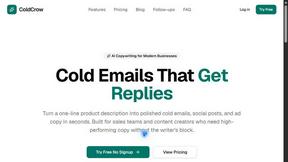
ColdCrow
AI cold email writer: turn one line about a prospect into personalized outreach with a deliverability score in seconds. Free trials, no credit card.

Ask Versa AI
AI verdicts for any two Amazon products, in seconds. Live specs plus real buyer reviews, scored 0-100, one clear winner. Free, no account.

Panzoe
Panzoe is an all-in-one AI platform for personal productivity, business automation, AI assistants, content creation, and custom AI solutions.
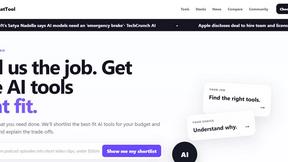
TryThatTool
Discover AI tools worth trying. Compare options, explore practical reviews, and build your own AI stack based on your goals and budget.
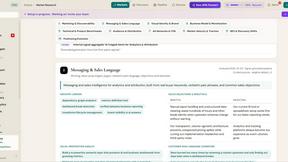
ROIpad
Stop losing enterprise deals to inferior products with better copy. Discover the exact messaging gaps your competitors left wide open.

JustTools
JustTools offers a growing collection of free online tools that run directly in your browser, with no sign-up and no uploads.

ShipNLaunch
Launch your Saas, AI tool on ShipNLaunch and get discovered through product pages, weekly rankings, categories, and maker profiles.
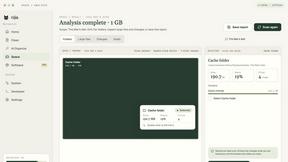
Nijia
A paid Mac app with local AI-assisted file organization, editable proposals and reviewed storage cleanup.
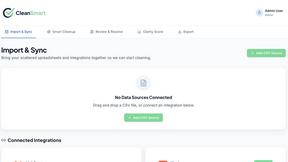
CleanSmart
CleanSmart removes duplicates, fixes formatting, fills gaps, and flags anomalies in one automated pass. No code. No data engineers.

Novastart
Novastart brings apps and files onto an infinite canvas where people and AI agents can work together.
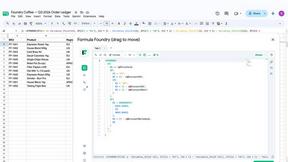


Vidpop
Vidpop plans, designs and posts three carousel posts a week for your business, with captions, and on Pro an AI-presenter UGC video ad. iPhone app.
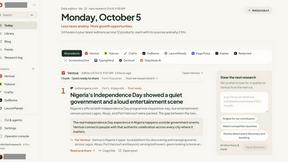
DailyHook AI
Turns industry news into sourced, product-relevant marketing hooks for founders, marketers and AI agents.

Slide-Easy
A Mac app that turns your App Store link into a week of Instagram Reels and carousels, written from your real reviews.
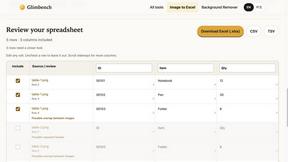
Glimbench
Remove backgrounds, convert table screenshots to Excel, and batch-convert HEIC to JPG. Free, no sign-up.


LightScreen
Free light screen tool online. Turn any display into a flashlight, ambient light, or solid-color screen. No download or sign-up.
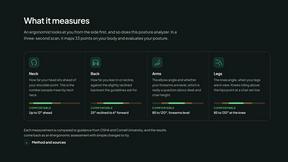
ErgoAssessment
See your posture the way an ergonomist beside your desk would. Your camera, five body angles, plain fixes. Free, no signup.
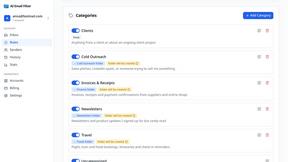
AI Email Filter
AI Email Filter sorts incoming mail into folders using plain-language prompts you write. Works with any IMAP mailbox; bring your own LLM if you want.
About Crops Alternatives
Crops is a Digital Asset Management (DAM) software designed to help creative and marketing teams organize their files, streamline feedback, and ensure error-free approvals. It uses AI to automate tagging and quality checks, aiming to bring order to chaotic creative workflows. Users often explore alternatives for various reasons. Budget constraints or specific pricing models can be a factor, as can the need for different feature sets that better match a team's unique process. Some teams might also require deeper integration with their existing tech stack or a platform built for a different scale of operation. When evaluating other options, focus on what matters most for your team's efficiency. Key considerations include how well the software organizes and retrieves assets, the intuitiveness of its collaboration and approval tools, and whether it offers automation or quality control features to prevent costly mistakes. The goal is to find a solution that simplifies your workflow, not complicates it.
FAQs about Crops Alternatives
What is Crops?
Crops is an AI-powered Digital Asset Management software that helps creative and marketing teams organize assets, streamline feedback, and ensure error-free approvals.
Who is Crops for?
Crops is designed specifically for creative and marketing teams who need to manage assets, collaborate on projects, and maintain brand consistency.
What are the main features of Crops?
The main features are smart AI-powered asset organization, streamlined approval workflows with visual feedback, and automated AI quality control to catch errors.
Why choose Crops?
Teams choose Crops to reclaim time lost searching for files, eliminate fragmented feedback, and launch campaigns confidently with automated error checks.