
Alternatives to Kling 2.6 Motion Control
Explore the best alternatives and competitors to Kling 2.6 Motion Control.
Explore 20 alternatives to Kling 2.6 Motion Control. Compare features, pricing, and find the best fit for your needs.
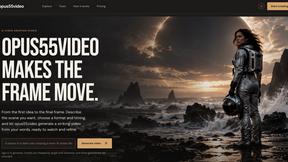
opus55video
AI video studio that turns text or images into short cinematic videos with flexible formats, duration, resolution, and optional audio.
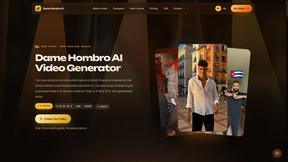
Dame Hombro AI
Turn authorized photos into 15-second AI dance videos with 14 templates, generated audio and 720p MP4 output.
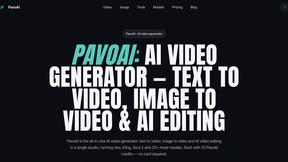
PavoAI
All-in-one AI video creation with text-to-video, image-to-video, editing, avatars, music, subtitles, and upscaling.

Vikas Editor AI
AI photo and video creative studio for Indian creators and global users, with cinematic portraits, fashion edits, festival greetings, and photo-to-vid
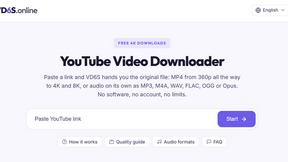
VD6S
VD6S is a free YouTube video downloader that lets you download videos in HD, 4K and up to 8K quality when available. Supports MP4, MP3 and more.
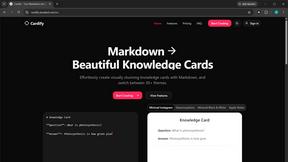
Cardify
Cardify turns Markdown into beautiful knowledge cards with 30+ themes, live preview and easy export.
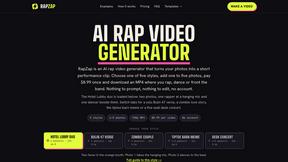
RapZap
Turn one to five photos into a ready-to-post AI rap video. Pick a style, pay $8.99 once. No prompts, no editing, no account.
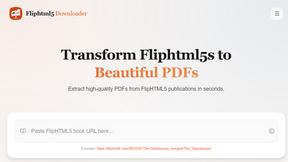
FlipHTML5 Downloader
Paste a FlipHTML5 book URL and get a clean PDF back - no watermark, no signup, nothing uploaded. Free and open source, runs in your browser.
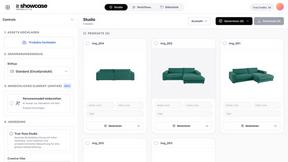
showcase
Create photorealistic product images, lifestyle scenes and videos for furniture and home & living from your existing product photos.
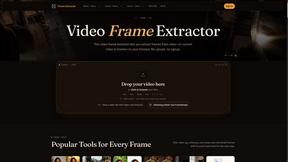
Video Frame Extractor
Free online video frame extractor — extract frames in your browser, no upload.

Free AI Rap Video
Turn a photo of you and a friend into an AI rap video with original lyrics and a beat. For TikTok, Reels and Shorts. First 5-second clip free.

TapirUpscale
A free, browser-based AI video upscaler that turns blurry, low-resolution clips into sharper 1080p or 4K MP4s without uploading them.
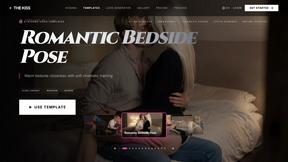
The Kiss
Turn two photos into a cinematic AI kissing video. Pick one of 13 kiss video templates; 30 free credits on sign-up.
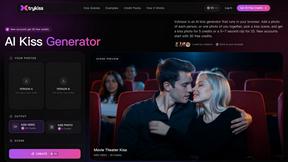
trykissai
AI kiss generator: add a photo of each person, pick a kiss scene, and get a kiss photo or a 5–7 second clip. 30 free credits.
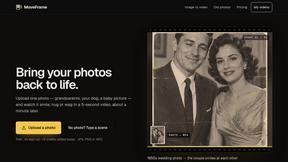
MoveFrame
Turn any photo into a 5 or 10 second AI video. Free daily credits, no sign-up, 9:16 for TikTok and Reels, MP4 download.

Dola AI
Create AI videos from text or images with Dola AI. Free sign-up credits, pick a video model, download your clips. Image generation also available.
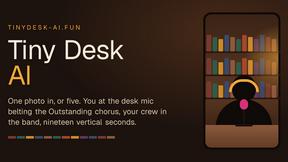
Tiny Desk AI
Make the viral Outstanding desk-concert meme from 1 to 5 photos: you sing lead, friends take keys, vocals and sax. 19s 9:16, $8.99.
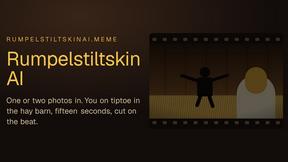
Rumpelstiltskin AI
Turn one or two photos into the tip toeing in my Jordans meme: play the imp, the girl in the straw, or both. 15s 16:9, $8.99 once.
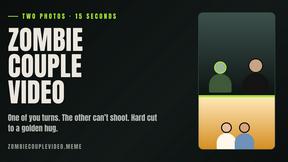
Zombie Couple Video
Turn two photos into an AI zombie couple love story: a rainy standoff, then a golden hug. 15s 9:16 MP4 with music, $8.99 once.
About Kling 2.6 Motion Control Alternatives
Kling 2.6 Motion Control is an innovative AI-driven platform specifically designed for creative professionals looking to enhance their video projects. By allowing users to upload images and motion videos, it brings characters to life with precision, making it a popular choice in the video category. However, many users often seek alternatives to Kling 2.6 Motion Control for various reasons, such as pricing concerns, differing feature sets, or compatibility with specific platforms and workflows. When exploring alternatives, it's essential to consider several factors. Look for platforms that offer similar AI-driven motion capabilities, user-friendly interfaces, and the ability to integrate seamlessly into your existing creative process. Additionally, evaluating customer support, pricing structures, and unique features can help you find the best match for your specific needs.
FAQs about Kling 2.6 Motion Control Alternatives
What is Kling 2.6 Motion Control?
Kling 2.6 Motion Control is an AI-driven motion control video generation platform that allows users to upload images and motion videos to create dynamic animations.
Who is Kling 2.6 Motion Control for?
Kling 2.6 Motion Control is designed for creative professionals, including video editors, animators, and content creators looking to enhance their projects with motion transfer.
Is Kling 2.6 Motion Control free?
The specific pricing for Kling 2.6 Motion Control varies, and users should check the official website for the latest information on subscription plans and potential trial offers.