
Alternatives to Pixora
Explore the best alternatives and competitors to Pixora.
Explore 20 alternatives to Pixora. Compare features, pricing, and find the best fit for your needs.

ModelSnap
AI fashion model generator for clothing product photos, lookbooks, and social visuals.

trykissai
AI kiss generator: add a photo of each person, pick a kiss scene, and get a kiss photo or a 5–7 second clip. 30 free credits.
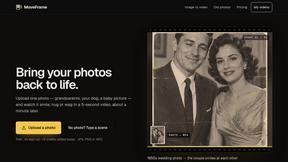
MoveFrame
Turn any photo into a 5 or 10 second AI video. Free daily credits, no sign-up, 9:16 for TikTok and Reels, MP4 download.

ProHoster VPN
ProHoster VPN: Secure your data with 75+ global locations, strict no-logs policy, military-grade encryption, high speeds.
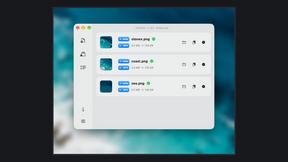
Zipic
Native image compression for Mac and Windows (Windows beta), with a local CLI and AI skill for automated image workflows.

Pawaime
Pet portraits with you in them: upload one photo of you and one of your pet, pick a scene, get a realistic portrait. 2 free photos.

snapbyface
Find a person across thousands of local photos and videos using AI-powered face recognition. Quickly locate photos and video moments featuring a speci

Selzee
Selzee is an AI ad generator that finds winning ads right now and recreates them for your brand, with your products, logo, fonts and colours.

RefVid
Upload a few photos of a product or a person once. RefVid keeps the label, the shape and the face the same in every AI video you generate.
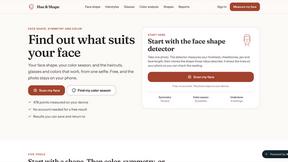
Hue & Shape
Find your face shape, color season and skin undertone from one selfie, measured in your browser.
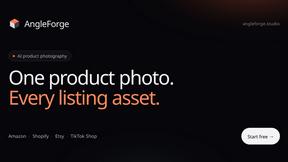
AngleForge
Turn one product photo into marketplace-ready images: studio shots, new angles, lifestyle scenes and backgrounds for Amazon, Shopify and Etsy.
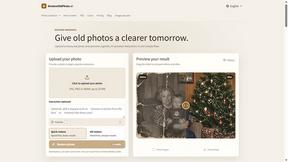
RestoreOldPhoto
Restore faded or damaged family photos with AI - repairs scratches, sharpens faces, colorizes and enhances old pictures in seconds.

Full Page Screenshot
Capture entire web pages in one click — PNG, JPG or PDF. Free Chrome & Edge extension + web app.

Enhance My Photo
Online AI photo enhancer that sharpens portraits, products, scenery, pets and text images and exports JPEG/PNG/WebP without watermarks.
AppIconGenerator
Generate iOS and Android app icons from any image and export all platform sizes for free.

Kamero
AI event photo sharing for photographers. Guests take a selfie and face recognition instantly finds every photo they appear in from weddings & events.
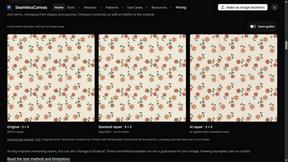
SeamlessCanvas
Create seamless textures and repeat patterns with AI, repair uploaded image edges, and inspect tiled previews.

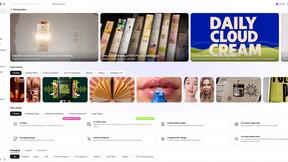
Rhinobird
AI video ads, UGC-style videos, and product visuals for cross-border sellers and e-commerce brands.
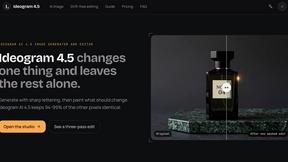
Ideogram 4.5
Ideogram AI 4.5 is an image generator and editor for precise, drift-free refinement, native 2K lettering, and Pixel Lock.
About Pixora Alternatives
Pixora is an AI-driven tool designed to help small e-commerce brands enhance their product photography. As a solution tailored for businesses looking to create professional-quality visuals without the hefty price tag of traditional photography, Pixora has gained popularity among entrepreneurs and startups. Users often seek alternatives to Pixora for various reasons, including budget constraints, specific feature requirements, or the need for compatibility with their existing platforms and workflows. When exploring alternatives, it’s essential to consider factors such as ease of use, pricing structures, and the specific features that align with your photography needs. Look for tools that offer advanced editing capabilities, customization options, and the ability to generate high-quality images quickly. Ultimately, the right choice should empower you to showcase your products effectively and enhance your brand's visual appeal.
FAQs about Pixora Alternatives
What is Pixora?
Pixora is an AI-driven tool designed to enhance product photography for small e-commerce brands, allowing users to create stunning visuals quickly and affordably.
Who is Pixora for?
Pixora is ideal for small e-commerce brands, startups, and established businesses looking to improve their product imagery without the high costs associated with traditional photography.
Is Pixora free?
Pixora is not free, but it offers a cost-effective solution that can reduce photography expenses by up to 90% compared to traditional methods.
What are the main features of Pixora?
Pixora includes intelligent scene generation, smart presets, and adaptive studio lighting that help users create professional-quality product images with ease.