
Alternatives to PXDMD
Explore the best alternatives and competitors to PXDMD.
Explore 20 alternatives to PXDMD. Compare features, pricing, and find the best fit for your needs.
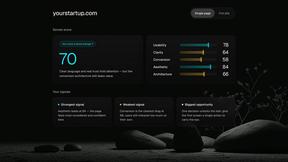
Sensei
Sensei scores web pages and produces prioritized UX audits with fix recommendations, design psychology, and competitive benchmarking.
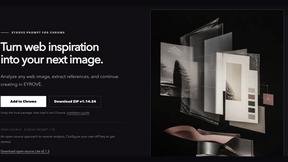
EYROVE
EYROVE pairs a free AI image generator with a searchable library of prompts and visual references organized by model, style, and use case.
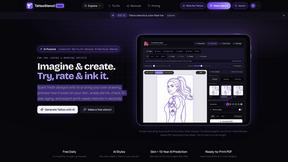
TattooStencilHub
TattooStencilHub combines AI tattoo design, skin previews, stencil conversion, and tattoo aging checks for ink lovers and working artists.

AI Christmas Card
AI Christmas Card blends uploaded photos or custom prompts into holiday cards, with preset looks, greetings, and print-size guidance.
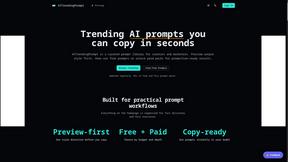
AITrendingPrompt
Browse previewed ChatGPT and Gemini image prompts, with free examples and paid packs for product photos, portraits, and more.
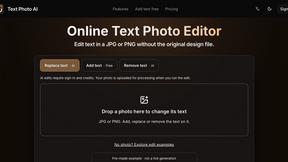
Text Photo AI
Update text on exported photos, signs, and packaging with AI, or add a free caption locally and download a PNG.
N33 AI
Chat with multiple AI models, search the web, and work with images and PDFs in one interface, with free access and paid Pro.
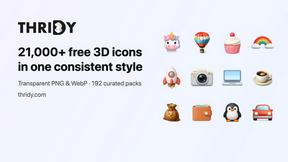
Thridy
Download 3D icons and illustrations as transparent PNGs, with a consistent style and plan options for different daily usage needs.
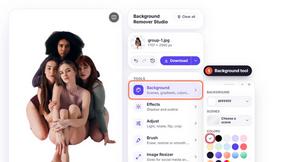
BGSwaper
BGSwaper removes photo backgrounds and offers an editor for new backgrounds, touch-ups, resizing, and batch downloads, without requiring an account.
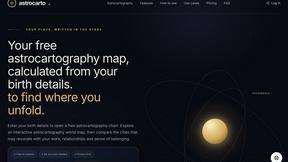
Astrocarto
Explore a free astrocartography map from birth details, compare cities through planetary lines, and unlock a one-time report for a deeper shortlist.
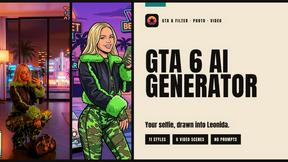
GTA 6 AI Generator
GTA 6 AI Generator turns selfies and group photos into preset GTA-inspired art or short videos in a browser, without prompt writing.
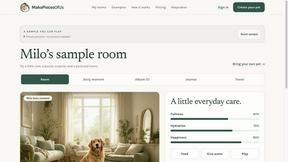
MakePieces OfUs
MakePieces OfUs turns a pet photo into a virtual room with free puzzles, a private album and journal, plus optional daily stories and journeys.
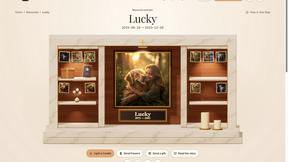
RainbowPetAI
Create a pet memorial page with photos, stories, optional timeline moments, and a star location to share with family and friends.
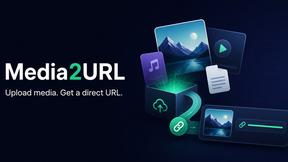
MediaToURL
MediaToURL turns images and other media into shareable direct links, with local previews, editing tools and controls for access and expiry.

Higgsfield AI
Higgsfield AI turns product photos and prompts into marketing videos and social clips with visual effects, templates, and motion presets.
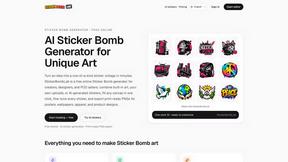
Sticker Bomb Lab
Sticker Bomb Lab is a free browser editor for dense sticker collages, with optional AI sticker packs and print-ready PNG export.

Wavegrain
Wavegrain creates, schedules, and posts branded TikTok slideshows and Instagram carousels from formats built around posts that gained views.

Neurohelper AI
Create chat, images, video and audio in one workspace, choosing among models such as ChatGPT, Claude, Gemini, Seedance, Kling and ElevenLabs.
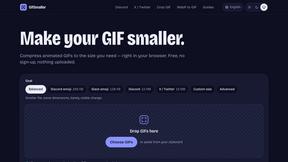
GifSmaller
Compress animated GIFs in your browser to a custom size or platform target, with local processing and batch downloads for sharing.

Design.com AI Logo Generator
Design.com AI Logo Generator creates original logo concepts for businesses and brands across a wide range of styles and industries.
About PXDMD Alternatives
For a quick cutout, use the background remover; for a new setting, compare background changing with a simple color or a custom image. If the issue is an object within the scene, the magic eraser is the relevant approach. Before choosing a workflow, compare how much editing control you need and whether the result needs manual cleanup.
FAQs about PXDMD Alternatives
Should I remove or replace a background?
Remove it for a transparent cutout; replace it when the image needs a new color, scene, or custom backdrop.
When should I use the object remover?
Use it when the unwanted content is within the photo rather than behind the subject.