
Alternatives to Vibeworker
Explore the best alternatives and competitors to Vibeworker.
Explore 20 alternatives to Vibeworker. Compare features, pricing, and find the best fit for your needs.


PLRental
AI-powered platform for car, motorcycle, and ATV rental agencies: scan IDs, generate contracts, and manage fleet and finances.

Replyinger
Automate Instagram and Facebook DMs, comment replies, and story interactions to turn followers into leads and customers. No coding required.

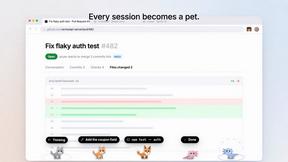
Agent Pets
Your Claude Code & Codex sessions as pets in Chrome. Approve, deny and reply to your coding agents from any tab.
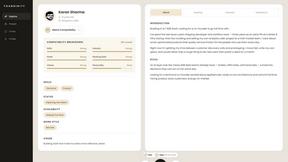
Foundinity
Foundinity is a cofounder matching tool that helps you find the perfect cofounder based on deep alignment matching

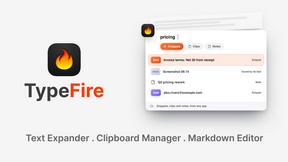
TypeFire
Type a few letters, get the whole reply. Markdown notes as files you own. Find anything you copied.

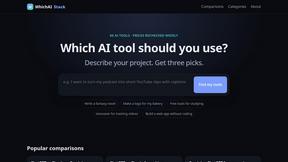
WhichAIStack
Describe what you want to make and get the 3 AI tools that fit, with hand-checked prices and exact free-plan limits. Free, no signup.
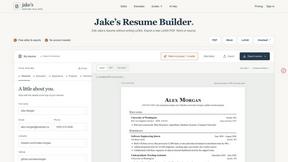
Jake's Resume Builder
Free resume editor with real LaTeX PDF, Word exports and optional AI help.
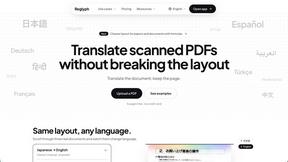
Reglyph
Translate scanned and image-only PDFs into 19 languages while tables, stamps and columns stay exactly where they were.
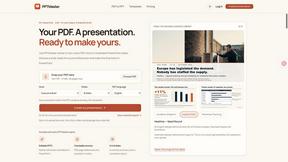


DailyTube
DailyTube summarizes YouTube videos, channels and playlists into one clean, readable summary — free, with no account.

@fuck.it - email with attitude
Private email. Pure. Secure. Exclusive. No ads, no tracking, no data selling. GDPR compliant, EU-hosted.

xfiles
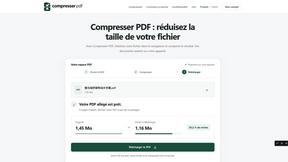
Free PDF, image and audio tools that process your files locally in your browser. No account or added watermarks.
About Vibeworker Alternatives
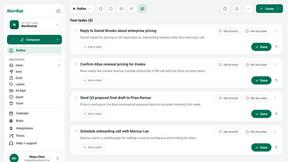
Vibeworker is a specialized AI tool designed for freelancers on Upwork, falling into the career and productivity software category. It acts as a smart filter for the massive Upwork job feed, automatically scoring every new posting against your unique profile and strategy in real time. Instead of manually scrolling through hundreds of irrelevant listings, you get a curated feed sorted by personal match score, complete with pre-drafted proposals for high-potential jobs. Users often look for alternatives to Vibeworker for a few common reasons, such as wanting a different pricing model, needing support for multiple freelancing platforms beyond just Upwork, or seeking deeper integration with their existing CRM or proposal management system. Others might find the real-time notification system too aggressive or prefer a more manual review process. When choosing an alternative, look for clear, transparent pricing, support for the platforms you actually use, and features that match your workflow—whether that’s automated proposal generation, red flag detection, or simple job filtering. The best alternative will fit your specific freelancing style and budget without adding unnecessary complexity.
FAQs about Vibeworker Alternatives
What is Vibeworker?
Vibeworker is an AI-powered job feed tool specifically designed for Upwork freelancers. It monitors every new job posted on Upwork in real time and automatically scores each one against your personal profile and strategy. The result is a personalized feed sorted by match quality, so you only see the most relevant opportunities.
Who is Vibeworker for?
Vibeworker is built for serious freelancers who actively win work on Upwork and want to stop manually scrolling through irrelevant job listings. It is ideal for anyone who values speed and efficiency, from solo contractors to agencies managing multiple profiles. The tool is designed to help you focus on high-quality leads and submit proposals faster than the competition.
What are the main features of Vibeworker?
Vibeworker’s core features include real-time job monitoring, automatic scoring across dimensions like skill fit and client quality, and instant notifications via push, Telegram, RSS, or webhook. It also generates pre-drafted proposals for strong matches, allowing you to apply quickly. The entire feed is sorted by your personal match score, eliminating the need to browse raw Upwork listings.
Is Vibeworker secure?
Vibeworker is designed with security in mind, as it handles sensitive data like your Upwork profile and strategy preferences. While specific security protocols are not detailed in the provided content, the tool focuses on automating your workflow rather than storing sensitive client data. Users should always review the platform’s privacy policy for details on data encryption and storage practices.