
3DAIStudio vs iExPander
Side-by-side comparison to help you choose the right AI tool.

3DAIStudio
Transform images and text into stunning 3D models in seconds with 3DAIStudio, no experience needed.
Last updated: April 4, 2026

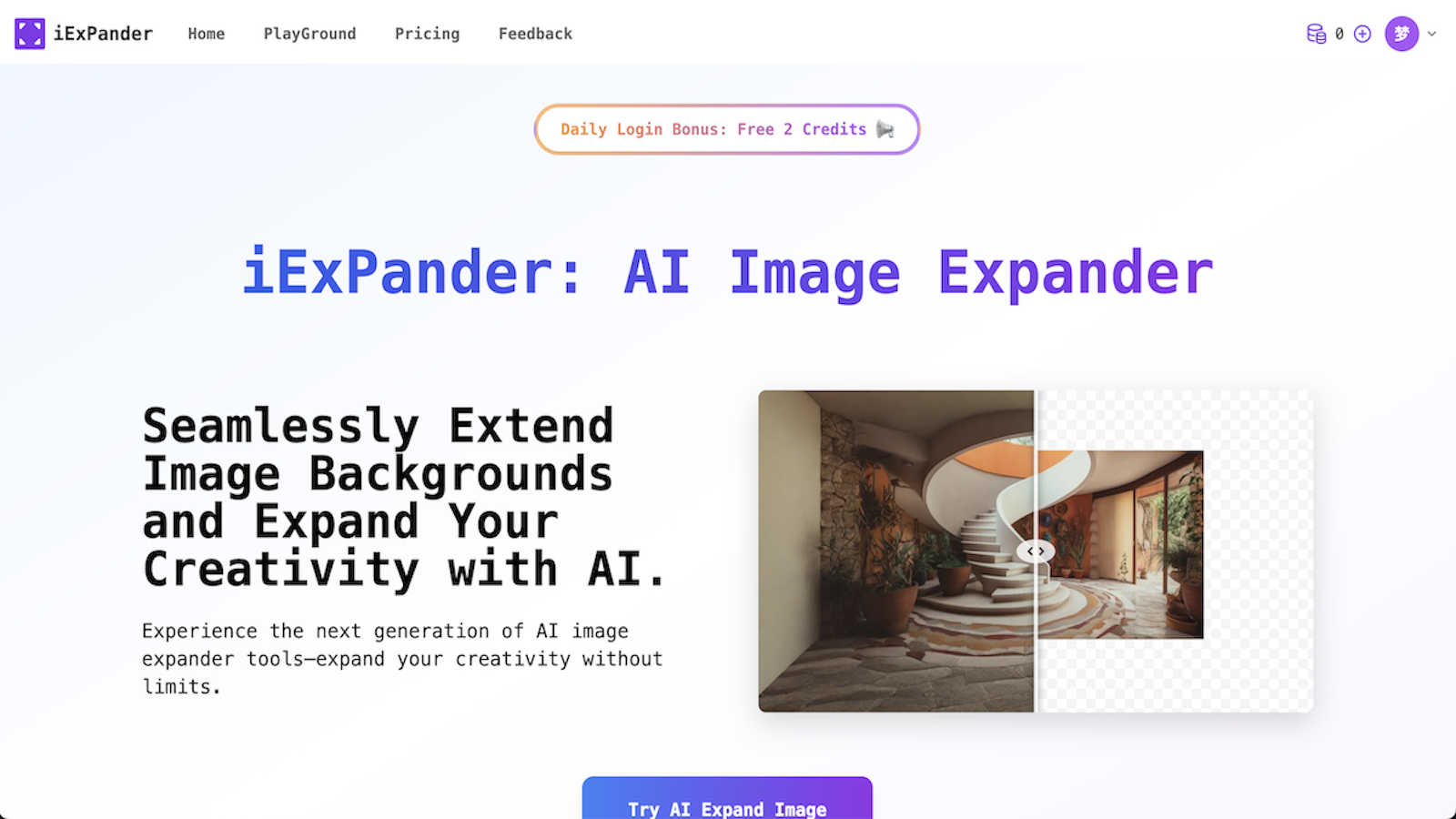
iExPander uses AI to seamlessly expand your images and remove unwanted objects for social media.
Last updated: March 1, 2026
Visual Comparison
3DAIStudio

iExPander
Feature Comparison
3DAIStudio
Text to 3D
With the Text to 3D feature, users can generate detailed 3D models simply by typing a descriptive prompt. This feature leverages advanced AI algorithms to interpret text and create complex 3D assets that accurately reflect the user's vision, all in seconds.
Image to 3D
The Image to 3D functionality allows users to upload any 2D image, sketch, or illustration and instantly transform it into a high-quality 3D model. This feature is perfect for turning concepts into reality without the need for extensive modeling skills.
AI Texturing
Our AI Texturing tool enables users to apply realistic textures to their 3D models effortlessly. By generating PBR (Physically-Based Rendering) materials from text prompts, this feature ensures that your models not only look great but also behave realistically in various environments.
Quad-Remesh
The Quad-Remesh feature optimizes mesh topology for production-ready assets by automating the retopology process. This means users can easily clean up and reduce polygon counts, making their models efficient for various applications, including gaming and 3D printing.
iExPander
AI Image Expander
This is the core magic of iExPander. Using advanced artificial intelligence, this tool analyzes your photo's content, style, and context to generate new, natural-looking areas that extend beyond the original borders. Simply upload your image, choose your desired aspect ratio (like 9:16 for Stories or 16:9 for YouTube), and let the AI create a seamless background extension in seconds. It's perfect for fixing awkward crops or adapting a single great image for multiple platforms without any stretching or distortion.
AI Object Remover
Got a photo that's almost perfect, but there's a distracting person, an unwanted trash can, or a random photobomber in the way? iExPander's AI Object Remover is here to help. This powerful feature intelligently analyzes the area around the object you want to erase and fills it in with matching textures and patterns. With just a click, you can clean up your shots, remove imperfections, and create flawless product photos or personal images without any trace of the original distraction.
Image Upscaler
Don't let low-resolution images hold back your projects. iExPander's Image Upscaler uses AI to intelligently increase the resolution of your photos while preserving and enhancing details. This means you can enlarge small images for print, improve the quality of old photos, or ensure your web graphics look crisp and clear on all devices. It's an essential tool for maintaining professional quality across all your visual assets.
Face Swap AI
Add a touch of fun and creativity to your images with the Face Swap AI feature. This tool allows you to easily and safely swap faces between people in photos, creating hilarious memes, entertaining content for social media, or unique creative concepts. It's designed with a user-friendly interface, making the process of aligning and blending faces seamless and enjoyable for creating shareable, engaging visual content.
Use Cases
3DAIStudio
Game Development
Game developers can utilize 3DAIStudio to quickly create character models, environments, and assets that enhance gameplay. The speed of model generation allows for rapid prototyping and iteration, ensuring that developers can meet tight deadlines.
Film Production
In the film industry, 3DAIStudio is invaluable for concept artists and visual effects teams. By generating 3D assets on the fly, filmmakers can visualize scenes more effectively and make informed decisions during the production process.
Education
Educators and students in design and animation programs can leverage 3DAIStudio to learn about 3D modeling without needing extensive prior knowledge. This tool simplifies the creative process, making it accessible to beginners and enhancing their learning experience.
Interior Design
Interior designers can use 3DAIStudio to create 3D representations of their concepts for client presentations. By generating realistic models of furniture, layouts, and textures, designers can effectively communicate their ideas and help clients visualize the final outcome.
iExPander
Social Media Content Creation
Creating consistent, eye-catching visuals for different social media platforms (like Instagram posts, Stories, Reels, and Facebook covers) is a constant challenge. iExPander simplifies this by allowing you to take one high-quality photo and expand or adapt it to fit every required aspect ratio perfectly. You can also quickly remove unwanted elements or upscale images to ensure they look professional and engaging, saving hours of manual editing.
E-commerce & Product Photography
Online sellers and small business owners can use iExPander to enhance their product photos effortlessly. Remove distracting backgrounds or unwanted objects from product shots, expand images to create clean, consistent banners for your online store, or upscale low-quality supplier images. This helps in presenting products in the best light, building trust with customers, and boosting sales with minimal effort and cost.
Marketing & Advertising Material
Marketers and designers can rapidly prototype and create visuals for ads, blog graphics, email newsletters, and presentations. Need a wider image for a website hero section? Use the Image Expander. Have a model shot with a temporary logo on a t-shirt? Use the Object Remover. The suite of tools enables quick iterations and professional results without needing to go back to the original photographer or designer for every small change.
Personal Photo Enhancement
For personal use, iExPander acts as a powerful photo editor for your cherished memories. You can restore old family photos by upscaling them, remove strangers or modern objects from vacation pictures to perfect the scene, or even expand a beautiful landscape photo to use as a custom desktop wallpaper. It makes advanced photo editing accessible for anyone wanting to improve their personal photo collection.
Overview
About 3DAIStudio
3DAIStudio is a revolutionary AI-powered toolkit designed to transform how users create and interact with 3D models. Whether you are a designer, developer, or creative professional, this platform allows you to generate high-quality 3D assets from simple text prompts or images in mere seconds. Gone are the days when creating a 3D model required extensive technical knowledge and hours of manual labor. With 3DAIStudio, anyone can become a 3D content creator, regardless of their experience level. This innovative tool not only streamlines the process of 3D modeling but also ensures that the output is production-ready, featuring clean topology and ready-to-use textures. The main value proposition lies in its ability to save time and enhance creativity, enabling users to focus on their ideas rather than the complexities of 3D modeling.
About iExPander
Meet iExPander, your friendly, all-in-one AI toolkit designed to solve common image editing headaches. At its heart, iExPander is an intelligent assistant that helps creators, marketers, small business owners, and social media enthusiasts create perfectly sized, clean, and professional visuals in seconds. No complex software or design degree required! Its flagship tool is a powerful AI Image Expander that can seamlessly extend the background of any photo to fit the exact aspect ratio you need, whether it's for an Instagram Story, a YouTube thumbnail, or a website banner. Stuck with a great photo ruined by an unwanted object, person, or blemish? iExPander's AI Object Remover can erase it with a simple click. But that's not all. The toolkit also includes an Image Upscaler to enhance resolution, a fun Face Swap AI, and an Image-to-Video converter for creating engaging clips. With a quick registration that grants free credits to start, a straightforward interface, and watermark-free downloads, iExPander's main promise is to deliver professional-grade visual editing that is fast, effortless, and accessible to everyone. It's the perfect partner for enhancing product photos, crafting marketing materials, and effortlessly leveling up your social media content game.
Frequently Asked Questions
3DAIStudio FAQ
How easy is it to use 3DAIStudio?
3DAIStudio is designed for users of all skill levels. You can start creating 3D models with just a simple text prompt or by uploading an image, making it incredibly user-friendly.
What types of files can I export from 3DAIStudio?
You can export your 3D models in various formats compatible with major engines like Unity, Unreal Engine, and Three.js. The output includes optimized meshes and textures ready for your projects.
Is there a community for 3DAIStudio users?
Yes! 3DAIStudio fosters a vibrant community where users can share their creations, get feedback, and collaborate on projects. This community aspect enhances the overall experience and encourages creative exchange.
Can I use 3DAIStudio for commercial projects?
Absolutely! The models generated with 3DAIStudio can be used for commercial purposes, making it a great tool for professionals in various industries who need high-quality 3D assets quickly.
iExPander FAQ
How do I start using iExPander?
Getting started is easy and free! Simply visit the iExPander website and register for an account. Upon registration, you'll receive free credits to try out the various tools. Then, just navigate to the tool you need (like Image Expander or Object Remover), upload your photo, follow the simple on-screen steps, and let the AI work its magic. You can download your watermark-free results instantly.
Is my image data safe and private with iExPander?
Yes, absolutely. iExPander takes your privacy and security seriously. Your uploaded images are processed securely, and the platform is designed to protect your data. The company states that it does not claim ownership of your uploaded or generated images, ensuring your content remains yours. For specific details, it's always a good idea to review their privacy policy on the website.
What file formats does iExPander support?
iExPander works best with common, high-quality image formats. The platform recommends uploading your photos as JPG or PNG files for optimal processing with tools like the Image Expander and Object Remover. These formats ensure the AI can analyze and generate the best possible results for your editing tasks.
Can I use iExPander for commercial purposes?
Yes, you can! The images you create and download using iExPander are free of watermarks and are yours to use. This makes them suitable for both personal and commercial projects, such as social media content for your business, marketing materials, product photos for your online store, or advertising graphics. Always ensure you have the right to edit and use the original uploaded image.
Alternatives
3DAIStudio Alternatives
3DAIStudio is an innovative tool that falls under the category of content creation, specifically designed to convert images and text into high-quality 3D models. It caters to designers, developers, and creatives who seek to enhance their projects with custom 3D assets. However, users often find themselves searching for alternatives due to various reasons, such as pricing, specific features, or compatibility with different platforms. When choosing an alternative, it's essential to consider factors like ease of use, the quality of the generated models, and whether the tool meets your specific creative needs. The right alternative should also provide a balance between functionality and affordability, ensuring you get the best value for your creative endeavors.
iExPander Alternatives
iExPander is a user-friendly AI image editing tool that specializes in expanding photos and removing unwanted objects. It falls into the category of AI-powered creative assistants, designed to make professional-looking edits quick and accessible without needing design expertise. People often explore alternatives for various reasons. Some might be looking for a different pricing model, such as a one-time purchase instead of a credit system. Others may need a tool with a very specific feature set, like more advanced retouching, or they might prefer software that integrates directly with their existing workflow on a particular device or platform. When considering other options, it's wise to think about what matters most for your projects. Key factors include the core AI capabilities for tasks like outpainting and object removal, the cost structure and value, the simplicity of the interface, and whether the outputs are high-quality and free of watermarks for professional use.