
AdaptlyPost vs Ray3 AI VIDEO GENERATOR
Side-by-side comparison to help you choose the right AI tool.

AdaptlyPost
Create, schedule, and publish tailored social media content effortlessly across all platforms from one intuitive dashboard.
Last updated: March 11, 2026
Ray3 AI VIDEO GENERATOR
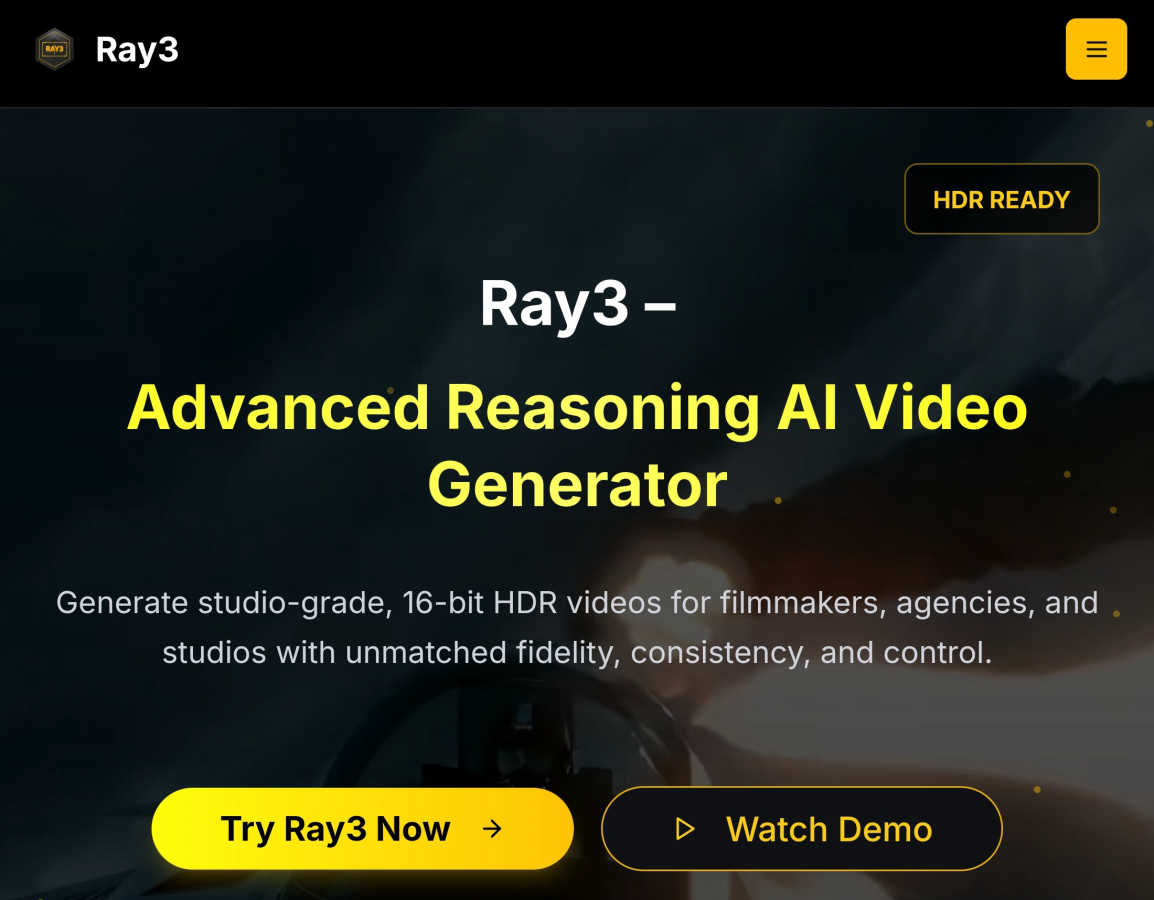
Ray3 AI creates professional HDR videos for filmmakers and creators with advanced reasoning.
Last updated: March 1, 2026
Visual Comparison
AdaptlyPost

Ray3 AI VIDEO GENERATOR
Feature Comparison
AdaptlyPost
Smart Scheduling
With Smart Scheduling, users can plan and schedule their posts in advance, ensuring that content goes live at optimal times. This feature helps manage posting frequency and timing, allowing for better audience engagement without the need for constant manual oversight.
Multi-Platform Posting
The Multi-Platform Posting feature allows users to create a single piece of content and distribute it across various social networks with just one click. Each post is automatically tailored to fit the specific requirements and tone of each platform, ensuring consistency and effectiveness.
AI Caption Co-pilot
The AI Caption Co-pilot assists users in generating engaging captions that resonate with their audience. This tool can adapt captions for different platforms, ensuring that the messaging aligns with the unique characteristics of each social media outlet.
AI Image Studio
The AI Image Studio empowers users to create stunning visuals in seconds. By simply describing their vision, users can generate eye-catching images that enhance their social media posts, ensuring that their content stands out in crowded feeds.
Ray3 AI VIDEO GENERATOR
True 16-bit HDR Output
Ray3 generates videos with true 10, 12, or 16-bit High Dynamic Range (HDR), providing professional-grade color depth and contrast. This means your videos have incredible detail in both shadows and highlights, matching the quality expected for cinema and high-end broadcast. Outputs are compatible with ACES2065-1 EXR format, making them ready for professional color grading pipelines right out of the box.
Advanced Reasoning AI Engine
This is the core differentiator. Ray3's AI doesn't just match patterns; it reasons. It understands scene context, maintains logical consistency between frames, and ensures physical accuracy for objects, lighting, and motion. This results in videos where characters move naturally, objects obey physics, and the overall story remains coherent from start to finish, eliminating the "glitchy" feel of other AI generators.
5x Faster Draft Mode
Speed up your creative workflow dramatically with Draft Mode. This feature allows you to generate quick, lower-resolution previews of your video concepts at five times the normal speed and for a fraction of the cost. It's perfect for rapid iteration, testing ideas, storyboarding, and getting client approvals before you commit resources to a full high-fidelity render.
Seamless Professional Workflow Integration
Ray3 is built to fit into how professionals already work. It offers seamless compatibility with industry-standard tools like Adobe Premiere Pro and supports ACES (Academy Color Encoding System) color workflows. This ensures the videos you generate in Ray3 can be easily imported, edited, and color-graded within your existing post-production pipeline without any frustrating conversion issues.
Use Cases
AdaptlyPost
Content Creation for Businesses
Businesses can leverage AdaptlyPost to create consistent and engaging content across all their social media channels. By utilizing the platform's smart scheduling and AI tools, they can maintain an active online presence that resonates with their target audience.
Influencer Marketing
Influencers can use AdaptlyPost to manage their posts across multiple platforms effortlessly. By generating tailored captions and visuals, they can maintain their unique brand voice while maximizing their reach and engagement with followers.
Event Promotion
Event organizers can utilize AdaptlyPost to create buzz around upcoming events. By scheduling promotional posts in advance and using engaging visuals, they can ensure optimal visibility and attendance, all managed from a single dashboard.
Team Collaboration
Teams can take advantage of AdaptlyPost's collaborative features, allowing multiple members to work together on content creation and scheduling. This fosters a streamlined workflow and keeps everyone on the same page, enhancing productivity and creativity.
Ray3 AI VIDEO GENERATOR
Cinematic Filmmaking & Pre-Visualization
Filmmakers and directors can use Ray3 to create high-quality pre-visualization (previs) shots, concept trailers, or even final shot elements. The reasoning AI ensures scenes are logically consistent, while the HDR output provides a cinematic look that helps visualize lighting, composition, and mood before expensive live-action shoots begin.
Advertising & Commercial Production
Creative agencies can rapidly prototype and produce stunning commercial concepts for clients. From luxury product showcases with perfect reflections to dynamic brand storylines, Ray3 enables the creation of broadcast-quality ads quickly. Draft Mode is ideal for pitching multiple concepts, and the final HDR output meets all professional delivery standards.
Architectural Visualization & Real Estate
Architects and real estate marketers can bring static designs to life with immersive, animated fly-throughs and environmental simulations. Ray3's understanding of lighting, materials, and spatial relationships allows for the generation of realistic visualizations that show how a building interacts with natural light and its surroundings at different times of day.
Fashion & Lifestyle Content Creation
Fashion brands and content creators can produce editorial-style videos, dynamic lookbooks, and stylish promotional content. The tool excels at rendering fabrics, textures, and dramatic lighting, allowing for the creation of high-end fashion shoots with specific moods and aesthetics, all generated from a text description.
Overview
About AdaptlyPost
AdaptlyPost is an all-in-one social media management tool designed to simplify the content creation, scheduling, and publishing process across multiple platforms, including X, Instagram, TikTok, and YouTube. It caters to individuals, creators, and businesses looking for a streamlined approach to their social media strategy. With AdaptlyPost, users can easily create engaging content with the help of an AI Co-pilot that generates platform-specific captions and visuals. The platform allows users to manage all their social media accounts from a single dashboard, saving them valuable time and effort. Whether you are a solopreneur or part of a larger team, AdaptlyPost helps you maximize your online presence while keeping your workflow organized and efficient.
About Ray3 AI VIDEO GENERATOR
Ray3 AI VIDEO GENERATOR is a revolutionary tool built from the ground up for professional creators who refuse to compromise on quality. It's not just another AI video tool; it's the world's first reasoning-based AI video model. This means it thinks about your scene, understanding the logic, physics, and context behind your prompt. Instead of just stitching together patterns, Ray3's AI builds videos with remarkable consistency, accurate motion, and coherent storytelling that feels real. It's designed to empower filmmakers, creative agencies, and production studios to produce stunning, cinematic-quality content faster and more reliably than ever before, bridging the gap between creative vision and final production.
The proof is in the output. Ray3 delivers true 10/12/16-bit HDR video, offering an unmatched level of fidelity and a dynamic range that meets professional broadcast and film standards. This isn't simulated HDR; it's the real deal, ready for color grading in tools like DaVinci Resolve. To fit seamlessly into your creative process, Ray3 includes a 5x faster Draft Mode for rapid ideation and seamless integration with industry-standard software like Adobe Premiere Pro and ACES color workflows. Whether you're a director visualizing a complex scene, an agency pitching a commercial concept, or an architect bringing a design to life, Ray3 gives you the control and quality you need without the traditional time and resource constraints. New users can start exploring immediately with 25 free credits upon signup.
Frequently Asked Questions
AdaptlyPost FAQ
Which social media platforms do you support?
AdaptlyPost supports a variety of platforms, including X, Instagram, TikTok, YouTube, and more, enabling users to manage their presence across multiple channels seamlessly.
Will my posts get less reach than posting manually?
No, posts made through AdaptlyPost are designed to maintain or even enhance reach. Each post is auto-adapted to fit the platform's requirements, ensuring optimal engagement without sacrificing visibility.
Can I schedule posts in advance?
Yes, AdaptlyPost allows users to schedule posts in advance, enabling them to plan their content strategy effectively and post at the most advantageous times for their audience.
How does the AI caption writer work?
The AI caption writer generates engaging and relevant captions based on user prompts. It can adapt these captions for different platforms and suggest trending hashtags to enhance discoverability.
Ray3 AI VIDEO GENERATOR FAQ
What makes Ray3 different from other AI video generators?
Ray3 is the first reasoning-based AI video model. While most tools use pattern matching, which can lead to inconsistencies, Ray3's AI understands the logic and physics of a scene. This results in videos with accurate motion, coherent storytelling, and maintained object consistency that truly looks professional, not just generated.
What do you mean by "true" HDR?
"True" HDR means Ray3 generates video with a high bit-depth (10, 12, or 16-bit) and a wide color gamut, capturing a much broader range of brightness and color information than standard video. This isn't a filter applied afterward; it's native HDR output, typically in EXR format, which is the standard used in film VFX and professional color grading for maximum quality and flexibility.
How does the Draft Mode work?
Draft Mode is a faster, more cost-effective generation setting. It produces a lower-resolution preview of your video concept in about one-fifth of the time it takes for a full HDR render. This allows you to test ideas, iterate on prompts, and confirm the creative direction quickly. Once you're happy with the draft, you can easily generate the final high-fidelity version.
Can I edit Ray3 videos in my existing editing software?
Absolutely. Ray3 is designed for professional workflows. Videos can be exported in standard formats and are fully compatible with major editing software like Adobe Premiere Pro. Most importantly, the professional HDR output supports ACES, allowing for seamless integration into high-end color grading pipelines used across the film and advertising industries.
Alternatives
AdaptlyPost Alternatives
AdaptlyPost is an innovative content creation tool designed to streamline the process of publishing across multiple social media platforms like X, Instagram, TikTok, and YouTube. By offering an all-in-one dashboard, users can create, schedule, and publish their content efficiently while utilizing features such as an AI Co-pilot for caption generation and an AI Image Studio for eye-catching visuals. This makes AdaptlyPost a valuable resource for marketers and content creators looking to enhance their online presence. However, users often seek alternatives to AdaptlyPost for various reasons, including pricing, specific feature sets, or compatibility with different platforms. When exploring alternatives, it's essential to consider factors such as ease of use, the range of supported platforms, and the quality of customer support. Additionally, users should evaluate whether the alternative can meet their unique content creation needs without sacrificing efficiency.
Ray3 AI VIDEO GENERATOR Alternatives
Ray3 AI VIDEO GENERATOR is a professional-grade AI video creation tool designed for filmmakers and serious creators. It stands out in the video generation category by using advanced reasoning to produce studio-quality HDR videos with remarkable consistency and accurate motion. People often explore alternatives for various practical reasons. This could be due to budget constraints, a need for different feature sets like simpler editing tools or specific output formats, or simply because they require a platform that works on a different operating system. Every project and workflow has unique demands. When evaluating other options, it's wise to consider a few key factors. Look closely at the output quality, especially regarding resolution and color depth. Assess how well the tool handles logical scene consistency and motion. Finally, check how it integrates with your existing software, like editing suites, to ensure a smooth creative pipeline.