
AffinityBots vs Playwriter
Side-by-side comparison to help you choose the right AI tool.

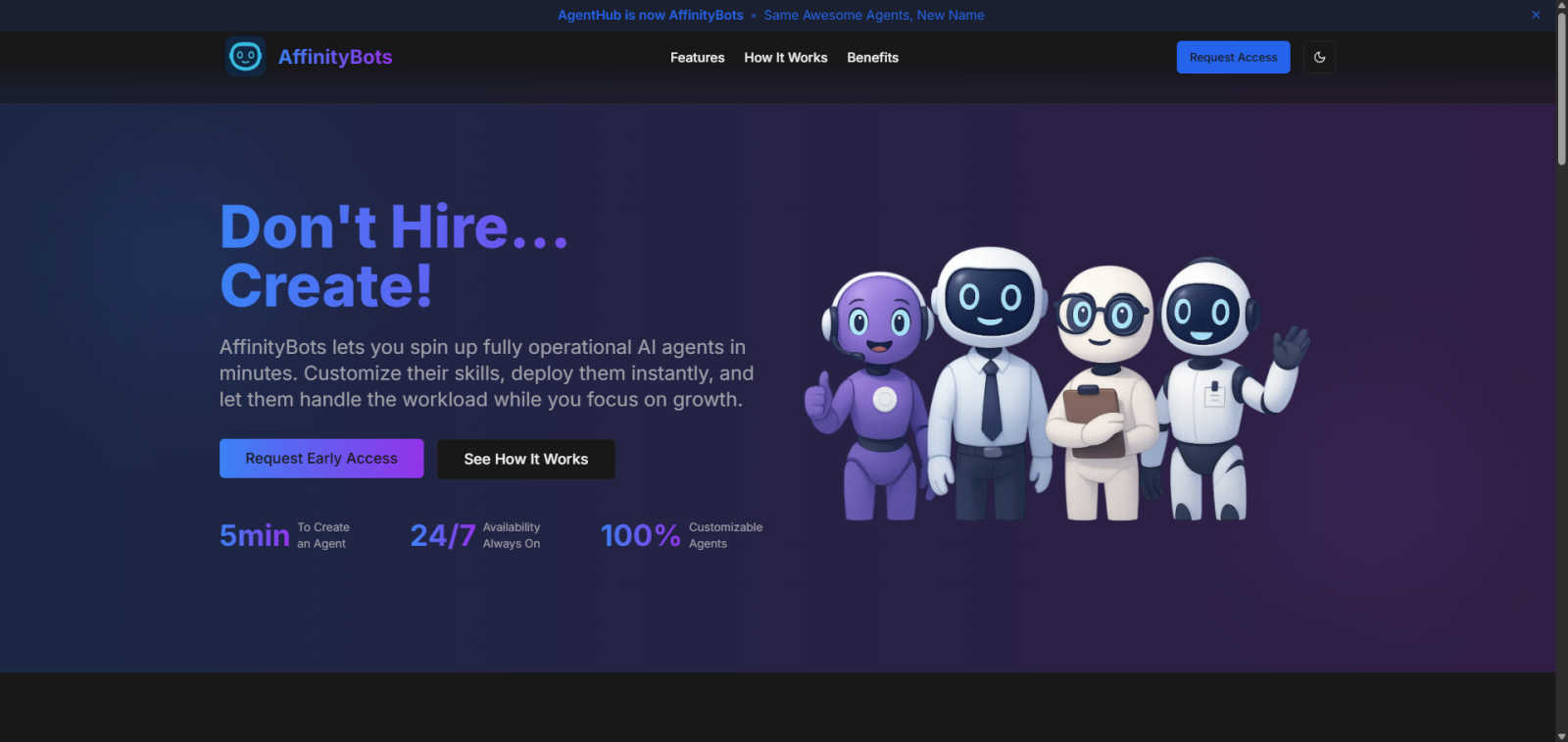
AffinityBots lets you effortlessly create and deploy custom AI agents to automate tasks without any coding needed.
Last updated: February 28, 2026

Playwriter
Playwriter lets your agents control Chrome directly with AI, using existing sessions and tools without extra memory or bot detection.
Last updated: March 18, 2026
Visual Comparison
AffinityBots
Playwriter

Feature Comparison
AffinityBots
Custom Agent Creation
With AffinityBots, you can create custom AI agents tailored to your specific needs without writing a single line of code. Design agents with unique personalities, skills, and functionalities that align with your requirements, whether they are for personal assistance or customer interaction.
Workflow Management
The platform allows you to orchestrate complex workflows by chaining multiple agents together. Create workflows that automate multi-step processes, enabling your agents to collaborate and share context, thus enhancing efficiency and productivity across tasks.
Knowledge and Tool Integration
AffinityBots empowers you to equip your agents with various knowledge bases, documents, and tools necessary for task completion. This feature ensures your agents are not only capable but also informed, leading to improved performance and smarter interactions.
Performance Monitoring and Analytics
Keep track of your agents' performance with a comprehensive analytics dashboard. Monitor success rates, average latency, and completed runs, allowing you to refine and improve your agents continuously based on real-world interactions and feedback.
Playwriter
Seamless Browser Integration
Playwriter allows your AI agents to work within your existing Chrome session, retaining all logins, extensions, and cookies. This eliminates issues related to bot detection and ensures a more efficient browsing experience.
Full Automation API
With a single execute tool, Playwriter provides access to the complete Playwright API without the need for wrappers or complicated setups. This low-context usage ensures that agents can run any Playwright code in a streamlined manner.
Real-Time Collaboration
Playwriter promotes collaboration by allowing users to see exactly what the agent is doing in real time. Users can intervene when necessary, such as solving captchas or managing consent walls, enhancing the overall workflow.
Advanced Debugging Tools
The integrated debugger includes features like breakpoints and live code editing, enabling developers to troubleshoot and refine their scripts effectively. Coupled with network interception, users can analyze requests and responses seamlessly.
Use Cases
AffinityBots
Personalized Assistance
Individuals can create specialized AI assistants that cater to their unique needs, such as scheduling, reminders, and information retrieval. This allows users to manage their daily tasks more efficiently and effectively.
Customer Support Automation
Businesses can deploy AI agents to handle customer inquiries and support tickets automatically. This not only speeds up response times but also frees up human agents to focus on more complex issues, enhancing overall customer satisfaction.
Team Collaboration
Teams can utilize AffinityBots to manage collaborative projects. By creating agents that specialize in various tasks, workflows can be optimized, ensuring that all team members are aligned and working towards common goals without unnecessary overlap.
Content Creation and Management
Marketers and content creators can leverage AffinityBots to streamline the content development process. Agents can research, draft, review, and publish content, significantly reducing the time and effort required to produce high-quality material.
Playwriter
Automated Testing
Developers can leverage Playwriter to create automated tests for web applications, ensuring that all functionalities work correctly across different scenarios. The integration with existing browser sessions helps maintain consistency in testing.
Web Scraping
Playwriter is ideal for web scraping tasks where data needs to be extracted from various websites. The tool can navigate complex sites, bypass bot detection, and store scraped data efficiently, all while using your logged-in session.
Performance Monitoring
By using Playwriter, teams can monitor website performance in real time. The tool’s capabilities allow for detailed analysis of network requests, helping identify bottlenecks and improve overall site performance.
Collaborative Content Generation
Content teams can utilize Playwriter to generate and curate web content collaboratively. The agent can automate repetitive content tasks while team members step in for creative input, ensuring efficiency without sacrificing quality.
Overview
About AffinityBots
AffinityBots is an innovative AI agent platform that empowers users to create and manage a personalized intelligent workforce without the need for coding. This platform transcends traditional chatbots by enabling the development of multiple specialized AI agents that can collaborate seamlessly. Whether you're an individual seeking an enhanced personal assistant or a business aiming to streamline customer service, AffinityBots serves as a centralized command center for all your AI needs. Users can customize agents with unique personalities and skills, equipping them with relevant knowledge and tools for various tasks. The platform's user-friendly, no-code interface democratizes access to advanced multi-agent AI technology, allowing anyone to implement sophisticated automation and intelligent collaboration efficiently. With AffinityBots, the future of AI-driven productivity is at your fingertips, making it an ideal solution for teams and businesses of any size.
About Playwriter
Playwriter is a powerful tool designed to enhance the capabilities of AI agents by allowing them to utilize your actual browser session. Unlike traditional AI solutions that either operate in a headless mode or provide limited browser access, Playwriter integrates seamlessly with your existing Chrome setup, including all your logins, cookies, and extensions. This means that your agents can perform web tasks without encountering bot detection issues or the limits imposed by fixed toolsets. Playwriter's architecture combines a Chrome extension and a command-line interface (CLI), enabling full automation and allowing for real-time collaboration. It is particularly beneficial for developers, testers, and professionals who rely on accurate and efficient web browsing for their tasks. With robust features like accessibility snapshots, a powerful debugger, and a network interceptor, Playwriter provides a comprehensive solution for automating and controlling web interactions effectively.
Frequently Asked Questions
AffinityBots FAQ
What is AffinityBots?
AffinityBots is a no-code AI agent platform that allows users to create, manage, and deploy intelligent agents tailored to specific tasks, enhancing productivity and automation.
Do I need programming skills to use AffinityBots?
No, AffinityBots is designed for users of all skill levels. The platform provides a user-friendly interface that allows you to create and manage AI agents without any coding knowledge.
Can I use AffinityBots for team collaboration?
Absolutely! AffinityBots supports team collaboration by enabling multiple agents to work together on complex workflows, ensuring efficient communication and task management.
Is there a free trial available?
Yes, AffinityBots offers a free plan that allows users to explore its features and capabilities without requiring a credit card. This makes it easy to get started and see how the platform can benefit you.
Playwriter FAQ
How do I install Playwriter?
To install Playwriter, first add the Chrome extension and then install the CLI using the command npm i -g playwriter. Lastly, teach your agent to use Playwriter with npx -y skills add remorses/playwriter.
Is Playwriter secure to use?
Yes, Playwriter operates entirely on your local machine, meaning that no data is sent to remote servers. The Chrome extension connects to a local WebSocket relay, ensuring secure communication without exposing sensitive information.
Can multiple agents use Playwriter simultaneously?
Absolutely! Playwriter's relay multiplexes sessions, allowing multiple agents or CLI instances to control the same browser at the same time without interference.
What platforms does Playwriter support?
Playwriter is designed to work with any MCP client, including popular tools such as Cursor, Claude, and VS Code, providing flexibility for developers and teams to integrate it into their existing workflows.
Alternatives
AffinityBots Alternatives
AffinityBots is an innovative platform that enables users to build and deploy custom AI agents without any coding experience. Positioned in the AI Assistants and Business Intelligence category, it empowers individuals and teams to automate various tasks by creating specialized agents that can collaborate seamlessly. Users often seek alternatives to AffinityBots due to factors like pricing, specific feature sets, or the need for integration with other tools and platforms. When choosing an alternative, it's essential to consider aspects such as usability, customization options, scalability, and the level of support provided, ensuring that the solution aligns well with your unique requirements.
Playwriter Alternatives
Playwriter is an innovative tool designed to control Chrome using AI through a Command Line Interface (CLI) or a Machine Control Protocol (MCP). It falls under the category of automation, providing users with a seamless way to integrate AI agents into their browsing experience. With Playwriter, users can leverage their actual browser session, complete with logins and extensions, making it an attractive solution for those seeking advanced web automation. Users often search for alternatives to Playwriter for various reasons, including pricing, specific feature sets, and compatibility with different platforms. When considering an alternative, it's essential to evaluate factors such as ease of use, the level of automation offered, support for integrations with existing tools, and overall cost-effectiveness. A well-rounded alternative should not only meet your automation needs but also enhance your browsing experience without compromising security or functionality.