
AI Banana vs Roboneo Art
Side-by-side comparison to help you choose the right AI tool.
Edit any photo by simply describing what you want to change in plain English.
Last updated: February 28, 2026

Roboneo Art
Roboneo Art instantly turns your photos into animated stickers and professional visuals with AI.
Last updated: February 28, 2026
Visual Comparison
AI Banana
Roboneo Art
Feature Comparison
AI Banana
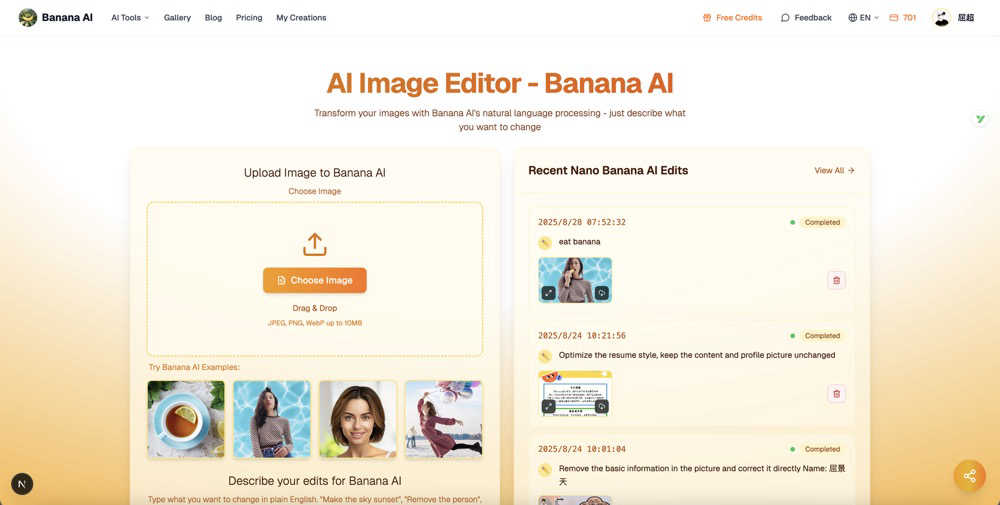
Natural Language Photo Editing
This is the core magic of AI Banana. You edit photos by simply typing what you want in plain English. The platform's advanced Nano Banana AI understands the context and intent behind phrases like "add a rainbow in the sky" or "make the subject look happier," and applies those changes intelligently to your image. It removes the technical barrier, letting you focus on your creative vision instead of learning complex tools.
Nano Banana AI Model Selection
AI Banana offers different AI models to match your needs and quality requirements. You can choose the standard Nano Banana model for everyday edits or upgrade to the more advanced Nano Banana Pro for superior detail, quality, and complex transformations. This flexibility ensures you get the perfect balance of speed and stunning results for any project.
Context-Aware & Precise Edits
The AI doesn't just follow commands blindly; it understands the scene. When you ask to "brighten the face" or "add snow on the ground," it identifies the specific objects and areas in your image to apply changes accurately. This context-aware intelligence allows for pixel-perfect edits that feel natural and professional, targeting exactly what you described.
Fast Processing & Multiple Outputs
Get professional results in just 5-10 seconds. AI Banana's powerful processing means no more waiting for renders or adjustments. Furthermore, you can generate multiple variations of your edit at once. Choose to create 1, 2, 3, or 4 different versions of your described edit to explore creative options and pick your favorite result instantly.
Roboneo Art
Image to Sticker Maker
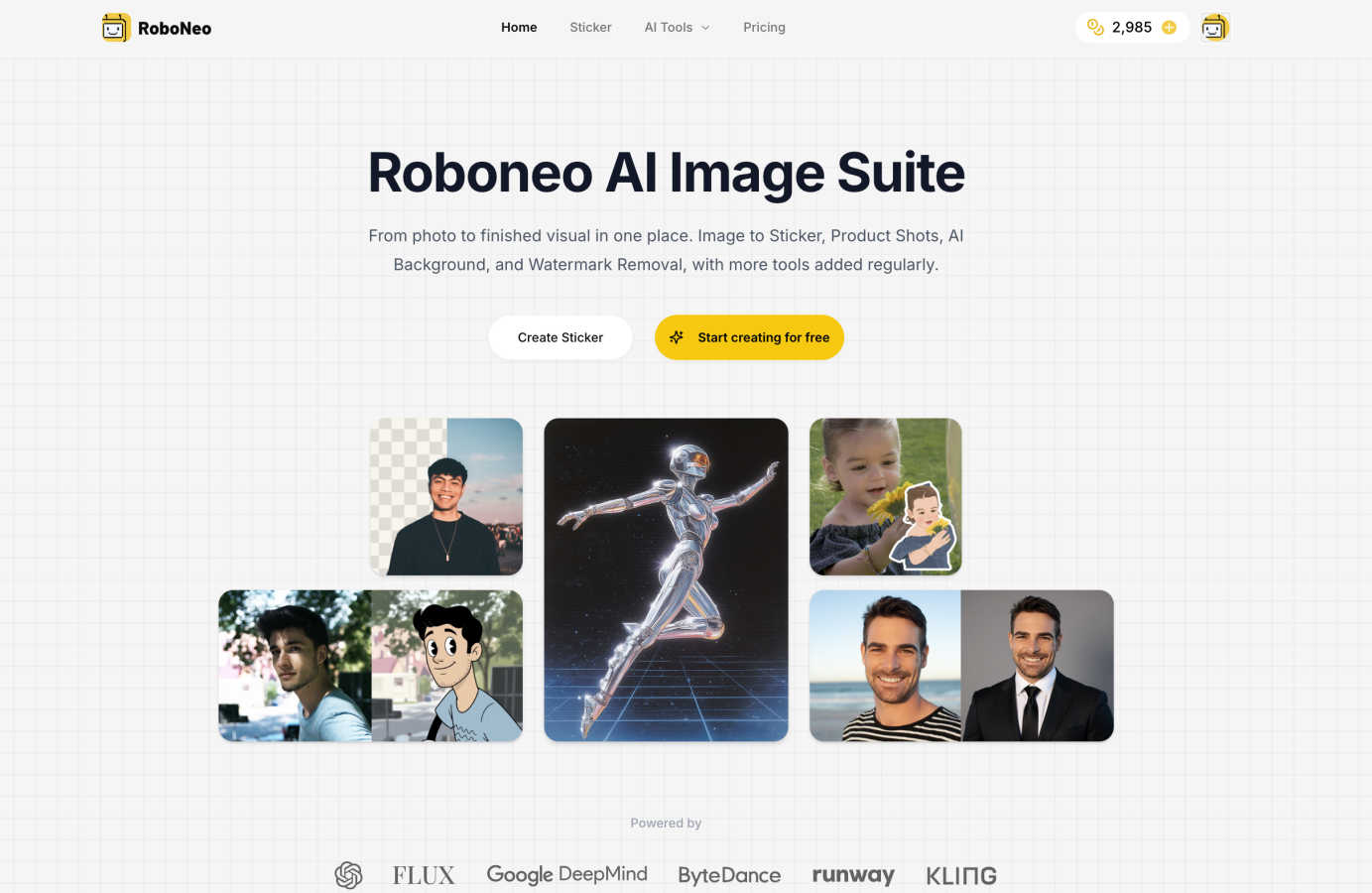
Instantly convert any personal photo into a clean, iOS-style 3D sticker. The AI automatically removes the background and optimizes the edges, delivering a transparent PNG file ready for iMessage, WhatsApp, or Telegram. The magic doesn't stop thereyou can then animate your sticker into a Live Photo with just one click, adding a playful, dynamic element to your digital conversations.
AI Product Shot Studio
Generate studio-quality lifestyle photos for your products in seconds. Simply upload a picture of your item and provide a prompt describing the scene you envision. Roboneo AI handles the complex work of placing your product into a new environment with consistent, professional lighting and perfect composition, ideal for e-commerce listings, social ads, and marketing kits.
Smart Background Replacement
Effortlessly place your subject against any backdrop you can imagine. This tool uses advanced AI to replace image backgrounds with clean studio settings or custom AI-generated scenes. It intelligently matches the lighting and perspective of the new background to your subject, creating a perfectly cohesive image without any manual masking or tricky selection work.
Profile Picture Maker
Create a polished, on-brand profile photo from any selfie. This tool applies gentle retouching, enhances lighting, and places you against a clean studio or brand-color background. You can generate a consistent set of perfectly cropped photos for all your professional and social platforms like LinkedIn, Instagram, and X, ensuring you always put your best face forward.
Use Cases
AI Banana
Social Media Content Creation
Ideal for influencers, bloggers, and small businesses, AI Banana can quickly transform ordinary photos into eye-catching social media posts. Easily change backgrounds to match your brand aesthetic, apply trendy filters, enhance colors for vibrancy, or remove unwanted objects—all with simple text commands to maintain a consistent and professional feed.
E-commerce & Product Photography
Online sellers can use AI Banana to create polished product images without a studio. Instantly remove or replace backgrounds for clean, white-background listings, upscale image resolution for detail clarity, correct lighting issues, or even change the product's color based on a customer's request, dramatically speeding up catalog preparation.
Artistic Exploration & Style Transfer
Hobbyists and digital artists can experiment with different artistic mediums effortlessly. Apply styles like watercolor, oil painting, cartoon, or cyberpunk to your photos with a single command. It's a fantastic tool for creating unique artwork, exploring new visual concepts, or giving personal photos a creative twist.
Marketing & Advertising Material
Marketers and advertisers can rapidly prototype and produce visual assets for campaigns. Need to visualize a "sunset beach" for a travel ad or add a "colorful explosion" behind a product? Describe the scene, and AI Banana generates the concept. It allows for quick iteration on banners, email graphics, and promotional images based on textual feedback.
Roboneo Art
Social Media Content Creation
Creators and small businesses can rapidly produce eye-catching visuals for their social media feeds. Use the Product Shot Studio to showcase items in trendy settings, the Sticker Maker to create unique branded elements for Stories, or the AI Background tool to design cohesive and attractive post imagery that stands out in a crowded feed.
E-commerce and Product Marketing
Online sellers can dramatically speed up their workflow by generating multiple high-quality lifestyle images for a single product. This allows for creating diverse ads, website product pages (PDPs), and promotional materials without the cost and time of organizing professional photoshoots for every item or variation.
Personal Branding and Networking
Professionals can use the Profile Picture Maker to ensure their online presence is consistent and professional across LinkedIn, company websites, and speaking profiles. The tool helps create a trustworthy and polished personal brand image with just a single photo.
Creative Projects and Fun
Hobbyists and artists can explore their creativity by transforming personal photos into animated stickers for friends, generating unique fantasy art from text prompts, or using tools like Scream AI to create fun, themed content for Halloween or storytelling projects, all in an intuitive, browser-based studio.
Overview
About AI Banana
AI Banana is the ultimate AI-powered photo editing platform that makes professional-grade image editing as simple as describing what you want. At its heart is the revolutionary Nano Banana AI technology, which uses advanced natural language processing to understand and execute your editing commands in plain English. Instead of wrestling with complex menus, sliders, and technical know-how, you just tell the AI what to do. Want to "make the sky a dramatic sunset," "remove that photobomber," or "apply a vintage film style"? Just type it, and watch the AI work its magic in seconds. It's designed for everyone from content creators, social media managers, and marketers to designers and hobbyists who want stunning visual results without the steep learning curve of traditional software like Photoshop. With a wide array of capabilities—from background removal and color enhancement to artistic style transfer and resolution upscaling—AI Banana delivers powerful edits through an incredibly user-friendly interface. Best of all, you can start for free with no credit card required, making great design truly as simple as peeling a banana.
About Roboneo Art
Roboneo Art is your all-in-one creative automation studio, powered by AI to transform your ideas into stunning visuals with incredible speed and ease. Think of it as having a team of digital artists and photo editors at your fingertips, ready to tackle any visual task. Whether you're starting with a simple text prompt, a photo, or a brand asset, Roboneo Art's suite of specialized tools helps you create professional-grade images for marketing, social media, design projects, or just for fun. It's built for everyone from entrepreneurs and marketers needing quick ad mock-ups, to designers seeking inspiration, to hobbyists wanting to explore digital art. The platform stands out by offering focused tools for specific jobs-like turning photos into animated stickers or generating perfect product shotswhich are pre-tuned to deliver clean, consistent results every time. Best of all, you can start creating for free in your browser, unlocking limitless creative potential without any complex software or upfront investment.
Frequently Asked Questions
AI Banana FAQ
What is Nano Banana AI Image Editor and how does it work?
Nano Banana AI Image Editor is an advanced tool that uses Nano Banana AI's natural language processing and diffusion models to edit images based on text descriptions. Simply upload an image to Nano Banana AI, describe the changes you want in plain English, and Nano Banana AI will intelligently apply those edits while preserving the quality and integrity of your original image.
What types of edits can AI Banana perform?
AI Banana can perform a vast range of edits through natural language. Key capabilities include: changing or removing backgrounds, applying artistic style transfers (like watercolor or oil painting), enhancing colors and details, removing or adding objects, modifying specific elements (like making a sky sunset), upscaling image resolution, and adjusting composition or aspect ratios.
Is my data private and secure?
Yes, AI Banana prioritizes your privacy. The platform uses secure processing, and according to the provided information, images are automatically deleted within 24 hours. You also have control over sharing settings, with options to keep your creations private (a feature available to VIP users) or share them publicly with the community.
Can I try AI Banana for free?
Absolutely! AI Banana operates on a free-to-start model that does not require a credit card upfront. You receive free credits to experiment with the platform and its core features. This lets you fully experience the power of natural language editing and see the results for yourself before committing to any paid plan.
Roboneo Art FAQ
What is Roboneo and how does it work?
Roboneo is a creative automation studio that uses specialized AI models to help you create and edit images. You choose a tool for your specific task, like making a sticker or a product shot, provide an image or a text prompt, and the AI handles the complex processing. It works directly in your web browser, so there's no software to download.
How much does Roboneo AI cost and what do the plans include?
Roboneo AI operates on a credit-based system. You can start creating by purchasing credits, which are used to generate images. This offers flexibility, as you only pay for what you use. You can upgrade your credit pack anytime you need more generation power, and all plans come with instant cancellation.
Can I use images from Roboneo for commercial projects?
Yes, you can use the visuals you create with Roboneo AI for commercial projects, such as marketing materials, advertisements, and product listings. It's a powerful tool for businesses and creators to produce professional assets quickly. Always ensure you have the right to use any source images you upload.
Is my content secure and private when I use Roboneo AI?
Roboneo AI is designed with user privacy in mind. You work directly from your browser, and the platform is built to keep your content secure. For specific details on data handling and security practices, it's best to refer to the official Roboneo privacy policy for the most current information.
Alternatives
AI Banana Alternatives
AI Banana is a popular AI-powered photo editing tool that falls into the category of design tools. It uses natural language processing to let you edit photos by simply typing what you want to change, making professional editing accessible without complex software. People often look for alternatives for a variety of reasons. This could be due to budget constraints, needing a specific feature that isn't available, or requiring the tool to work on a different platform like a mobile app or desktop software. Some users might also prefer a different workflow or interface. When choosing an alternative, consider what's most important for your projects. Look at the core editing capabilities, the ease of use, and whether the tool's pricing model fits your needs. It's also wise to check if it supports the file types you use and integrates well with your other creative apps.
Roboneo Art Alternatives
Roboneo Art is a popular AI art generator that makes creating stunning visuals from text prompts simple and accessible. It falls into the category of AI-powered creative assistants, designed to help everyone from hobbyists to professionals bring their ideas to life quickly. People often explore other options for various reasons. Some might be looking for a different pricing model or subscription plan that better fits their budget. Others may need specific features, like a particular AI model, more advanced editing tools, or integration with other platforms they use. The search for the right tool is all about finding the best fit for your unique creative workflow and goals. When considering an alternative, think about what matters most to you. Key factors include the quality and style of the images produced, the cost and what you get for it, the ease of use, and any specialized tools you might need. It's also wise to check if the platform offers a free trial or a generous free tier so you can test it out before committing.