
AI Image Edit vs GifSpeed
Side-by-side comparison to help you choose the right AI tool.

AI Image Edit
Edit Images Instantly with AI — No Photoshop Needed

GifSpeed
GifSpeed instantly changes your GIF's speed right in your browser, with no uploads and total privacy.
Last updated: February 27, 2026
Visual Comparison
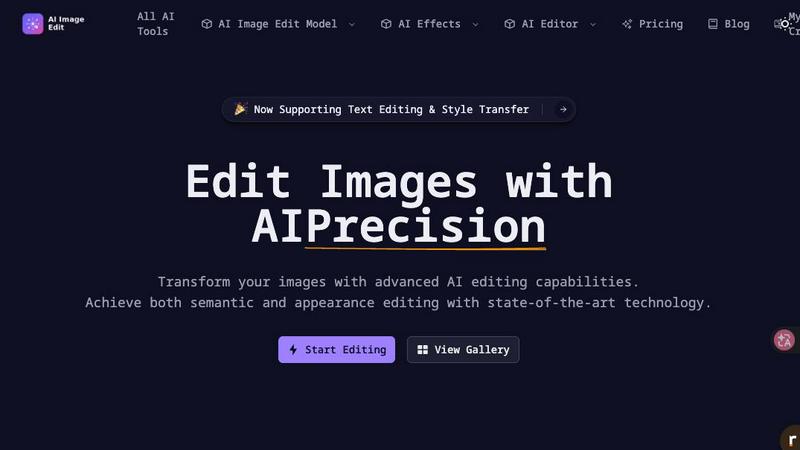
AI Image Edit
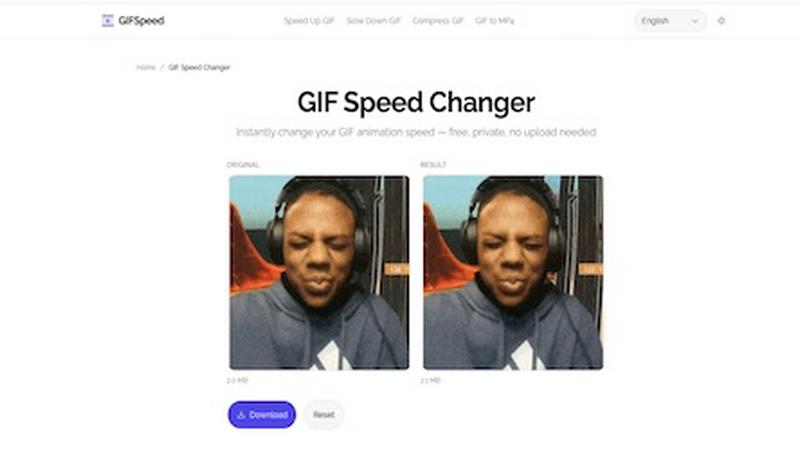
GifSpeed
Overview
About AI Image Edit
AI Image Edit is an online AI-powered image editing tool that helps you edit, enhance, and transform images instantly — no design skills required.
With just a few clicks, you can:
• Remove backgrounds automatically
• Erase unwanted objects
• Replace elements using AI
• Enhance image quality
• Generate new visuals from prompts
• Upscale low-resolution images
Unlike traditional editing software, AI Image Edit works directly in your browser. No downloads. No complicated tools. Just upload your image and let AI handle the rest.
Built for creators, marketers, designers, e-commerce sellers, and everyday users who need fast and professional results without spending hours learning Photoshop.
Whether you're editing product photos, social media content, marketing materials, or personal pictures, AI Image Edit makes advanced editing simple and accessible.
Try it now and experience the future of image editing.
About GifSpeed
GifSpeed is your go-to, completely free online tool for changing the speed of any GIF animation instantly and privately, right within your web browser. Ever needed to speed up a slow tutorial GIF or slow down a rapid animation to catch the details? GifSpeed makes it effortless. The core magic lies in its use of WebAssembly technology, which means all the processing happens directly on your own device. Your GIF files are never uploaded to a server, ensuring 100% privacy and eliminating any waiting time for server queues. Built with creators, marketers, and developers in mind, it solves common frustrations like oversized files for Discord, slow browser playback, or the need for a quick edit for a social media post. It replaces clunky alternatives like ezgif (which requires uploads), complex software like GIMP (which is overkill for simple speed changes), or command-line tools like FFmpeg. With support for files up to 80MB, a simple drag-and-drop interface, and a promise of zero watermarks, GifSpeed offers a streamlined "Drop. Adjust. Download. Done." workflow that works perfectly on both desktop and mobile, no sign-up required.