
AI Image Edit vs Nano Banana Watermark Remover
Side-by-side comparison to help you choose the right AI tool.

AI Image Edit
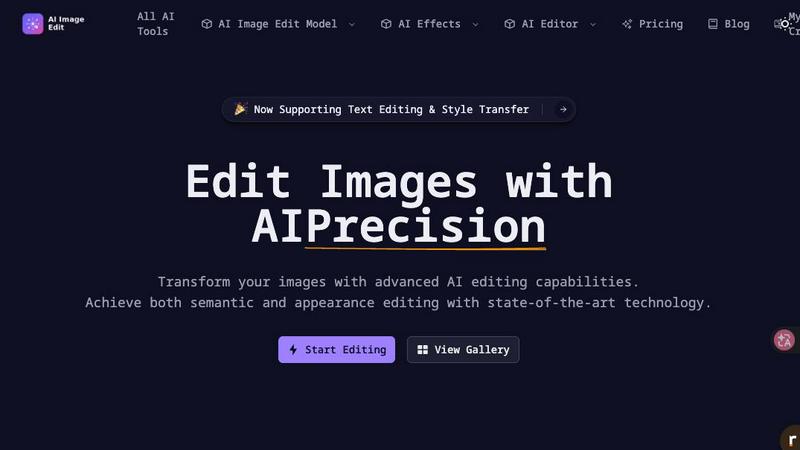
Effortlessly enhance and transform your images with AI Image Edit's advanced editing tools for stunning results.
Last updated: March 11, 2026

Nano Banana Watermark Remover
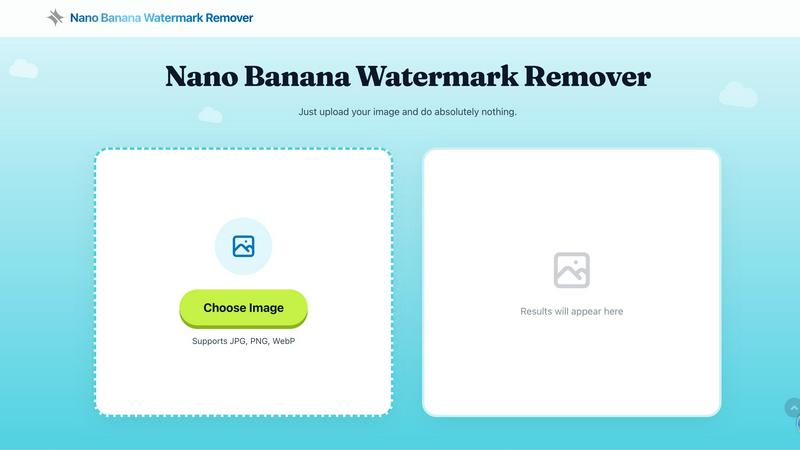
Effortlessly remove watermarks in under a second with our fast, free, and private online tool—no login required.
Last updated: February 26, 2026
Visual Comparison
AI Image Edit
Nano Banana Watermark Remover
Feature Comparison
AI Image Edit
Automatic Background Removal
This feature allows users to remove backgrounds from images effortlessly. With a single click, AI Image Edit detects and eliminates backgrounds, leaving the main subject intact and ready for further enhancements.
Object Erasure
Say goodbye to unwanted elements in your photos. The object erasure feature uses advanced AI technology to intelligently remove distractions from images, giving you a clean and polished final product without any manual effort.
AI-Powered Image Enhancement
Enhance your photos with AI Image Edit’s image quality enhancement capabilities. This feature analyzes your images and automatically adjusts brightness, contrast, and color balance, ensuring that your visuals stand out with clarity and vibrancy.
Visual Generation from Text Prompts
Unleash your creativity with the image generation feature that allows users to create new visuals based on text prompts. Simply describe what you want, and AI Image Edit will generate unique images tailored to your specifications, perfect for marketing materials or social media posts.
Nano Banana Watermark Remover
Blazing Fast Processing
Experience the magic of instant watermark removal with processing times of less than one second. Simply upload your image and watch as the tool works its wonders, allowing you to focus on what truly matters—your creativity.
No Login Required
Say goodbye to complicated sign-up processes and hidden fees. Nano Banana Watermark Remover is completely free and requires no login. Just drag and drop your image, and enjoy a hassle-free experience from start to finish.
Client-Side Privacy
Your privacy is our priority. All processing takes place directly in your browser, meaning your images remain on your device at all times. You can use the tool with complete peace of mind, knowing that your work is secure and confidential.
Supported Formats
Nano Banana Watermark Remover supports a variety of image formats, including JPG, PNG, and WebP. This versatility makes it easy to use the tool for all your image editing needs, regardless of the format you are working with.
Use Cases
AI Image Edit
E-commerce Product Photography
AI Image Edit is ideal for e-commerce sellers who need to present their products in the best light. By automatically removing backgrounds and enhancing image quality, sellers can create professional-looking product photos that attract customers and boost sales.
Social Media Content Creation
Marketers and social media managers can utilize AI Image Edit to quickly generate eye-catching visuals for posts and ads. The tool’s features allow for rapid editing and transformation, ensuring content is fresh and engaging without spending hours on design.
Personal Photo Enhancement
Everyday users can enhance their personal photos with ease. Whether it's touching up family portraits or creating fun images for events, AI Image Edit simplifies the editing process, making it accessible for anyone to achieve stunning results.
Creative Advertising Campaigns
Designers can take advantage of AI Image Edit’s advanced capabilities to create innovative advertising materials. The tool’s ability to replace elements and generate visuals from prompts allows for unique and attention-grabbing campaigns that stand out in a crowded market.
Nano Banana Watermark Remover
Digital Artists
For digital artists, time is often of the essence. Nano Banana Watermark Remover allows artists to quickly eliminate watermarks from reference images, enabling them to focus on their creative process without delay.
Photographers
Photographers frequently encounter watermarked images that hinder their workflow. With this tool, they can effortlessly remove unwanted watermarks from their photos, ensuring that their portfolio remains pristine and professional.
Content Creators
Content creators looking to enhance their visuals can benefit from the speed and efficiency of Nano Banana Watermark Remover. By removing distracting watermarks, they can produce high-quality content that captivates their audience.
Social Media Managers
Social media managers often need to repurpose images across various platforms. Using Nano Banana Watermark Remover, they can quickly prepare images by removing watermarks, making them suitable for sharing without any branding distractions.
Overview
About AI Image Edit
AI Image Edit is a cutting-edge online image editing tool that leverages the power of artificial intelligence to provide users with a seamless and intuitive editing experience. Designed for individuals with varying levels of design expertise, this tool allows anyone to edit, enhance, and transform images instantly without needing extensive knowledge of graphic design software. Users can perform a range of tasks, including automatically removing backgrounds, erasing unwanted objects, and enhancing image quality, all with just a few clicks. AI Image Edit caters to a diverse audience, including creators, marketers, designers, e-commerce sellers, and everyday users seeking professional results without the steep learning curve associated with traditional software like Photoshop. The platform operates directly in your web browser, eliminating the need for downloads and complicated tools, making advanced editing simple and accessible for all. Whether you're refining product images for an online store, creating engaging social media content, or enhancing personal photographs, AI Image Edit is your go-to solution for fast and effective image editing.
About Nano Banana Watermark Remover
Nano Banana Watermark Remover is an innovative online tool designed to help users effortlessly remove watermarks from their images. Whether you are a digital artist, photographer, or content creator, this tool provides a seamless solution to enhance your visuals without the hassle of complex software. With its lightning-fast processing speed of under one second, users can enjoy instant results without sacrificing quality. The main value proposition of Nano Banana is its commitment to user privacy, as all processing occurs locally in your browser, ensuring that your images never leave your device. This combination of speed, simplicity, and security makes Nano Banana Watermark Remover a go-to choice for anyone looking to maintain the integrity of their work while easily erasing unwanted watermarks.
Frequently Asked Questions
AI Image Edit FAQ
How does AI Image Edit work?
AI Image Edit uses advanced artificial intelligence algorithms to analyze your images and perform editing tasks, such as background removal, object erasure, and enhancement, all in real-time and directly in your web browser.
Is AI Image Edit suitable for beginners?
Absolutely! AI Image Edit is designed for users of all skill levels. Its simple interface and automated features allow even those with no design experience to achieve professional-quality results quickly and easily.
Can I use AI Image Edit for commercial purposes?
Yes, images edited with AI Image Edit can be used for commercial purposes, including marketing materials, product photos, and social media content. Just ensure that you comply with any licensing agreements for images generated or modified.
What types of images can I edit with AI Image Edit?
You can edit a wide range of image types using AI Image Edit, including photographs, graphics, and illustrations. The tool supports various formats, making it versatile for multiple editing needs.
Nano Banana Watermark Remover FAQ
Is this really 100% free?
Yes, Nano Banana Watermark Remover is completely free to use. You do not need to pay any fees or make any purchases to access its full functionality.
Are my photos uploaded to a server?
No, your photos are not uploaded to any server. All processing is done locally in your browser, ensuring that your images remain private and secure.
How does the removal work?
The tool utilizes advanced algorithms to analyze the image and identify the watermark. It then intelligently removes the watermark while preserving the quality of the underlying image, resulting in a seamless finish.
Which formats are supported?
Nano Banana Watermark Remover supports multiple image formats, including JPG, PNG, and WebP. This ensures compatibility with various image types, making it accessible for all users.
Alternatives
AI Image Edit Alternatives
AI Image Edit is an innovative online tool that leverages artificial intelligence to simplify the image editing process. It enables users to enhance, transform, and edit images without the need for advanced design skills or extensive software. As a part of the image and photo editing category, it caters to a wide range of users, from marketers and designers to everyday individuals looking to improve their visuals. Users often seek alternatives to AI Image Edit for various reasons, including pricing, specific feature sets, or compatibility with their preferred platforms. When looking for an alternative, consider factors such as ease of use, available features, cost-effectiveness, and whether it fits your specific image editing needs. It's essential to find a solution that streamlines your editing process while maintaining the quality you desire.
Nano Banana Watermark Remover Alternatives
Nano Banana Watermark Remover is a fast and efficient tool designed to help users eliminate watermarks from images in less than one second. As part of the image and photo category, it offers a user-friendly experience with automatic removal and instant download capabilities, all at no cost and without requiring any login. This convenience makes it an appealing choice for those needing quick solutions. However, users often seek alternatives for various reasons, including pricing, specific features, or platform compatibility. Different projects may have unique requirements, leading individuals to explore tools that fit their specific needs better. When choosing an alternative, it's essential to consider factors such as speed, ease of use, available features, and whether the tool meets your specific image editing needs.