
AI Photo Editor vs ShinePhoto
Side-by-side comparison to help you choose the right AI tool.

AI Photo Editor
Transform your photos into stunning visuals instantly with our free, easy-to-use AI editor.

ShinePhoto
Effortlessly enhance and crop your photos with AI for stunning, share-ready images in just a few clicks.
Last updated: February 28, 2026
Visual Comparison
AI Photo Editor
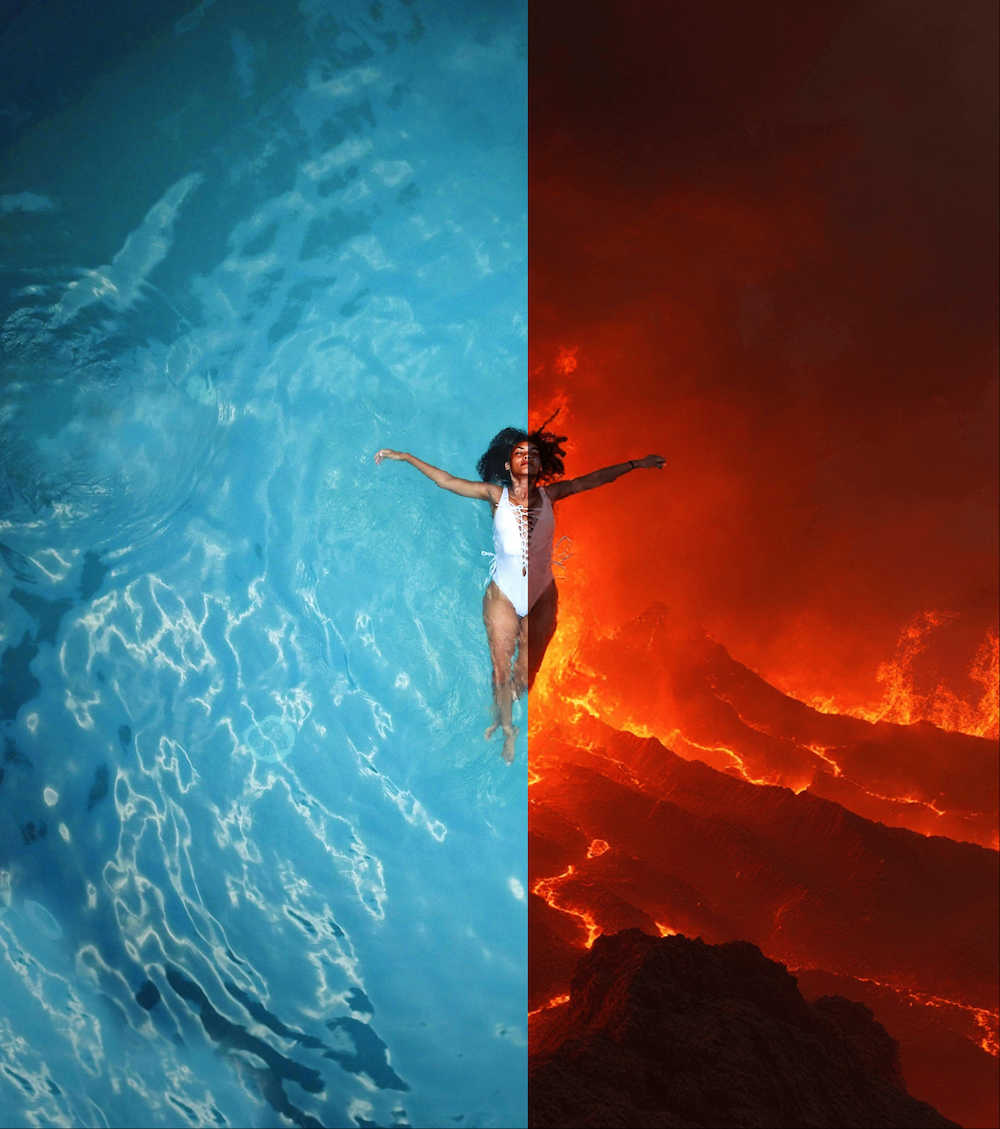
ShinePhoto

Feature Comparison
AI Photo Editor
Lightning-Fast AI Processing
Say goodbye to long waits! Our advanced AI engine is optimized for speed, generating and editing high-quality images in just 5 to 10 seconds. This means you can experiment with different ideas, iterate on your creations, and see stunning results almost instantly, keeping your creative flow uninterrupted and fun.
Professional Photo Quality
Powered by state-of-the-art AI models, every edit and generation is crafted to meet professional standards. The technology intelligently enhances details, adjusts lighting, and applies styles while maintaining a natural, high-resolution finish. You get stunning, gallery-worthy results without needing years of editing experience.
Easy & Intuitive Interface
We believe powerful tools should be simple to use. Our interface is designed with clarity and ease in mind, guiding you through every step. From uploading a photo to selecting a transformation style, the process is straightforward and effortless, making advanced AI photo editing accessible to creators of all skill levels.
24/7 Available Free Editor
Your creativity doesn't keep office hours, and neither do we. AI Photo Editor is always online and available with no waiting queues. Enjoy a robust set of free editing tools anytime you're inspired. It's the reliable, always-on assistant ready to help you turn any idea into a visual masterpiece.
ShinePhoto
Perfect Cropping
ShinePhoto's auto-detect cropping feature identifies the main subject of your photo and applies a clean, balanced crop. This ensures that distractions are trimmed away, allowing viewers to focus on the essence of the image.
Photo Restoration
The restoration tools in ShinePhoto work tirelessly to repair photo damage, reduce blur, and eliminate compression artifacts. Users can restore clarity and enhance detail with just one click, making old or damaged photos look vibrant again.
Batch Processing
ShinePhoto allows users to upload multiple images at once and process them together. This feature saves time and effort, especially for those with large collections of photos needing similar edits, enhancing productivity significantly.
Smart Manual Control
While ShinePhoto excels at automatic cropping, it also provides users with the option to manually adjust the crop area. This flexibility allows for precise framing, ensuring that every photo meets the user’s specific vision.
Use Cases
AI Photo Editor
Personalized Avatar Creation
Need a unique profile picture, gaming avatar, or character illustration? Describe your vision in text, and our AI will generate a personalized avatar for you. This is perfect for social media, online forums, or digital projects where you want a custom, one-of-a-kind visual identity that truly represents you.
Photo Style & Environment Transformation
Transform the entire mood and setting of your photos with ease. Turn a summer scene into a winter wonderland, change a desert into a tropical beach, or apply artistic filters to vehicles and landscapes. This is ideal for revitalizing travel photos, creating thematic content, or simply exploring creative alternatives to your original shots.
Portrait and Group Photo Enhancement
Elevate your portrait photography. Our AI can dramatically enhance individual or group photos by improving skin tones, adjusting lighting, sharpening details, and even changing the background environment. It's a powerful tool for photographers, content creators, or anyone looking to polish their personal or professional photos.
Creative Image Generation from Text
Start with nothing but an idea. Use our text-to-image generator to describe any scene, character, or concept, and watch as the AI brings it to life as a detailed image. This use case is invaluable for brainstorming, conceptual art, marketing material creation, or when you need a specific visual but lack the source photo.
ShinePhoto
Family Photo Restoration
For families looking to restore old photographs, ShinePhoto provides an easy solution to bring faded or damaged images back to life. Users can enhance clarity and colors, preserving precious memories for future generations.
Professional Photography Workflow
Photographers can streamline their editing process using ShinePhoto's batch processing and auto-cropping features. This allows them to focus on their creative vision while letting the AI handle repetitive tasks.
Event Photo Management
After capturing an event, users can quickly upload and edit large batches of photos. ShinePhoto's tools make it simple to crop and enhance images, preparing them for sharing on social media or with clients.
Social Media Sharing
Users looking to enhance their social media presence can use ShinePhoto to polish their photos. With just a few clicks, they can crop, restore, and upscale images, making them share-ready and visually appealing.
Overview
About AI Photo Editor
AI Photo Editor is your friendly, all-in-one creative studio powered by cutting-edge artificial intelligence. It's designed to make professional-grade photo editing accessible to absolutely everyone, from complete beginners to seasoned professionals. The core idea is simple: to transform your creative ideas into stunning visuals with minimal effort. Whether you want to generate a personalized avatar from a text description, completely change the style and season of a landscape photo, or enhance a portrait with dramatic lighting, this tool makes it possible in just a few clicks. It combines lightning-fast processing (often under 5 seconds) with a simple, intuitive interface, removing the technical barriers that often come with complex editing software. With a strong commitment to your privacy and security, AI Photo Editor provides a safe space to experiment and create. It's more than just an editor; it's a platform that democratizes AI creativity, helping over a million users bring their imaginative concepts to life with premium quality results.
About ShinePhoto
ShinePhoto is a freemium AI photo toolkit designed to revolutionize the way users edit and manage their photos. It is particularly beneficial for individuals looking to digitize, organize, and restore their photo collections, whether they are cherished family memories or professional photography work. With advanced features such as batch subject auto-cropping and photo quality restoration, ShinePhoto makes it easy for users to enhance their images in just a few clicks. The platform is built for everyone, from casual users wanting to touch up old album photos to professional photographers seeking to streamline their workflow. ShinePhoto’s powerful AI capabilities ensure that photos are not only preserved but also enhanced for sharing, making it an invaluable tool for anyone who appreciates the art of photography. With a user-friendly interface, ShinePhoto allows for quick uploads, effortless cropping, and seamless restoration, ensuring that every moment captured shines brightly.
Frequently Asked Questions
AI Photo Editor FAQ
Is AI Photo Editor really free to use?
Yes! AI Photo Editor offers a powerful set of tools completely free of charge. You can generate images, apply enhancements, and transform photo styles without any cost. We provide 24/7 access to our free AI editor so you can explore and create without limitations or waiting in queues.
How does AI Photo Editor ensure the privacy of my photos?
Your privacy and security are our top priorities. We implement robust data protection measures and do not claim ownership of your uploaded images or generated content. You maintain the rights to your creations. For full details on how we handle your data, please refer to our comprehensive Privacy Policy on the website.
What kind of photos can I edit with this tool?
You can edit a wide variety of photos! The AI is excellent with portraits, landscapes, group shots, vehicles, and more. It can handle style transfers, environment changes, quality enhancements, and object transformations. For best results, use clear, well-lit photos as your starting point.
How fast will I see results from the AI?
Extremely fast! Our platform is optimized for speed, with an average response time of less than 5 seconds for most operations. You can expect to see your AI-generated or AI-enhanced image typically within 5 to 10 seconds, allowing for a smooth and rapid creative workflow.
ShinePhoto FAQ
What is ShinePhoto?
ShinePhoto is an AI-powered toolkit that combines a free photo cropper with restoration features, enabling users to crop, enhance, and upscale their images for better quality and presentation.
Is ShinePhoto free to use?
Yes, ShinePhoto is free to use. The photo cropper runs directly in your browser, allowing you to get started without any downloads or subscriptions.
How does photo restoration work?
Photo restoration in ShinePhoto involves uploading an image and utilizing the restoration tools to reduce blur, noise, and damage, resulting in sharper and clearer images based on the original quality.
Can I choose the subject to crop?
Yes, ShinePhoto allows users to specify the subject for cropping. This feature ensures that the photo cropper focuses accurately on the desired target for precise framing.