
CodaOne AI vs Vector
Side-by-side comparison to help you choose the right AI tool.

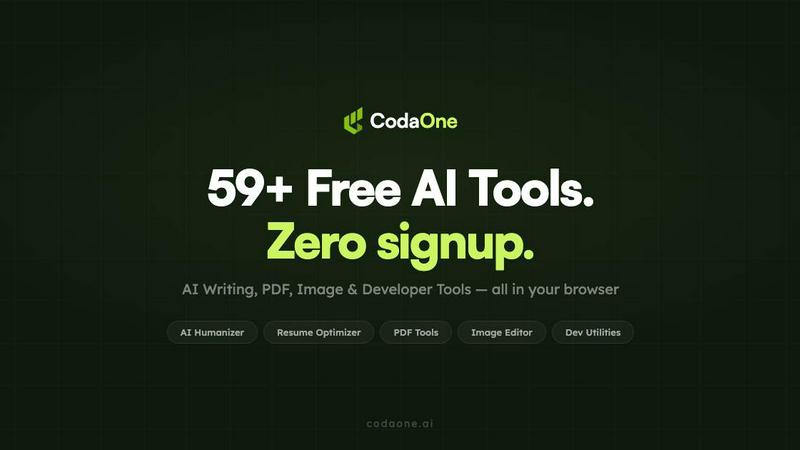
CodaOne AI offers over 100 free, private browser tools to humanize AI text, detect AI writing, and edit PDFs without any signup.
Last updated: April 4, 2026

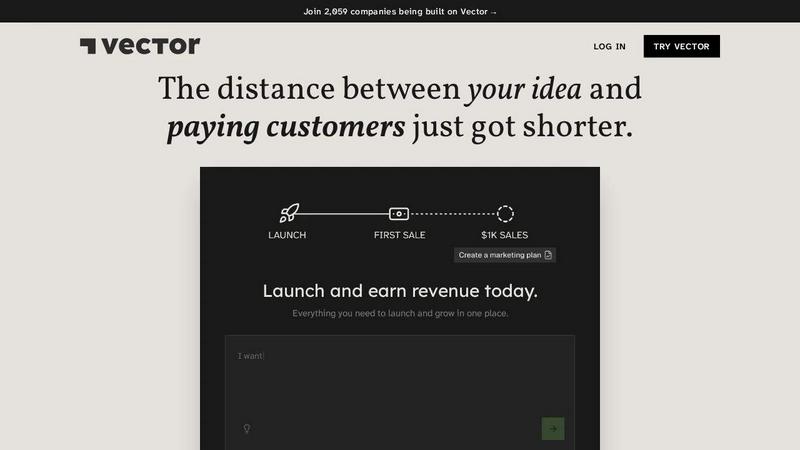
Vector empowers you to launch and scale your AI business effortlessly, all from one intuitive platform.
Last updated: April 13, 2026
Visual Comparison
CodaOne AI
Vector
Feature Comparison
CodaOne AI
AI Humanizer
The flagship AI Humanizer is your secret weapon for creating undetectable, natural-sounding content. It intelligently rewrites AI-generated text across nine distinct writing modes—including Standard, Academic, Blog, Formal, and Simple—to match your specific context. It’s designed to preserve the original meaning while completely transforming the tone and style, reliably scoring below 30% on major detectors like GPTZero and Turnitin. This tool is perfect for ensuring your essays, blog posts, and professional documents sound authentically human.
100% Browser-Based PDF & Image Tools
Say goodbye to uploading sensitive documents to unknown servers. CodaOne’s suite of PDF and image tools—including merge, split, compress, convert, and background removal—runs entirely within your browser using WebAssembly technology. This means all processing happens locally on your device. Your files never touch CodaOne's servers, guaranteeing maximum privacy and security, with no arbitrary limits on how many files you can process for free.
Free & Unlimited AI Detector
Knowledge is power, and CodaOne gives you a powerful, completely free AI Detector. This tool allows you to check any text for AI-generated patterns without any usage limits, account requirements, or hidden costs. It uses a statistical model for instant results, making it the perfect companion to the Humanizer. You can confidently check your work, iterate, and ensure your content is ready for submission before you ship it.
All-in-One Toolkit with 101+ Tools
Stop the tab-switching madness! CodaOne consolidates over 101 essential utilities into a single, coherent platform. Beyond AI writing, you get a full suite for PDF manipulation, image editing, video tools, and developer aids like JSON formatters, JWT decoders, regex testers, and Base64 encoders. This holistic approach saves you time and hassle, providing everything you need for common digital tasks without hunting across the web.
Vector
Customer Accounts Management
Vector makes it easy for your users to create accounts and sign in, allowing for a personalized experience. This feature requires no expensive engineers and integrates smoothly into your business model, helping you manage customer relationships effectively.
One-Click Deployments
With Vector, deploying your application is a breeze. The one-click deployment feature allows you to launch your product quickly, enabling you to go from development to live in no time. This efficiency helps you focus on scaling your business instead of getting bogged down by technical details.
Integrated Payment Solutions
Say goodbye to complicated payment setups. Vector integrates with Stripe, allowing you to accept payments without the usual hassle. This feature ensures that you can start earning revenue almost immediately upon launching your product, making the financial aspect of your business simpler and more accessible.
Built-in AI Intelligence
Vector incorporates AI capabilities right into its platform, enhancing your business with built-in intelligence. This feature allows you to leverage data-driven insights to optimize marketing efforts and improve customer engagement, making it easier to grow and scale your operations.
Use Cases
CodaOne AI
Students Polishing Academic Papers
A student can use the AI Humanizer in "Academic" mode to refine a draft generated for a research paper, ensuring it passes university plagiarism and AI detection checks. They can then use the free AI Detector for a final review, and compress their supporting PDF sources—all privately in their browser—before submission, creating a polished, authentic piece of work.
Content Creators & Bloggers
A blogger can generate a post draft with an AI assistant, then run it through the "Blog" mode of the Humanizer to inject a more engaging, conversational tone. They can create featured images by removing backgrounds with the local image tool and format any code snippets with the developer utilities, streamlining their entire content creation pipeline on one site.
Professionals Handling Sensitive Documents
A legal or business professional can merge multiple contract PDFs, split out specific pages, compress the final file for email, and add password protection—all without ever uploading confidential client information to a third-party server. This use case highlights the critical privacy and security benefits of the local processing tools.
Developers in Daily Workflow
A developer can quickly decode a JWT token to debug an API issue, test a complex regular expression, and format a messy JSON response—all using CodaOne’s dev tools. When writing documentation or commit messages, they can use the AI Rewriter or Grammar Checker to ensure clarity, making it a versatile Swiss Army knife for their daily tasks.
Vector
Launching a Startup
Entrepreneurs can use Vector to turn their initial ideas into fully-fledged businesses. By providing essential tools and support, Vector simplifies the startup process, allowing founders to focus on their vision while the platform handles technical complexities.
E-commerce Solutions
E-commerce businesses can benefit from Vector's integrated payment systems and customer account management. This functionality enables businesses to launch their online stores quickly and efficiently, providing a seamless shopping experience for customers.
Service-Based Businesses
Service providers can utilize Vector to create platforms where clients can book services, manage appointments, and make payments. This feature streamlines operations and enhances customer satisfaction by providing a user-friendly interface.
Educational Platforms
Educators and trainers can leverage Vector to develop online courses and membership sites. The platform’s capabilities allow for account creation, payment processing, and content management, making it perfect for those looking to monetize their knowledge.
Overview
About CodaOne AI
CodaOne AI is your all-in-one digital toolkit, designed to simplify your workflow by bringing over 101 powerful tools into one convenient, private, and user-friendly platform. It's built for everyone from students and content creators to developers and professionals who are tired of juggling multiple websites for basic tasks. At its heart, CodaOne solves a modern problem: how to leverage AI for writing without sounding robotic, all while ensuring your documents and data remain completely private. The platform is cleverly divided into four core categories: AI Writing, PDF Tools, Image Tools, and Developer Utilities. What truly sets CodaOne apart is its commitment to privacy and accessibility; tools for PDFs, images, and development run 100% locally in your browser using WebAssembly, meaning your files never leave your computer. With a generous free tier that requires no sign-up or credit card, and support for seven languages, CodaOne is a respectful and powerful partner for your daily digital tasks.
About Vector
Vector is an innovative AI platform designed for entrepreneurs and aspiring business owners who want to turn their ideas into real, revenue-generating companies. Whether you are a solo founder or part of a startup team, Vector provides all the tools you need in one place, making the journey from concept to launch seamless and efficient. With features that streamline everything from marketing to payment processing, Vector empowers users to focus on what really matters: growing their business. The platform is particularly appealing for those who seek to minimize technical barriers, as it offers user-friendly solutions that eliminate the need for extensive engineering resources. By joining the ranks of over 2,182 companies already leveraging Vector, you can significantly shorten the distance between your idea and your first paying customers, all while keeping 100% of your equity.
Frequently Asked Questions
CodaOne AI FAQ
Is CodaOne AI really free to use?
Yes, CodaOne offers a genuinely generous free tier. All PDF, image, video, and developer tools are completely free and unlimited. For the AI writing tools, you get 3 uses per day without needing to sign up or provide a credit card. The AI Detector is also completely free and unlimited. You only need a paid plan if you require more frequent AI writing usage or advanced features.
How does the local processing for PDFs and images work?
Local processing is powered by WebAssembly, a technology that allows high-performance code to run securely directly in your web browser. When you use a tool like "Merge PDF," the entire application loads in your browser tab. Your files are processed using your computer's own resources and memory, and are never uploaded to CodaOne's or any other external servers. Once you close the tab, the data is gone.
Can the AI Humanizer really bypass detectors like Turnitin?
The AI Humanizer is specifically engineered to significantly reduce the AI detection score of text. It rewrites content to mimic human writing patterns, vocabulary, and sentence structure. According to CodaOne, humanized text typically scores below 30% on major detectors like GPTZero, Turnitin, and Originality.ai, making it "likely human-written." However, no tool can guarantee a 100% bypass, as detection algorithms are constantly evolving.
What are the benefits of the Chrome extension?
The CodaOne Chrome extension adds incredible convenience to your browsing. You can simply right-click on any text across the web to instantly humanize it, detect if it's AI-generated, or translate it. This eliminates the need to copy, paste, and switch tabs, integrating CodaOne's core AI writing tools directly into your workflow wherever you work online.
Vector FAQ
What makes Vector different from other AI app builders?
Vector stands out due to its all-in-one platform that combines customer account management, payment processing, and AI capabilities. Unlike other builders, Vector is designed to minimize the need for technical expertise, making it accessible to everyone.
Does Vector help me manage customer accounts?
Yes, Vector offers a straightforward solution for managing customer accounts. Users can easily create accounts, sign in, and interact with your services, enhancing the overall user experience and facilitating customer retention.
Which countries can accept payments through Vector?
Vector supports payments in various countries through its integration with Stripe. To get the most accurate information regarding specific countries, it is best to consult the Stripe documentation or Vector's support team.
Do I need a credit card to try Vector?
No, you do not need a credit card to try Vector. The platform offers a free trial to allow potential users to explore its features without any financial commitment, making it easy for anyone to get started.
Alternatives
CodaOne AI Alternatives
CodaOne AI is a versatile online toolkit that bundles over 59 free tools for AI writing, PDF editing, image processing, and developer tasks into one convenient platform. It falls into the category of all-in-one productivity and content creation software, designed to help users handle a wide array of digital tasks without switching between multiple apps. Users often explore alternatives for various reasons. Some might need a different set of specialized features, a more generous free plan, or a tool that integrates directly with their existing workflow. Others may be looking for a platform with a different pricing structure or one that is available on a specific device or operating system that better suits their needs. When choosing an alternative, it's wise to consider what matters most for your projects. Think about the core tools you use daily, your budget, and how important data privacy is to you. A good fit should not only match your feature requirements but also feel intuitive and reliable for your regular tasks, ensuring a smooth and efficient workflow.
Vector Alternatives
Vector is an innovative AI platform designed to help users transform their ideas into fully operational companies. By providing tools for building and managing AI businesses from a single interface, Vector caters to entrepreneurs, startups, and anyone looking to leverage artificial intelligence for their ventures. It falls under the software category, focusing on simplifying the complex process of business development. Users often seek alternatives to Vector for various reasons, such as pricing concerns, the need for specific features, or compatibility with different platforms. When exploring alternatives, it's crucial to consider factors like user-friendliness, scalability, customer support, and the overall alignment of features with your business goals. Finding a solution that meets your unique requirements can make all the difference in successfully launching and managing your AI-driven business.