
Coursebricks vs Playwriter
Side-by-side comparison to help you choose the right AI tool.

Coursebricks
Coursebricks is your all-in-one platform to effortlessly schedule, sell, and manage professional training.
Last updated: March 1, 2026

Visual Comparison
Coursebricks
Playwriter

Overview
About Coursebricks
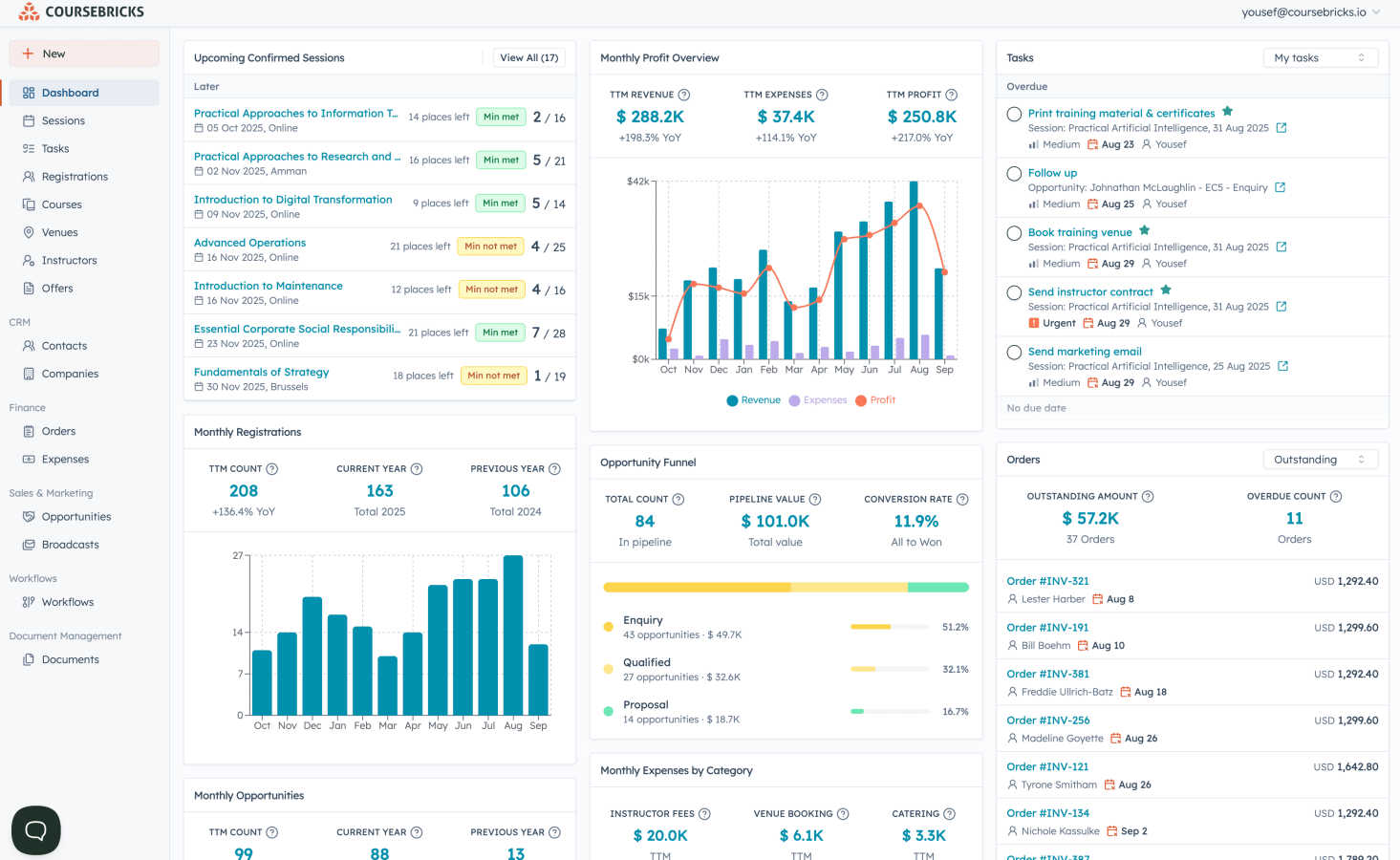
Coursebricks is your all-in-one command center for training management, designed to liberate trainers, coaches, and educational organizations from the chaos of administrative work. If you're tired of juggling spreadsheets, payment processors, and email systems just to run a single course, this platform is for you. It consolidates every essential function—from scheduling and registrations to payments, CRM, and reporting—into one intuitive system. Whether you run in-person workshops, live webinars, or a hybrid model, Coursebricks gives you the simplicity and control to focus on what you do best: creating impactful learning experiences. Its core promise is to eliminate platform fees on your revenue, automate time-consuming tasks like sending confirmations and certificates, and provide a professional website to showcase and sell your courses directly. Ultimately, Coursebricks offers the flexibility to scale your offerings, the insights to grow your business, and the freedom to reclaim your time.
About Playwriter
AI agents cannot browse the web properly. They either have no browser access, or they get a fresh Chrome with no logins, no extensions, and instant bot detection. Playwriter gives them your actual browser session instead. One Chrome extension, full automation API, everything you are already logged into. Includes accessibility snapshots (5-20KB instead of 100KB+ screenshots), a debugger with breakpoints, live code editing, network interception, and video recording. Works with any MCP client: Cursor, Claude, VS Code, and more. Open source, MIT licensed.