
Earth Zoom Out AI vs Unblur Image
Side-by-side comparison to help you choose the right AI tool.

Earth Zoom Out AI
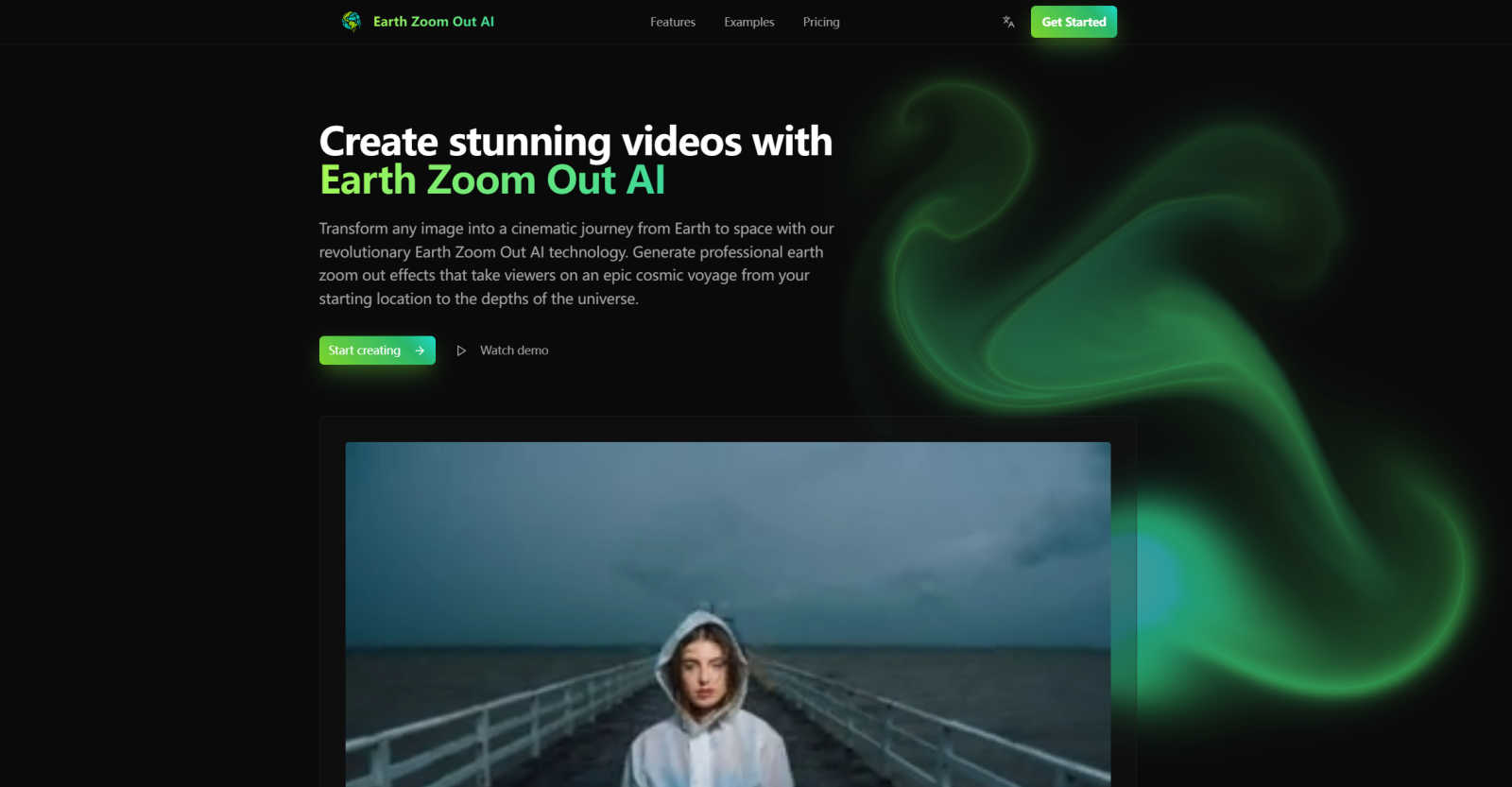
Transform any photo into a stunning cinematic zoom-out from Earth to space.
Last updated: March 1, 2026

Unblur Image
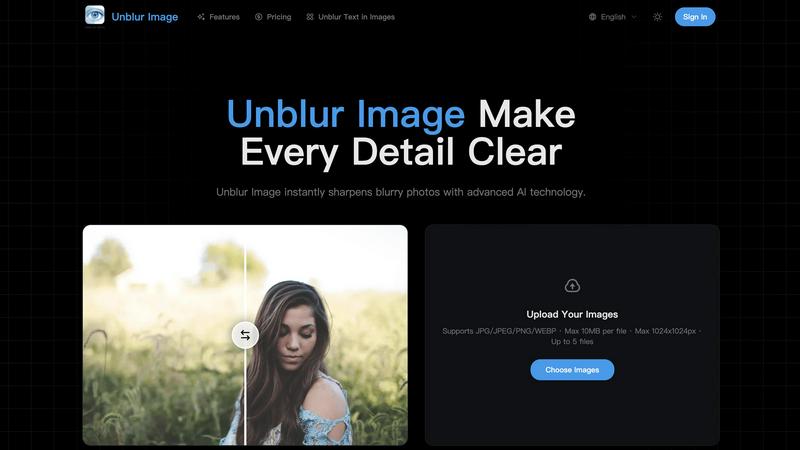
Unblur Image uses AI to instantly fix blurry photos and restore sharp, clear details with just a click.
Last updated: March 26, 2026
Visual Comparison
Earth Zoom Out AI
Unblur Image
Feature Comparison
Earth Zoom Out AI
AI-Powered Cinematic Generation
At the heart of Earth Zoom Out AI are advanced machine learning algorithms that intelligently analyze your uploaded image. The AI understands spatial depth, lighting, and atmospheric perspective to generate a photorealistic and seamless zoom-out sequence. It doesn't just animate your photo; it builds a plausible 3D scene and cosmic environment around it, creating a smooth transition from the ground to the stars that looks professionally crafted.
Professional 4K Video Output
Quality is paramount, and Earth Zoom Out AI delivers by allowing you to export your finished videos in stunning 4K Ultra HD resolution. This ensures your creations are crisp, detailed, and ready for large screens, professional presentations, or high-definition social media platforms. The videos also feature professional color grading and smooth frame rates for a truly polished, cinematic feel.
Flexible Customization Options
While the process is automated, you're not locked into a single look. The platform offers customizable settings to fine-tune your video. You can adjust elements like atmospheric haze, starfield density, and lighting tones. Furthermore, you can choose between two AI models: a faster Base Model for quick drafts and a Pro Model that takes more time but delivers the highest possible quality and detail for your final project.
Simple Three-Step Workflow
The platform is built for ease of use. Creating a video involves just three straightforward steps: upload your image, configure your settings (like choosing the effect style and AI model), and hit generate. There's no steep learning curve or complicated interface. This streamlined process means you can go from a simple idea to a shareable cinematic piece in just a few minutes, making professional video creation accessible to all.
Unblur Image
AI-Powered Unblurring Engine
Our core technology uses advanced artificial intelligence to analyze every pixel in your image. It doesn't just apply a simple filter; it intelligently reconstructs lost edge information and fine gradients to reverse common issues like motion blur, out-of-focus areas, and general softness from low resolution. This process breathes new life into photos you thought were beyond saving, recovering details to make them usable and sharp.
Precision Detail Sharpening
Go beyond basic sharpening tools that often create harsh, unnatural halos around edges. Our precision sharpening model is trained to enhance textures, facial features, and micro-details with a balanced, natural touch. It carefully distinguishes between areas that need clarity and those that should remain smooth, resulting in crisper photos that maintain realistic color transitions and avoid an over-processed look.
Intelligent Image Upscaling
Need a larger version of your photo without the blocky pixelation? Our super-resolution model allows you to increase your image's resolution by 2x, 4x, or more. While it scales up the dimensions, it simultaneously reconstructs missing textures and details, resulting in a clean, high-resolution output perfect for printing, design projects, or any use where size and quality matter.
Smart Noise & Artifact Reduction
Low-light grain, digital noise, and compression artifacts can ruin a photo's clarity. Our AI noise reduction technology smartly identifies the difference between unwanted "noise" and important textural details. It cleans up these distracting imperfections while preserving the essential character and detail of your image, giving you a cleaner, more professional result without a loss of quality.
Use Cases
Earth Zoom Out AI
Engaging Social Media & YouTube Content
Content creators and influencers can use Earth Zoom Out AI to produce eye-catching intros, outros, and transitions for their videos. This effect is perfect for travel vloggers showing a destination, educators starting a science lesson, or any creator wanting to add a "wow" factor that boosts viewer retention and makes their content stand out in crowded feeds.
Dynamic Educational Presentations
Teachers, professors, and science communicators can leverage this tool to create powerful visual aids. It's an excellent way to demonstrate concepts of scale, geography, and astronomy. Showing a zoom-out from a local park to the solar system helps students viscerally understand perspective and our place in the cosmos, making abstract ideas tangible and memorable.
Compelling Marketing & Advertising
Marketers and brands can create stunning adverts, website backgrounds, or presentation openers that capture attention instantly. A zoom-out from a product or a company headquarters to a global or cosmic view can effectively communicate themes of growth, innovation, global reach, or big-picture thinking in a visually spectacular way.
Personal Creative Projects & Storytelling
Even for non-professionals, Earth Zoom Out AI opens doors for creative expression. You can create unique digital art, memorable wedding or travel video montages, or personalized gifts. It’s a tool for anyone who wants to tell a story that begins with a personal, grounded moment and expands into something universal and epic.
Unblur Image
Reviving Personal Memories
Old family photos, childhood pictures, or memorable vacation snaps often degrade in quality over time or were simply taken on older, lower-quality cameras. Unblur Image allows you to restore these priceless memories, sharpening faces, backgrounds, and details to bring them back to their former clarity, ensuring your personal history stays vivid for years to come.
Enhancing E-commerce Product Photos
For online sellers, clear product images are crucial for sales. Blurry shots can deter customers. Use Unblur Image to sharpen product photos, allowing potential buyers to zoom in and see every texture, stitch, color variation, and material detail with crystal clarity. This builds trust and can directly improve conversion rates by providing a better visual shopping experience.
Preparing Images for Print and Design
Whether you're creating a poster, a photo album, or incorporating an image into a digital design, upscaling a small photo typically leads to pixelation. Unblur Image solves this by intelligently upscaling your images while adding detail, resulting in high-resolution files that remain sharp and clean even at large print sizes, saving your design projects.
Polishing Social Media Content
In the fast-scrolling world of social media, sharp, clear images grab attention. Unblur Image is perfect for fixing slightly blurry selfies, improving low-light dinner photos, or cleaning up user-generated content before posting. It helps you create more professional, engaging, and scroll-stopping visuals for your Instagram, Facebook, or blog with minimal effort.
Overview
About Earth Zoom Out AI
Earth Zoom Out AI is a revolutionary platform that transforms a simple image into a breathtaking cinematic video, taking viewers on a visual journey from a specific location on Earth all the way out to the vast expanse of space. Imagine starting with a photo of your hometown, a famous landmark, or a beautiful landscape, and watching it seamlessly zoom out to reveal the entire planet and beyond. This is the magic this tool creates. It's designed for anyone who wants to add a professional, awe-inspiring effect to their projects without needing complex video editing skills or expensive software. Whether you're a content creator looking to make your videos go viral, an educator explaining cosmic scale, a marketer crafting compelling ads, or just someone with a creative idea, Earth Zoom Out AI makes it incredibly easy. Its core value is democratizing high-end visual effects, putting the power of AI-driven cinematic storytelling into everyone's hands with just a few clicks.
About Unblur Image
Ever taken a photo that was just a little too blurry to use? Whether it's a slightly out-of-focus portrait, a shaky travel snapshot, or an old family photo that's lost its sharpness, Unblur Image is here to help. This AI-powered tool is designed to transform blurry, low-quality photos into sharp, clear images in a matter of seconds. It's built for anyone who values their photos, from casual smartphone photographers looking to save a precious memory to professionals needing crisp visuals for their work. The main value proposition is simplicity and power combined: you just upload your photo, choose your level of enhancement, and let the advanced AI do the heavy lifting. It intelligently reverses motion blur, corrects soft focus, and upscales resolution to bring back lost details, making previously unusable photos vibrant and clear again. With support for batch processing and a user-friendly interface, Unblur Image makes professional-grade photo restoration accessible to everyone.
Frequently Asked Questions
Earth Zoom Out AI FAQ
What kind of images work best with Earth Zoom Out AI?
For the best results, use clear, high-quality images (PNG or JPG) with a distinct focal point, such as a landscape, cityscape, or landmark. Images with good lighting and contrast help the AI better interpret the scene. Avoid overly blurry, dark, or abstract images, as the AI needs visual information to build a convincing 3D zoom-out path.
Do I own the videos I create with Earth Zoom Out AI?
Yes, absolutely. All videos generated using Earth Zoom Out AI come with a full commercial license. This means you own the output and are free to use it in your personal projects, commercial content, client work, or on social media platforms without any need for attribution or worrying about licensing fees.
What is the difference between the Base and Pro AI models?
The Base Model is optimized for speed, generating your video quickly (using 5 credits) and is great for testing ideas or projects where top-tier detail is not critical. The Pro Model is slower and uses more credits (20 per generation), but it employs more advanced algorithms to produce the highest possible video quality with finer details, smoother animations, and more realistic cosmic effects.
How long does it take to generate a video?
Generation time typically ranges from 2 to 5 minutes, depending on the complexity of your image and the AI model you select. The Base Model is generally faster. The platform will show you a progress indicator so you know exactly when your stunning earth zoom-out video will be ready to preview and download.
Unblur Image FAQ
How does Unblur Image restore blurry photos?
Unblur Image uses advanced deep learning algorithms trained on millions of images. When you upload a photo, the AI analyzes it to understand the type and pattern of blurriness. It then reconstructs the image by predicting and restoring lost details, sharpening edges, and enhancing overall clarity, all while maintaining a natural look. This process happens in seconds, delivering a significantly improved version of your original photo.
Is Unblur Image free to use?
Yes, you can start using Unblur Image completely free! The basic tool allows you to upload and enhance your photos instantly. For users who require more advanced features, higher resolution outputs, or batch processing of multiple files, we offer premium plans that provide additional capabilities and higher usage limits to fit your needs.
Can Unblur Image handle high-resolution images?
Absolutely. Our AI is optimized to process high-resolution photos efficiently. It works to enhance detail and clarity while meticulously preserving the existing quality and integrity of your original image file, so you can improve even your best shots without worrying about downgrading their quality.
Are there any limits on file size or format?
Yes, to ensure fast and smooth processing for all users, there are some guidelines. The free tool supports common formats like JPG, JPEG, PNG, and WEBP. Each file should be a maximum of 10MB in size and have dimensions up to 1024x1024 pixels. You can upload up to 5 files at once for processing. Premium plans may offer increased limits.
Alternatives
Earth Zoom Out AI Alternatives
Earth Zoom Out AI is a specialized video creation tool that uses artificial intelligence to transform any photo into a cinematic zoom-out video, starting from the image and journeying out into space. It falls into the category of AI video generators and visual effects software, designed to make professional-looking content accessible to everyone. People often explore alternatives for a variety of reasons. Budget is a common factor, as users look for different pricing models or free tiers. Others might need specific features, like different export formats, more control over the animation, or integration with other editing platforms. The operating system or device you use can also lead you to search for a tool that fits your specific setup. When evaluating other options, consider what matters most for your projects. Look at the output quality and resolution, the ease of use, and the depth of customization available. It's also smart to check the learning curve, the supported file types, and the overall value for the price. Finding the right fit means balancing these factors with your own creative goals and technical comfort level.
Unblur Image Alternatives
Unblur Image is an AI-powered tool in the Image & Photo category designed to restore blurry, low-quality pictures. It transforms unclear photos into sharp, detailed images quickly, offering options for 2x or 4x enhancement and batch processing for multiple files at once. Users often explore alternatives for various reasons. Some might need a different pricing model, like a one-time purchase instead of a subscription. Others may require specific features not offered, such as more granular control over the sharpening process or integration with certain platforms. The need for a free tier, offline functionality, or different output formats can also lead people to look at other options. When choosing an alternative, consider what matters most for your workflow. Key factors include the quality of the AI enhancement, the speed of processing, and whether it handles the volume of images you need. Also, evaluate the cost structure, ease of use, and the security of your uploaded photos to find a tool that fits your specific requirements.