
Editimg vs MakeAIVideo
Side-by-side comparison to help you choose the right AI tool.

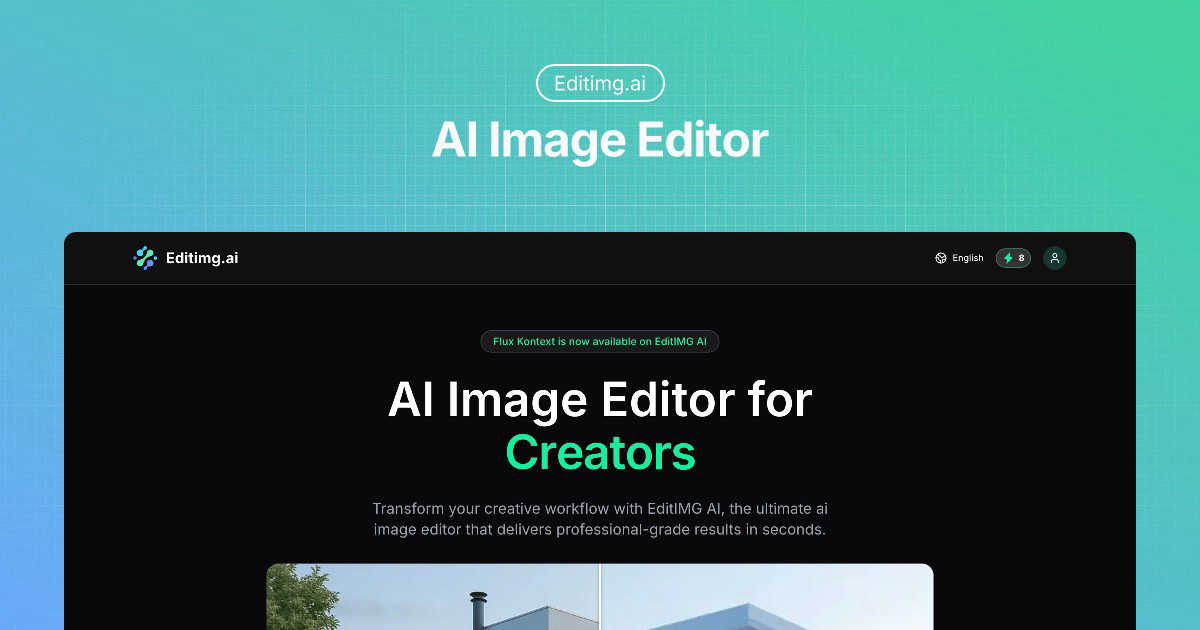
Editimg AI is your free, all-in-one online editor to magically transform, enhance, and create images with artificial.
Last updated: March 1, 2026

MakeAIVideo
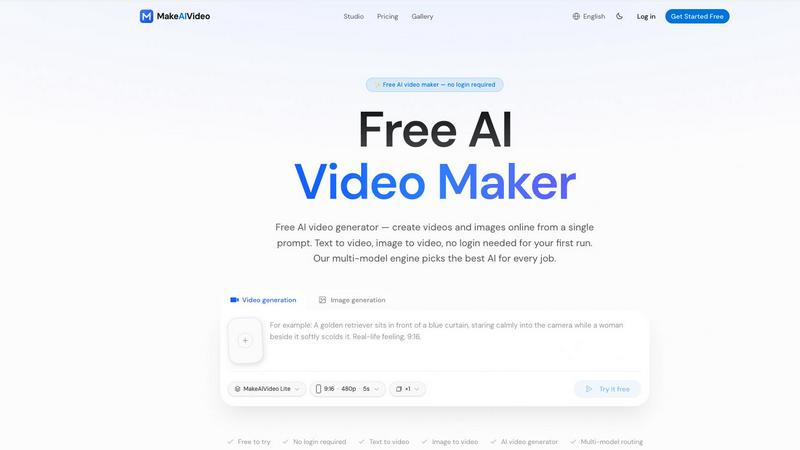
MakeAIVideo is an innovative AI video generator that creates stunning videos from text or images using advanced multi-model routing technology.
Last updated: March 18, 2026
Visual Comparison
Editimg
MakeAIVideo
Feature Comparison
Editimg
AI Image Editor & Generator
This is the creative core of Editimg. The AI Image Editor allows you to edit existing photos by simply describing your vision in text, letting the AI intelligently apply changes. Even more powerful is the AI Image Generator, which creates stunning, original images from scratch based on your text descriptions. It's perfect for generating concept art, unique marketing visuals, or any artwork you can imagine, all without needing any design skills.
One-Click Background Remover
Remove backgrounds from any image with incredible AI precision in just a single click. This tool is a massive time-saver for creating clean product shots for e-commerce, isolating portraits for professional profiles, or preparing images for graphic design projects. The AI cleanly separates subjects from even complex backgrounds, delivering results that used to require meticulous manual selection in software like Photoshop.
AI Image Upscaler & Extender
Enhance and expand your images intelligently. The AI Upscaler increases the resolution of your photos up to 4K, making blurry or pixelated images crystal clear without losing detail—ideal for printing or enlarging digital photos. The AI Image Extender (or "outpainting") lets you expand an image's canvas, with the AI generating new, seamless content that logically continues the existing scene, perfect for changing aspect ratios or creatively extending landscapes.
Creative AI Effects & Filters
Unlock a world of creative fun with a constantly updated library of AI effects. Transform photos into artwork with Style Transfer, turn yourself into a chibi or anime character, see age progression, or apply festive filters like adding a Santa hat or a snowy winter effect. These tools make it easy to create engaging, eye-catching content for social media, personalized gifts, or just for fun, all with a simple click.
MakeAIVideo
Multi-Model Routing
MakeAIVideo employs a sophisticated multi-model routing engine that automatically selects the best AI model suited to your prompt. This means that depending on the task, you benefit from the most effective capabilities of models like Seedance, Veo, and more, ensuring high-quality video output tailored to your needs.
Zero Login Required
One of the standout features of MakeAIVideo is that you can begin creating videos without needing to create an account. This hassle-free access allows you to dive directly into video generation, making it perfect for those who want to quickly test the platform or generate content on the fly.
High-Quality Output
The platform generates cinematic-quality videos in under a minute, with options for up to 4K resolution. This ensures that whether you are creating content for social media, advertisements, or presentations, the visuals will be sharp and professional, meeting industry standards.
Dual-Channel Sound Design
Enhance your videos with dual-channel sound design, where audio is generated in sync with the visuals. This feature removes the need for post-production editing, allowing for a seamless audio-visual experience that elevates the overall quality of your videos.
Use Cases
Editimg
E-commerce & Product Photography
Online sellers and shop managers can streamline their workflow dramatically. Use the background remover to create uniform, white-background product shots, employ AI color correction to ensure colors are vibrant and true-to-life, and utilize the watermark remover to clean up supplier images. This ensures a professional, cohesive look across your entire online storefront with minimal effort.
Social Media Content Creation
Content creators, influencers, and marketers can produce a high volume of engaging visuals quickly. Generate unique artwork for posts with the AI Image Generator, apply trendy filters like the Zootopia or Witch filter to stay relevant, create eye-catching mockups, and perfectly retouch portrait photos for profiles or promotional content—all within one platform.
Personal Photo Enhancement & Restoration
Anyone with a photo album (digital or physical) can breathe new life into their memories. Restore old, faded, or damaged photographs to their former glory, colorize black and white pictures, remove unwanted objects or people from group shots, and upscale low-resolution family photos to print and frame beautifully.
Professional Design & Mockup Creation
Graphic designers, freelancers, and agencies can use Editimg as a powerful supplement to their toolkit. Rapidly generate visual concepts and mood boards with text-to-image, remove objects or text from stock imagery to customize it, create realistic product mockups for client presentations, and experiment with artistic styles for project inspiration.
MakeAIVideo
Social Media Content Creation
MakeAIVideo is ideal for social media managers looking to create engaging videos for platforms like Instagram and TikTok. The ease of use and rapid generation enables them to keep their content fresh and relevant without extensive resources or time.
Product Showcases
Businesses can utilize MakeAIVideo to create stunning product showcase videos quickly. By entering details about the product, users can generate high-quality promotional videos that highlight features and benefits, perfect for e-commerce and online marketing.
Educational Videos
Educators and content creators can leverage MakeAIVideo to produce informative videos that explain concepts clearly and creatively. The platform's ability to generate custom visuals based on text prompts allows for interactive and engaging learning materials.
Brand Storytelling
MakeAIVideo can help brands tell their stories through compelling narratives. By inputting key messages and themes, businesses can create videos that resonate with their audience, enhancing brand identity and customer engagement.
Overview
About Editimg
Editimg is your all-in-one, AI-powered online image editing suite, designed to transform your creative workflow from a chore into a joy. It goes far beyond simple filters and basic adjustments, offering a vast array of intelligent tools that automate complex tasks and unlock creative possibilities that were once time-consuming or required advanced software skills. At its heart, Editimg is about making professional-grade image editing accessible, fast, and fun for everyone. Whether you're a graphic designer needing to create client mockups, a social media creator hunting for the next viral effect, an e-commerce manager optimizing hundreds of product photos, or someone looking to restore a precious old family picture, Editimg has a specialized tool for you. Its main value proposition lies in its powerful combination of breadth and simplicity. The platform provides over two dozen specialized AI tools—from practical utilities like background removal and watermark erasure to creative engines for style transfer and image generation—all accessible through an intuitive, web-based interface. You can start editing for free, making it perfect for experimenting and handling everyday projects without any software installation or upfront cost.
About MakeAIVideo
MakeAIVideo is an innovative AI video generator that stands out as the first to utilize multi-model routing. This unique feature allows the platform to analyze your prompt dynamically and select the most suitable AI model for the task at hand, whether it be Seedance, Kling, Veo, Sora, Hailuo, or others. This flexibility ensures that users get the best possible results tailored to their specific needs. Designed for creators, marketers, and businesses alike, MakeAIVideo eliminates the typical barriers associated with video creation. You can generate videos effortlessly with no account required for your first video. Just visit the site, enter your prompt, and watch as your video comes to life. With its combination of automatic model selection and zero-friction access, MakeAIVideo offers an unparalleled experience for producing high-quality video content quickly and easily.
Frequently Asked Questions
Editimg FAQ
Is Editimg free to use?
Yes, you can start using Editimg for free! The platform offers a free tier that allows you to experiment with many of its AI tools, which is perfect for casual projects and trying out the features. For higher-volume usage, access to premium tools, and faster processing, Editimg offers paid subscription plans with more credits and advanced capabilities.
Do I need to download any software to use Editimg?
No, you do not need to download or install anything. Editimg is a completely web-based application that runs in your internet browser (like Chrome, Safari, or Firefox). This means you can access all its powerful tools from any computer or device with an internet connection, making it incredibly convenient and easy to start.
What kind of files can I edit with Editimg?
Editimg supports all common image file formats, including JPG, PNG, and WebP. You can upload your existing photos in these formats for editing, enhancement, or applying AI effects. The final edited images can typically be downloaded in high-quality PNG or JPG formats, depending on the tool you use.
How does the AI Image Generator work?
The AI Image Generator works by interpreting your text description (called a "prompt"). You describe the scene, objects, style, and mood you want—for example, "a serene landscape with a misty mountain and a cherry blossom tree, digital art"—and the AI analyzes this text to create a unique, original image that matches your vision. It's a powerful tool for bringing your ideas to life visually.
MakeAIVideo FAQ
How does MakeAIVideo choose the AI model for my video?
MakeAIVideo's multi-model routing engine analyzes your prompt and automatically selects the AI model best suited for your specific needs. This ensures optimal results without requiring manual selection on your part.
Can I use MakeAIVideo for commercial purposes?
Yes, all plans offered by MakeAIVideo allow for commercial use of the generated videos. This makes it an excellent tool for businesses looking to produce marketing materials without worrying about licensing issues.
Is there a limit to how long my videos can be?
Free users can generate videos with a length of 5 to 10 seconds, while paid plans offer more flexibility with longer videos. The platform supports video lengths suitable for various formats and needs.
Do I need any video editing skills to use MakeAIVideo?
No, MakeAIVideo is designed to be user-friendly, allowing anyone to create videos without prior video editing experience. The intuitive interface and automated features simplify the entire process, making video creation accessible to everyone.
Alternatives
Editimg Alternatives
Editimg is a powerful, AI-powered online image editor that falls into the category of all-in-one creative suites. It's designed to make advanced editing tasks like object removal, background changes, and even generating new images from text accessible to everyone through a simple web browser. People often look for alternatives for various reasons. They might need a tool that's specifically tailored for desktop use, requires a different pricing model like a one-time purchase, or offers a particular niche feature not covered in a broader suite. It's a normal part of finding the perfect tool for your unique workflow and budget. When evaluating other options, consider what matters most to you. Key factors include the core features you'll use daily, the overall cost and subscription flexibility, whether you need a mobile or desktop app, and the learning curve. The best choice is the one that feels intuitive and reliably handles the tasks you do most often.
MakeAIVideo Alternatives
MakeAIVideo is an innovative AI video generator that falls into the category of video creation tools. It stands out by offering multi-model routing, which means it intelligently selects the best AI model for your specific needs without requiring you to commit to just one option. This unique feature, along with the effortless access to video creation without the need for an account, makes it an attractive tool for users seeking to create videos quickly and efficiently. However, users often seek alternatives for various reasons, such as pricing structures, specific feature sets, or compatibility with different platforms. When choosing an alternative, consider factors like ease of use, the range of features offered, and whether the tool can cater to your specific video creation needs. It's essential to weigh these aspects to find a solution that aligns with your goals and budget.