
EraseWatermarkAI vs Nano Banana
Side-by-side comparison to help you choose the right AI tool.

EraseWatermarkAI
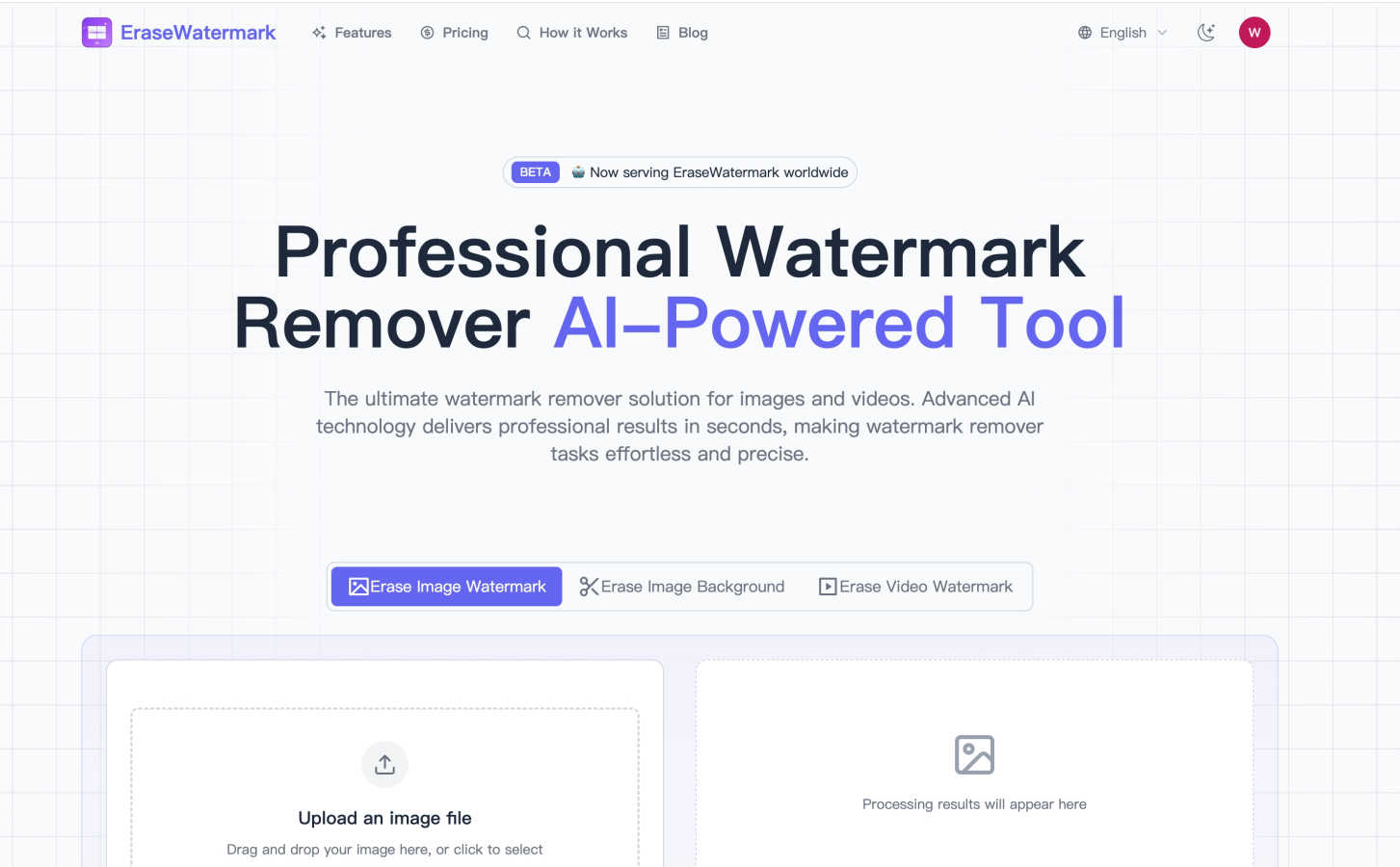
EraseWatermarkAI is your friendly AI tool that removes watermarks from photos and videos in seconds.

Nano Banana
Nano Banana lets you create and edit stunning images simply by chatting with its powerful, easy-to-use AI.
Last updated: March 11, 2026
Visual Comparison
EraseWatermarkAI
Nano Banana

Feature Comparison
EraseWatermarkAI
Advanced AI-Powered Removal
At the heart of EraseWatermarkAI is a sophisticated machine learning model trained on millions of images. This isn't just a simple cloning tool; the AI intelligently analyzes the watermark's pattern, texture, and placement. It then reconstructs the background seamlessly, filling in the erased area with content that matches the surrounding pixels. This ensures the removal is precise and the final image looks natural, as if the watermark was never there, all while maintaining the original resolution and color fidelity.
Real-Time Browser Processing
Say goodbye to waiting for large software suites to load. EraseWatermarkAI operates with impressive speed directly in your browser. You simply upload your file, and within seconds, you receive a clean, processed version. This real-time processing eliminates downtime and fits perfectly into fast-paced workflows, allowing you to prepare assets for presentations, posts, or projects almost instantly without any technical setup or powerful computer requirements.
Broad Format Support & Easy Upload
The tool is built for versatility, supporting all the major file formats you commonly use. For images, it handles JPG, JPEG, PNG, WebP, HEIC, BMP, and TIFF. For videos, it works with MP4 and MOV files. Uploading is a breeze with a simple drag-and-drop interface or a click-to-browse option. This wide compatibility makes it a one-stop solution for most of your visual content, whether it's a screenshot, a stock photo, or a short video clip.
Privacy-First & Secure Handling
We understand that your content is important. EraseWatermarkAI is designed with a strong commitment to privacy. Your uploaded files are processed securely in real-time and are not stored on the servers long-term. They are automatically deleted after processing is complete, ensuring your original assets and the cleaned results remain confidential. You can use the service with confidence, knowing your materials are handled responsibly.
Nano Banana
Natural Language Image Editing
Instead of manually using brushes, layers, and filters, you can edit images by simply typing what you want. Describe changes like "replace the cloudy sky with a sunset," "change the model's jacket to leather," or "add a cat sitting on the sofa," and the AI understands your intent and applies the edits automatically. This feature dramatically lowers the skill barrier for high-quality image manipulation, turning hours of work into seconds of typing.
Nano Banana Pro with 4K Resolution
This advanced model is the powerhouse of the platform. It delivers exceptional detail, perfect text rendering within images, and outputs at up to 4K ultra-high resolution, making results suitable for professional printing and large-format displays. It excels at preserving character consistency across edits and maintaining scene integrity, surpassing other models in delivering precise, detailed outcomes based on your prompts.
AI-Powered Specialized Tools
Beyond core editing, Nano Banana offers dedicated, one-click tools for specific tasks. The AI Image Upscaler enhances the resolution of existing images without losing quality, while the AI Background Remover instantly isolates subjects from their backgrounds. These tools provide quick, reliable solutions for common editing needs, streamlining your workflow even further.
Real-World Knowledge & Style Transfer
Leveraging models like Gemini, Nano Banana can incorporate real-world knowledge to create accurate and detailed scenes, such as annotated diagrams or data infographics. Its perfect style transfer feature allows you to flawlessly apply specific artistic styles—like oil painting, watercolor, or photography—to your generated images, giving you immense creative control over the final aesthetic.
Use Cases
EraseWatermarkAI
Enhancing Social Media Content
Social media managers and influencers can use EraseWatermarkAI to clean up images and short videos before posting. Whether it's removing a trial version watermark from a design mockup, erasing a photographer's logo from a purchased but watermarked preview, or cleaning up user-generated content for reposting, the tool helps maintain a sleek, professional, and watermark-free feed that engages audiences effectively.
Preparing Marketing and Presentation Materials
Marketing professionals and teams often source visuals from various places. EraseWatermarkAI allows them to quickly remove distracting watermarks from stock photo previews, competitor analysis screenshots, or internally shared drafts. This results in clean, client-ready presentations, website assets, ad creatives, and printed marketing collateral without licensing conflicts or visual clutter.
Refining Personal and Blog Photography
Bloggers, hobby photographers, and website owners can breathe new life into their visual libraries. The tool is perfect for removing date stamps from old digital photos, erasing unwanted logos from free resource images, or cleaning up watermarked images found during research to create custom featured graphics. It helps create a more cohesive and original visual style for any online platform.
Cleaning Educational and Training Content
Educators, trainers, and students creating instructional materials or project reports can use EraseWatermarkAI to prepare clean visuals. This includes removing software watermarks from tutorial screenshots, erasing branding from diagram templates, or cleaning video clips for a classroom presentation. It ensures the focus remains on the educational content itself, not on distracting overlays.
Nano Banana
Social Media Content Creation
Easily generate eye-catching graphics, promotional posters, and engaging visual stories for platforms like Instagram and Facebook. Use prompts to create cohesive branded imagery, design posts with legible text, or quickly edit product photos with new backgrounds to keep your feed fresh and professional without a design team.
Marketing & Advertising Material
Produce high-quality mockups, ad banners, and concept visuals for campaigns. Marketers can describe a scene for a new product launch, and Nano Banana will generate it, complete with text and styling. The 4K resolution ensures materials are print-ready for brochures or large-format ads, accelerating the concept-to-visual pipeline.
Personal Photo Enhancement & Fun
Transform personal photos effortlessly. Remove unwanted objects from a vacation picture, change the weather in a portrait, or even place yourself in a fantastical setting just for fun. It’s perfect for creating unique gifts, enhancing profile pictures, or simply exploring creativity without any technical know-how.
Concept Art & Design Ideation
Designers and artists can use Nano Banana as a brainstorming tool to rapidly visualize concepts. Generate multiple iterations of a character, landscape, or product design based on text descriptions to explore different styles and directions before committing to a final piece, saving valuable time in the early creative stages.
Overview
About EraseWatermarkAI
EraseWatermarkAI is your go-to, hassle-free solution for cleaning up photos and videos by removing unwanted watermarks. Imagine you've found the perfect image for your project, but it's marred by a distracting logo or text overlay. That's where this clever tool comes in. Powered by advanced artificial intelligence, it intelligently detects and erases watermarks, logos, and text overlays while meticulously preserving the original quality and fine details of your visual content. The best part? It works entirely online in your web browser, so there's no need for complicated software downloads or installations. It's designed for a wide range of users, from social media managers and digital marketers who need pristine assets for campaigns, to bloggers, small business owners, and content creators looking to polish their visuals. Its core value is simple: to save you significant time and effort, streamline your creative workflow, and empower you to use visuals freely and professionally without the barrier of watermarks.
About Nano Banana
Nano Banana is a powerful, AI-driven platform that makes professional-grade image creation and editing accessible to everyone. It transforms the complex world of visual design by letting you use simple text prompts to generate and edit images. Whether you're a marketer needing a quick ad mockup, a content creator looking for unique blog graphics, a designer seeking inspiration, or just someone who wants to enhance their photos, Nano Banana provides an intuitive solution. Its core value is speed and simplicity: instead of learning intricate software tools, you describe your vision in natural language. The AI then handles the technical execution, from replacing backgrounds and altering lighting to generating entirely new scenes from scratch. With advanced models like Nano Banana Pro, it offers superior capabilities like consistent character editing, 4K ultra-resolution output, and sharp text generation, making it a versatile tool for both casual projects and professional commercial work. The platform also includes specialized tools like an AI Image Upscaler and Background Remover, forming a complete creative suite powered by artificial intelligence.
Frequently Asked Questions
EraseWatermarkAI FAQ
How effective is EraseWatermarkAI at removing watermarks?
EraseWatermarkAI is highly effective, achieving a success rate of over 95% in cleanly removing watermarks while preserving image quality. Its AI is continuously trained on a vast dataset of millions of images and videos, enabling it to handle a wide variety of watermark types, from simple text to complex, semi-transparent logos, with impressive precision.
What kinds of watermarks can the tool remove?
The AI is designed to tackle most common watermark types. This includes text-based watermarks (like copyright notices or URLs), logo watermarks, semi-transparent overlays, and even more complex, multi-layered watermarks. It intelligently identifies the pattern and texture of the watermark to separate it from the underlying image or video content for accurate removal.
Is my uploaded content kept private and secure?
Absolutely. Your privacy is a top priority. The platform operates on a privacy-first model. Your uploaded images and videos are processed in real-time through secure servers and are automatically deleted from the system once the processing is complete and you have downloaded your result. Your files are never stored long-term or shared with any third parties.
What file formats does EraseWatermarkAI support?
The tool supports a wide range of popular formats for maximum convenience. For images, you can upload JPG, JPEG, PNG, WebP, HEIC, AVIF, BMP, and TIFF files. For video watermark removal, it supports MP4 and MOV formats. This broad compatibility ensures you can use the tool for most of your digital visual content needs.
Nano Banana FAQ
How do I start using Nano Banana?
You can start for free by signing up on the Nano Banana website, which grants you free credits to try the platform. No credit card is required initially. Simply navigate to the creation workbench, type your idea into the prompt box, select your preferred model (like Nano Banana Pro), and hit "Start Creation" to generate your first image.
What is the difference between Nano Banana and Nano Banana Pro?
Nano Banana Pro (formerly Nano Banana 2) is the advanced tier model within the platform. It offers superior capabilities such as perfect text rendering within images, consistent character editing, higher quality outputs, and support for 4K ultra-resolution. The standard tools may use different, more baseline AI models suitable for simpler tasks.
Can I use the images I create for commercial purposes?
Yes, images generated by Nano Banana, particularly with the Pro model which produces 4K commercial-grade quality, can be used for commercial purposes like advertising, product packaging, and merchandise. It's always good practice to review the specific Terms of Service for the latest details on usage rights.
What are credits and how do I get more?
Credits are the currency used to generate images and use advanced features on Nano Banana. Each creation costs a certain number of credits (e.g., a Pro model image may cost 12 credits). You receive free credits upon sign-up. To get more, you can participate in the referral program to earn them or explore the pricing page to purchase credit packs or subscriptions.