
GifSpeed vs HTML to PNG Converter
Side-by-side comparison to help you choose the right AI tool.

GifSpeed
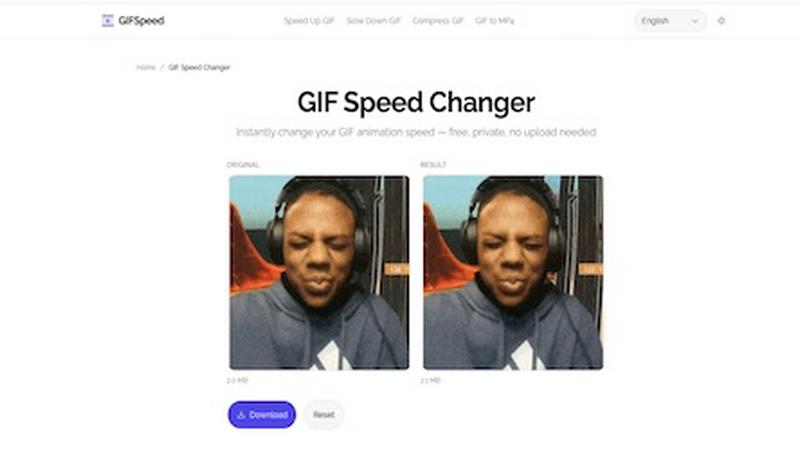
GifSpeed instantly changes your GIF's speed right in your browser, with no uploads and total privacy.
Last updated: February 27, 2026

HTML to PNG Converter
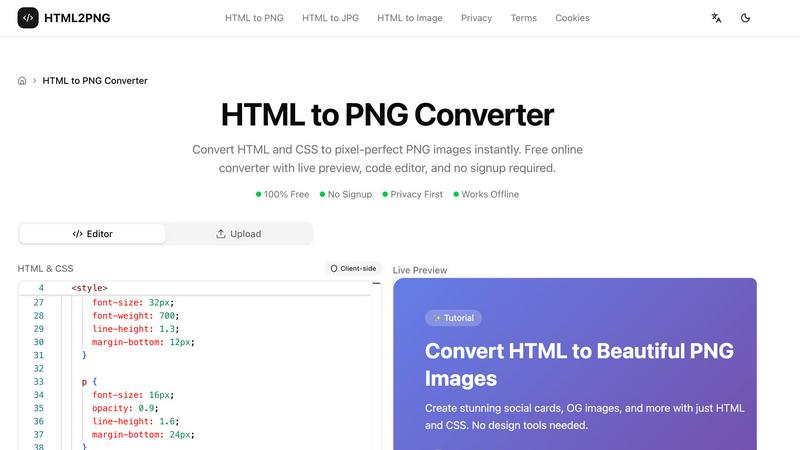
Convert HTML and CSS to pixel-perfect PNG images instantly. Free online converter with live preview, code editor, and no signup required.
Visual Comparison
GifSpeed
HTML to PNG Converter
Overview
About GifSpeed
GifSpeed is your go-to, completely free online tool for changing the speed of any GIF animation instantly and privately, right within your web browser. Ever needed to speed up a slow tutorial GIF or slow down a rapid animation to catch the details? GifSpeed makes it effortless. The core magic lies in its use of WebAssembly technology, which means all the processing happens directly on your own device. Your GIF files are never uploaded to a server, ensuring 100% privacy and eliminating any waiting time for server queues. Built with creators, marketers, and developers in mind, it solves common frustrations like oversized files for Discord, slow browser playback, or the need for a quick edit for a social media post. It replaces clunky alternatives like ezgif (which requires uploads), complex software like GIMP (which is overkill for simple speed changes), or command-line tools like FFmpeg. With support for files up to 80MB, a simple drag-and-drop interface, and a promise of zero watermarks, GifSpeed offers a streamlined "Drop. Adjust. Download. Done." workflow that works perfectly on both desktop and mobile, no sign-up required.
About HTML to PNG Converter
HTML2PNG.org is a free online tool that converts HTML and CSS into PNG, JPG, or WebP images directly in your browser. No signup, no uploads, no server processing — your code stays on your device and conversions run locally using html2canvas.
Features: The tool includes a Monaco-based code editor with syntax highlighting and live preview, so you see changes in real time. It supports modern CSS (Flexbox, Grid, gradients, shadows, transforms, Google Fonts) and exports at 1x, 2x, or 3x scale for retina displays. You can export with transparent backgrounds, choose PNG (lossless), JPG (smaller files), or WebP (good compression), and use built-in templates for social cards, OG images, code snippets, and invoices.
Use cases: Create Open Graph images for social sharing, design social media cards and banners, turn code snippets into styled images for docs or social posts, preview HTML email templates as images, and convert HTML invoices and certificates to PNG for sharing and archiving. The tool is suitable for developers, designers, marketers, and content creators who need fast, programmatic image generation.
Privacy & performance: All conversion happens client-side. Your HTML and CSS are never sent to a server, so there are no rate limits, no watermarks, and no signup. The tool works offline and is free to use.