
Happy Horse 1.0 vs Prompt Builder
Side-by-side comparison to help you choose the right AI tool.

Happy Horse 1.0
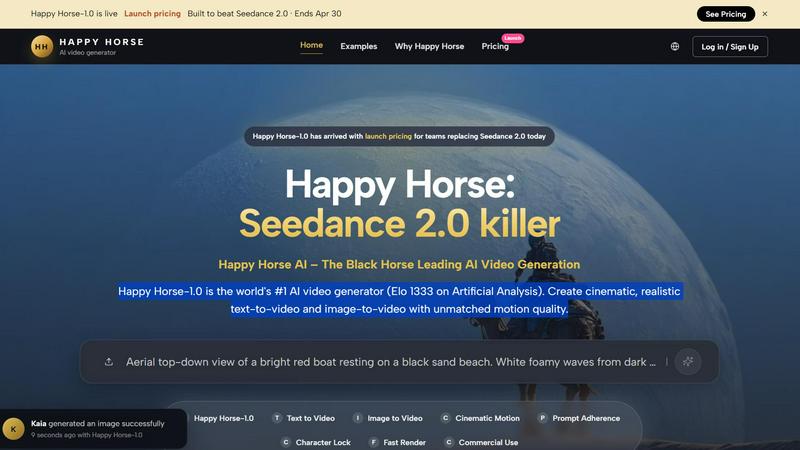
Happy Horse 1.0 is the top AI video generator for creating stunning text-to-video and image-to-video content with incredible realism.
Last updated: April 13, 2026

Prompt Builder
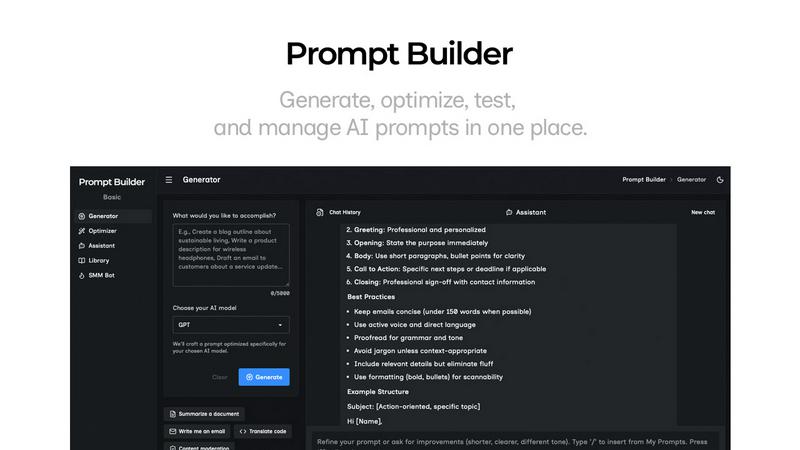
Generate, optimize, test, and manage AI prompts in one place. Turn an idea into a ready-to-use prompt in seconds.
Visual Comparison
Happy Horse 1.0
Prompt Builder
Overview
About Happy Horse 1.0
Happy Horse 1.0 is a revolutionary AI video generation platform that has quickly established itself as a top contender in the industry, often hailed as the "Seedance 2.0 killer." With an impressive Elo rating of 1333, it currently ranks #1 globally according to Artificial Analysis. This platform is meticulously crafted for professional creators and teams who seek to transform intricate text or image prompts into stunning high-fidelity video content. Happy Horse 1.0's main value proposition lies in its ability to produce cinematic-quality footage with extraordinary motion quality, making it an ideal tool for filmmakers, marketers, and content creators alike. By unlocking the potential of advanced AI technology, users can easily generate realistic and engaging videos that align with their creative vision, all while enjoying a seamless and intuitive interface that streamlines the video production process.
About Prompt Builder
Prompt Builder is a prompt engineering workspace for writing, testing, and saving prompts. Describe the task in plain English, and it helps you create a prompt that matches the model you choose. Start with a draft, refine it in chat, save or pin versions, then run them when you are ready. It works with GPT, Claude, Gemini, Llama, Mistral, DeepSeek, Grok, Perplexity, and more. You also get an Optimizer, an assistant for quick tests, and a library of reusable prompts and templates from the community. Turn an idea into a ready-to-use prompt in seconds. Refine it in chat, save it to your Library, and run it anytime.