
Image-to-Image AI vs MakeAIVideo
Side-by-side comparison to help you choose the right AI tool.

Image-to-Image AI
Transform your existing images into stunning new styles with AI guidance.
Last updated: March 1, 2026

MakeAIVideo
MakeAIVideo is the first AI video generator with multi-model routing — instead of locking you into one AI model
Visual Comparison
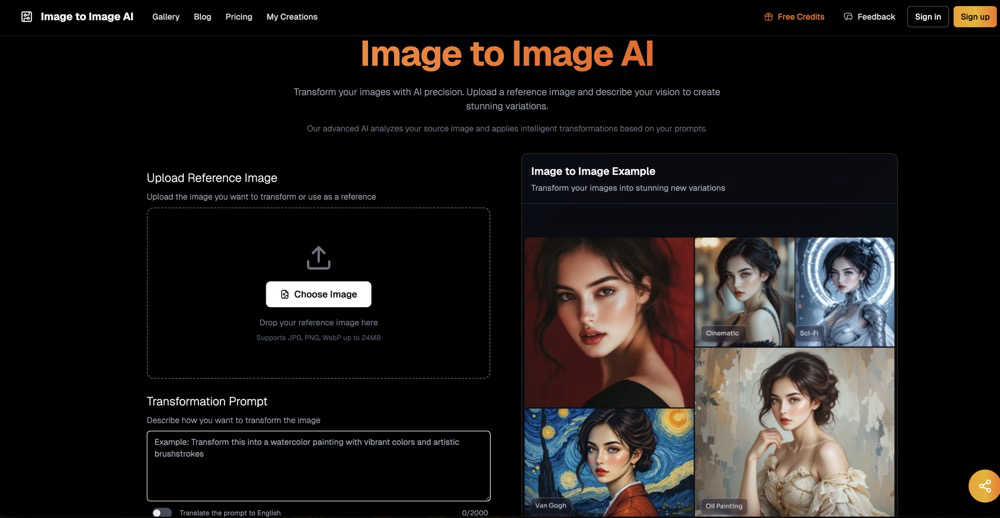
Image-to-Image AI
MakeAIVideo
Overview
About Image-to-Image AI
Image-to-Image AI is your friendly, web-based creative studio that uses the power of artificial intelligence to transform any picture into something new and extraordinary. Think of it as having a digital artist on call, ready to reimagine your photos, sketches, or designs in just seconds. At its core, this tool intelligently understands the content of your uploaded image and then applies your creative vision, guided by a simple text prompt. Whether you want to turn a simple portrait into a classic oil painting, enhance a blurry landscape into a crisp masterpiece, or generate multiple artistic variations of a logo, Image-to-Image AI makes it possible with ease.
Designed for everyone, it works directly in your web browser with no complicated software to download. This makes it perfect for professional graphic designers seeking quick inspiration, social media creators needing eye-catching content, artists exploring new styles, or anyone who just wants to have fun with their photos. The platform puts advanced AI image transformation technology into a remarkably accessible interface. You provide the starting image and a guiding idea, and the AI handles the complex work of restructuring and rendering, all while preserving the essential composition of your original. It's the fastest, most intuitive way to experiment, create, and bring your visual ideas to life.
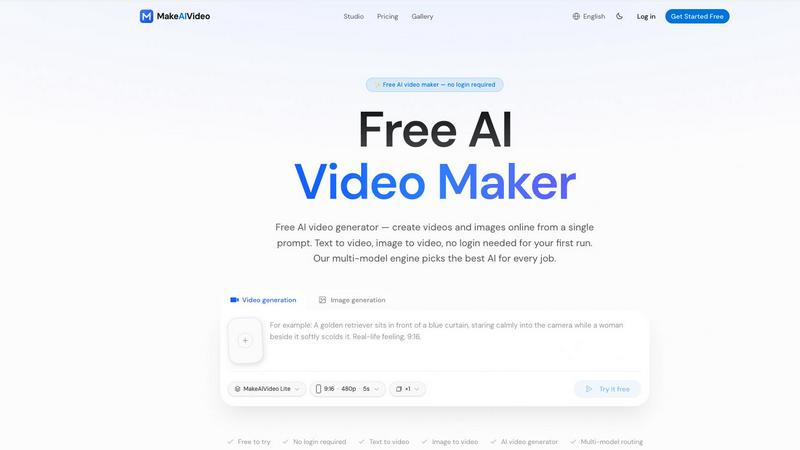
About MakeAIVideo
MakeAIVideo is the first AI video generator with multi-model routing — instead of locking you into one AI model, our engine automatically
analyzes your prompt and picks the best model (Seedance, Kling, Veo, Sora, Hailuo, and more) for that specific task. You also don't need to
create an account for your first generation. Just open the site, type a prompt, and get a video. No other tool offers this combination of
automatic model selection and zero-friction access.