
Image to Video Free vs MakeAIVideo
Side-by-side comparison to help you choose the right AI tool.

Turn your photos into stunning, professional videos for free with our easy-to-use AI.
Last updated: March 1, 2026

MakeAIVideo
MakeAIVideo is an innovative AI video generator that creates stunning videos from text or images using advanced multi-model routing technology.
Last updated: March 18, 2026
Visual Comparison
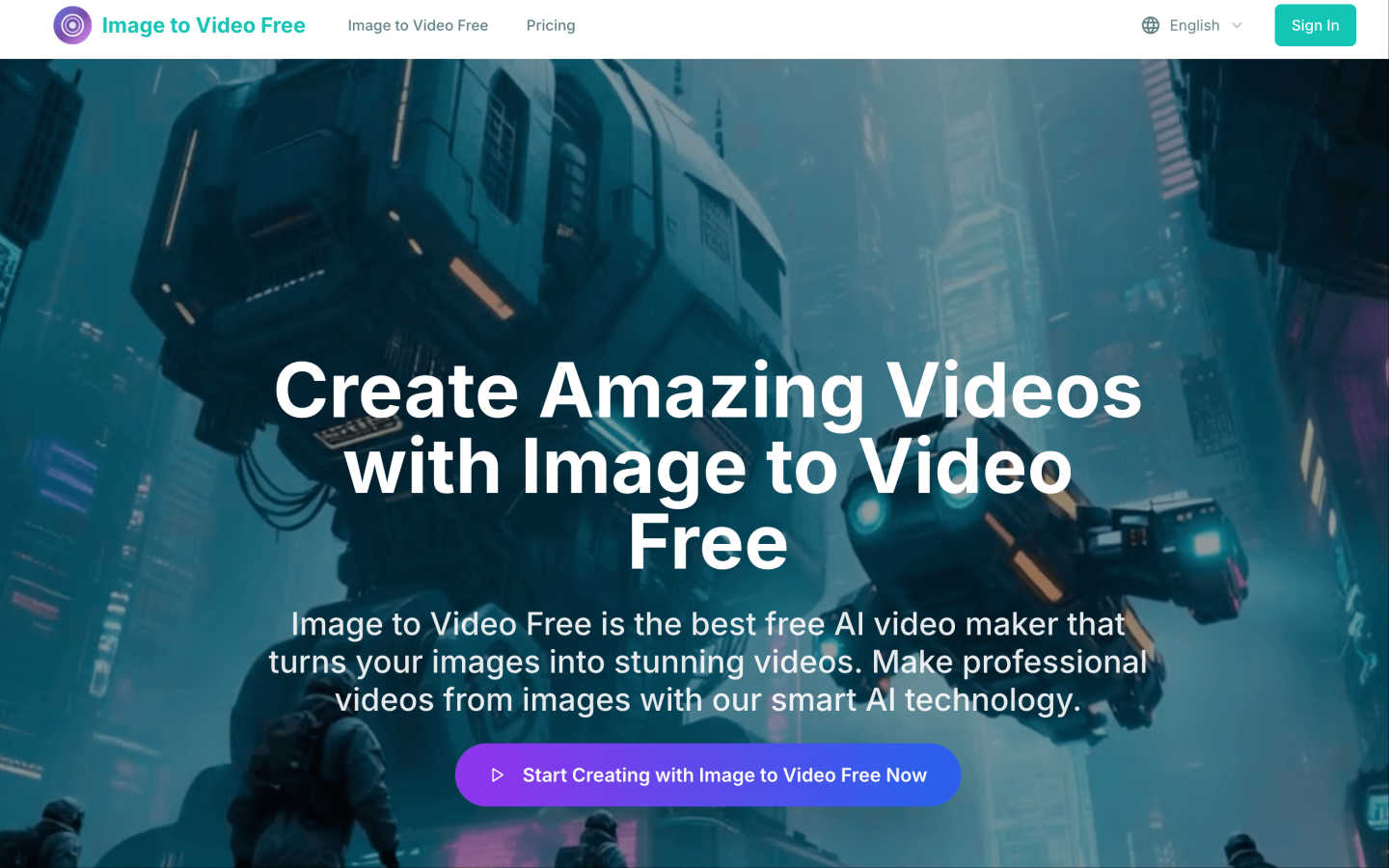
Image to Video Free
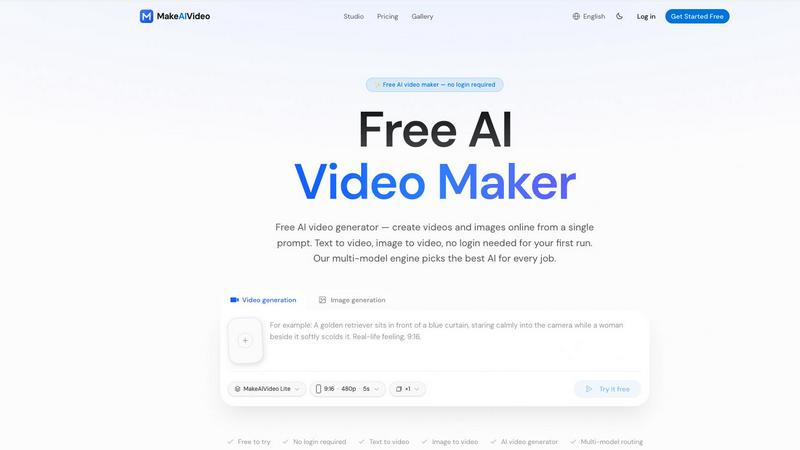
MakeAIVideo
Feature Comparison
Image to Video Free
AI-Powered Cinematic Motion
Our advanced AI doesn't just stitch images together; it intelligently analyzes your photos and applies realistic, cinematic camera movements. This includes subtle zooms, pans, and transitions that mimic professional filmmaking techniques, transforming a flat gallery of images into an immersive, dynamic video narrative without any manual editing required.
Diverse Template & Style Library
Choose from over 10 dynamic presentation styles and templates to match your video's purpose. Whether you need a fast-paced promo, an elegant slideshow, or a trendy social media clip, there's a style to fit. This feature allows you to maintain a consistent and professional look tailored for different scenarios like ads, testimonials, or personal projects.
Full Customization Control
You have complete control over the final output. Customize the aspect ratio for any platform (like 9:16 for TikTok or 16:9 for YouTube), select the video quality (720p or 1080p), and set the duration. You can also align the video with your brand by adding logos, choosing color schemes, and incorporating branded intros or outros for a cohesive visual identity.
Browser-Based & No-Download Workflow
Image to Video Free runs entirely in your web browser. There's no software to download, install, or update, and no complex plugins required. This makes it incredibly accessible and easy to start using immediately on any device, eliminating technical barriers and allowing you to create and download your videos from anywhere.
MakeAIVideo
Multi-Model Routing
MakeAIVideo employs a sophisticated multi-model routing engine that automatically selects the best AI model suited to your prompt. This means that depending on the task, you benefit from the most effective capabilities of models like Seedance, Veo, and more, ensuring high-quality video output tailored to your needs.
Zero Login Required
One of the standout features of MakeAIVideo is that you can begin creating videos without needing to create an account. This hassle-free access allows you to dive directly into video generation, making it perfect for those who want to quickly test the platform or generate content on the fly.
High-Quality Output
The platform generates cinematic-quality videos in under a minute, with options for up to 4K resolution. This ensures that whether you are creating content for social media, advertisements, or presentations, the visuals will be sharp and professional, meeting industry standards.
Dual-Channel Sound Design
Enhance your videos with dual-channel sound design, where audio is generated in sync with the visuals. This feature removes the need for post-production editing, allowing for a seamless audio-visual experience that elevates the overall quality of your videos.
Use Cases
Image to Video Free
Social Media Content Creation
Ideal for marketers and influencers who need to produce a high volume of engaging content quickly. Turn product photos into eye-catching Instagram Reels, Facebook ads, or TikTok videos. The platform's aspect ratio presets and trendy motion styles help create platform-optimized content that stands out in crowded feeds and drives engagement.
Small Business Marketing
Small businesses and entrepreneurs can create professional promotional videos without hiring a videographer. Showcase products, share customer testimonials through image collages, or create brand story videos. This cost-effective solution enhances digital presence and helps communicate your value proposition dynamically and memorably.
Personal Memory Sharing
Transform your personal photo albums into beautiful, shareable video memories. Whether it's a wedding, vacation, or family gathering, you can easily compile your favorite snapshots into a moving slideshow complete with music and smooth transitions. It's a heartfelt way to preserve and share life's special moments with friends and family.
Educational and Presentation Material
Educators, trainers, and presenters can use Image to Video Free to make their materials more engaging. Convert diagrams, historical photos, or step-by-step guides into short, explanatory videos. The visual movement helps maintain viewer attention and can simplify complex information, making learning more interactive and effective.
MakeAIVideo
Social Media Content Creation
MakeAIVideo is ideal for social media managers looking to create engaging videos for platforms like Instagram and TikTok. The ease of use and rapid generation enables them to keep their content fresh and relevant without extensive resources or time.
Product Showcases
Businesses can utilize MakeAIVideo to create stunning product showcase videos quickly. By entering details about the product, users can generate high-quality promotional videos that highlight features and benefits, perfect for e-commerce and online marketing.
Educational Videos
Educators and content creators can leverage MakeAIVideo to produce informative videos that explain concepts clearly and creatively. The platform's ability to generate custom visuals based on text prompts allows for interactive and engaging learning materials.
Brand Storytelling
MakeAIVideo can help brands tell their stories through compelling narratives. By inputting key messages and themes, businesses can create videos that resonate with their audience, enhancing brand identity and customer engagement.
Overview
About Image to Video Free
Image to Video Free is your go-to online platform for effortlessly transforming static pictures into captivating, dynamic videos. Designed with simplicity and power in mind, it leverages advanced AI technology to automate the entire video creation process. This tool is perfect for social media marketers, content creators, small business owners, educators, and anyone who wants to share stories visually without the steep learning curve of professional editing software. The core value proposition is clear: professional-quality video creation, accessible to everyone in minutes. You simply upload your images, and the AI takes care of the rest—adding smooth cinematic movement, engaging transitions, ambient soundscapes, and effects to bring your photos to life. With support for various resolutions, aspect ratios, and customizable durations, you can tailor videos for any platform, from Instagram Reels to YouTube shorts. Whether you're crafting a promotional ad, a personal memory reel, or educational content, Image to Video Free empowers you to elevate your visual storytelling with zero technical hassle.
About MakeAIVideo
MakeAIVideo is an innovative AI video generator that stands out as the first to utilize multi-model routing. This unique feature allows the platform to analyze your prompt dynamically and select the most suitable AI model for the task at hand, whether it be Seedance, Kling, Veo, Sora, Hailuo, or others. This flexibility ensures that users get the best possible results tailored to their specific needs. Designed for creators, marketers, and businesses alike, MakeAIVideo eliminates the typical barriers associated with video creation. You can generate videos effortlessly with no account required for your first video. Just visit the site, enter your prompt, and watch as your video comes to life. With its combination of automatic model selection and zero-friction access, MakeAIVideo offers an unparalleled experience for producing high-quality video content quickly and easily.
Frequently Asked Questions
Image to Video Free FAQ
What image formats does Image to Video Free support?
The platform supports popular image formats including JPG, PNG, and WebP. You can upload multiple images to be compiled into a single, seamless video. Ensure your images are clear and of good quality for the best AI-generated video results.
How long does it take to generate a video?
Processing time is typically around 100-300 seconds, depending on the selected video quality and duration. The AI works efficiently to apply motion, effects, and audio, delivering your finished video in just a few minutes after you hit the generate button.
What are credits and how do I get them?
Credits are the units used to generate videos. Each video generation consumes a certain number of credits (e.g., 40 credits per video). New users typically receive free starter credits to try the service, and additional credits can be obtained through various plans or promotions as outlined on the website.
Can I use the videos commercially?
Yes, videos created with Image to Video Free can be used for commercial purposes, such as in marketing campaigns, social media ads, and on business websites. It's a powerful tool for businesses to create their own branded content quickly and affordably.
MakeAIVideo FAQ
How does MakeAIVideo choose the AI model for my video?
MakeAIVideo's multi-model routing engine analyzes your prompt and automatically selects the AI model best suited for your specific needs. This ensures optimal results without requiring manual selection on your part.
Can I use MakeAIVideo for commercial purposes?
Yes, all plans offered by MakeAIVideo allow for commercial use of the generated videos. This makes it an excellent tool for businesses looking to produce marketing materials without worrying about licensing issues.
Is there a limit to how long my videos can be?
Free users can generate videos with a length of 5 to 10 seconds, while paid plans offer more flexibility with longer videos. The platform supports video lengths suitable for various formats and needs.
Do I need any video editing skills to use MakeAIVideo?
No, MakeAIVideo is designed to be user-friendly, allowing anyone to create videos without prior video editing experience. The intuitive interface and automated features simplify the entire process, making video creation accessible to everyone.
Alternatives
Image to Video Free Alternatives
Image to Video Free is a fantastic tool in the video creation category, designed to help anyone turn their photos into moving, cinematic videos using AI. It's a great starting point for making content quickly and easily. People often look for other options for a few common reasons. They might need more advanced editing controls, want to use the tool on a different device like a mobile app, or require a feature that's not available in the free version, such as removing watermarks or accessing a larger music library. It's all about finding the right fit for a specific project or workflow. When exploring other tools, it's smart to consider what matters most to you. Think about the level of creative control you want, the formats you need to export in, and whether you prefer a simple online tool or downloadable software. Checking the pricing model is also key, as some free tools have limitations that paid versions lift.
MakeAIVideo Alternatives
MakeAIVideo is an innovative AI video generator that falls into the category of video creation tools. It stands out by offering multi-model routing, which means it intelligently selects the best AI model for your specific needs without requiring you to commit to just one option. This unique feature, along with the effortless access to video creation without the need for an account, makes it an attractive tool for users seeking to create videos quickly and efficiently. However, users often seek alternatives for various reasons, such as pricing structures, specific feature sets, or compatibility with different platforms. When choosing an alternative, consider factors like ease of use, the range of features offered, and whether the tool can cater to your specific video creation needs. It's essential to weigh these aspects to find a solution that aligns with your goals and budget.