
Ketchup AI vs Z Image Turbo
Side-by-side comparison to help you choose the right AI tool.
Ketchup AI
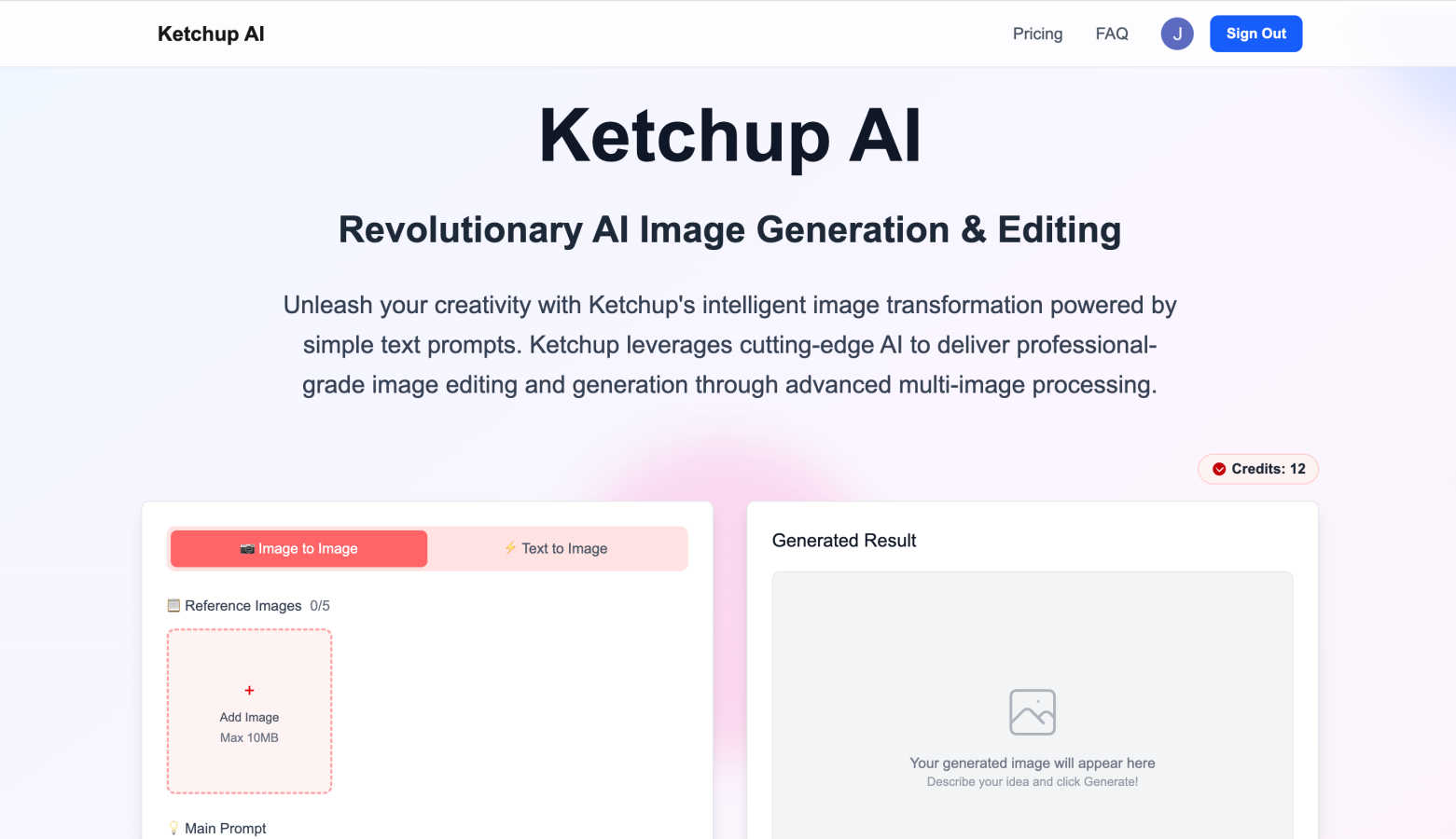
Transform your images effortlessly with Ketchup AI's advanced editing and generation powered by simple text prompts.
Last updated: March 1, 2026

Z Image Turbo
Z Image Turbo generates stunning 1024px images in under a second, empowering creators with ultra-fast, high-quality visuals without needing a GPU.
Last updated: March 11, 2026
Visual Comparison
Ketchup AI
Z Image Turbo

Feature Comparison
Ketchup AI
Multi-Image Processing Power
Ketchup AI truly shines with its ability to work with multiple images at once. You can upload several reference photos and use simple text prompts to guide the AI in blending them together. This allows for sophisticated creative tasks like merging different artistic styles, combining elements from various photos into one cohesive scene, or using one image for style and another for content. It's like having a digital collage artist and photo editor working in perfect harmony based on your instructions.
Text-to-Image & Image-to-Image Generation
Start your creative journey from scratch or build upon existing visuals. With text-to-image, just describe your vision in everyday language—like "a cozy cabin in a snowy forest at dusk"—and Ketchup AI will generate it. With image-to-image, you can upload a photo and transform it using a text prompt, such as changing the season, applying a watercolor effect, or altering specific elements. This dual approach gives you maximum flexibility to create exactly what you imagine.
Precise Inpainting and Object Manipulation
Need to remove an unwanted object, some text, or a logo from a photo? Ketchup AI's inpainting feature handles it intelligently. It doesn't just delete; it understands the surrounding context and fills in the space seamlessly, preserving the background's texture and details. Conversely, you can also add or swap objects with precision, making it perfect for product photography, cleaning up images, or creative compositing.
Intelligent Identity and Style Consistency
One of the biggest challenges in AI editing is maintaining consistency. Ketchup AI excels at preserving the identity of people or characters across edits. When you change a person's outfit or the background, the AI carefully retains their facial features, hairstyle, and other defining characteristics. Similarly, it can apply a consistent artistic style across multiple elements of an image, ensuring your final result looks natural and professionally edited.
Z Image Turbo
Turbo Diffusion Core
The turbo diffusion core is engineered for speed, enabling low-latency sampling that allows users to receive instant feedback on their image requests. This feature is essential for creators who need to iterate quickly and efficiently during the design process.
Style Presets
Z Image Turbo offers an array of built-in style presets like cinematic, product, portrait, anime, and illustration. With just one click, users can select a desired style that aligns with their project, ensuring consistent branding and aesthetics across multiple images.
Negative Prompt Guidance
This feature provides users with enhanced control over their image outputs by allowing them to specify elements they wish to exclude. This ensures that unwanted artifacts or styles do not appear in the generated images, leading to cleaner and more focused visuals.
Batch Generation Mode
Z Image Turbo's batch generation mode allows users to create dozens of variations in a single session. This feature is particularly useful for teams needing to explore multiple design directions quickly without the repetitive task of generating each image individually.
Use Cases
Ketchup AI
Virtual Try-On for Fashion & E-commerce
Revolutionize product presentation by allowing customers to visualize clothing on models instantly. Upload a photo of a model and simply prompt Ketchup AI to "change the dress to a blue silk gown." The AI will swap the outfit, ensuring realistic fabric draping, natural shadows, and perfect integration with the original photo's lighting and pose. This is a game-changer for online stores and fashion marketers.
Professional Product Image Cleanup
Create pristine, brand-focused product photos effortlessly. Use Ketchup AI to remove distracting watermarks, promotional text, or even minor imperfections from your product images. This smart cleanup preserves the product's quality and the background's integrity, saving hours of manual Photoshop work and helping you maintain a clean, professional online catalog.
Dynamic Background Replacement
Instantly transform the setting of any photo. Whether you need a headshot against a professional office backdrop, a product in a different environment, or a travel photo with a better sky, Ketchup AI makes it simple. Just upload your image and describe the new background. The AI seamlessly blends the subject into the new scene, adjusting lighting and perspective for a believable, high-quality composite.
Photo Restoration and Enhancement
Breathe new life into old, damaged, or black-and-white family photos. Upload a scanned image and ask Ketchup AI to recolor it, remove scratches, tears, and spots, and enhance the details. The AI can intelligently guess colors and reconstruct lost details, transforming cherished memories into clear, vibrant photographs you can share and preserve for the future.
Z Image Turbo
Product Photography
E-commerce businesses can utilize Z Image Turbo to quickly generate high-quality product images that showcase their merchandise in various styles. The ability to create consistent lighting and design makes it ideal for online stores.
Storyboarding
For film and animation projects, Z Image Turbo enables artists and directors to create storyboards rapidly. This allows teams to visualize scenes and character interactions before moving into full production, saving time and resources.
Game Concept Art
Game developers can take advantage of Z Image Turbo to generate concept art that captures the look and feel of their game worlds. The consistent character and style fidelity ensure that visual elements align with the overall game design.
Marketing Campaigns
Marketers can leverage Z Image Turbo to create engaging visuals for advertising campaigns. By producing compelling images in seconds, they can quickly test different concepts and approaches, optimizing their strategies for better audience engagement.
Overview
About Ketchup AI
Ketchup AI is your friendly, browser-based creative partner, designed to make professional image generation and editing accessible to everyone. Imagine having a powerful image studio right in your web browser, where you can turn your ideas into stunning visuals in just seconds. Whether you're a social media content creator, a digital marketer, an artist, or a small business owner, Ketchup AI is built for you. Its core magic lies in its simplicity: you can start with a simple text description or by uploading one or more reference images. From there, the AI takes over, allowing you to blend styles, swap backgrounds, restore old photos, or change outfits on models with incredible precision. It removes the intimidating complexity of traditional editing software, offering professional-grade results without the steep learning curve. With built-in safety features and clear guidelines, you can create with confidence. Ready to see your ideas come to life? Head over to ketchupimg.com to try the demo and start transforming your creative concepts into polished images effortlessly.
About Z Image Turbo
Z Image Turbo is an advanced, speed-optimized text-to-image AI generator designed specifically for creators and developers who demand high-quality visuals without the long wait times typically associated with image generation. By leveraging its turbo diffusion core coupled with latency-optimized sampling, Z Image Turbo produces stunning 1024px images in an average first-frame latency of just 0.7 seconds when running on A100 hardware. This makes it an exceptional choice for anyone needing rapid, reliable image outputs, from graphic designers to marketers and game developers. The model allows for quick iterations, enabling users to describe any scene, product, or artistic style using natural language prompts. With built-in style presets such as cinematic, product, portrait, anime, or illustration, you can generate sharp and artifact-free visuals in mere seconds. Moreover, Z Image Turbo supports negative prompt guidance for precise control over image attributes, making it a versatile tool for various applications.
Frequently Asked Questions
Ketchup AI FAQ
How do I start using Ketchup AI?
Getting started is easy and requires no software installation! Simply visit ketchupimg.com in your web browser. You can try out the platform's capabilities through the available demo. To access all features, you'll need to sign up for an account. Once logged in, you can begin by typing a text prompt or uploading an image to start generating and editing.
What kind of images can I edit with Ketchup AI?
You can confidently edit images that you own or have explicit permission to use. Ketchup AI is designed for a wide range of visuals, from personal photos and digital art to marketing materials and product shots. The platform includes integrated safety safeguards and clear usage guidelines to promote responsible creation. It's perfect for transforming your original content.
What are "Credits" and how do they work?
Credits are the units used to generate images on Ketchup AI. Each image generation task costs a certain number of credits, which is shown before you confirm (for example, a generation might cost 4 credits). Your account will have a set number of credits depending on your plan or any free trials offered. You can check your remaining credits on the main interface.
Can Ketchup AI edit specific parts of an image?
Yes, absolutely! This is where Ketchup AI's precision really stands out. Using the inpainting and advanced editing features, you can target very specific areas. For example, you can prompt it to "remove the text from the bottle" or "change only the color of the car." The AI focuses on the area you describe, making localized changes while keeping the rest of the image perfectly intact.
Z Image Turbo FAQ
How does Z Image Turbo ensure image quality?
Z Image Turbo utilizes a turbo diffusion core that focuses on latency-optimized sampling, allowing for high-resolution outputs with sharp textures and balanced lighting, ensuring that every image is production-ready.
Can I use Z Image Turbo for commercial projects?
Yes, all paid plans of Z Image Turbo include a commercial license, allowing users to leverage generated images for business purposes without any watermarks.
What hardware do I need to run Z Image Turbo locally?
Z Image Turbo is designed to run comfortably on systems with 8-12 GB of VRAM, making it accessible for both local deployment and lean cloud setups.
Is there a way to save generated images?
Absolutely! Users can easily export their generated images for presentations, mockups, or any other application, ensuring that high-quality visuals are always at their fingertips.
Alternatives
Ketchup AI Alternatives
Ketchup AI is a browser-first image studio that makes generating and editing professional images incredibly fast and simple. It falls into the category of AI-powered design tools, allowing you to create visuals from text prompts or transform existing photos with advanced features like background replacement and style transfer. Users often explore alternatives for various reasons. Some might be looking for different pricing models, specific features not offered, or a tool that integrates with their existing workflow on a different platform. It's a common and smart practice to compare options to find the perfect fit for your creative projects and budget. When evaluating other tools, consider what matters most to you. Key factors include the core features like text-to-image or inpainting, the quality and style of the AI output, ease of use, cost structure, and whether the platform respects copyright and user safety with clear guidelines.
Z Image Turbo Alternatives
Z Image Turbo is an ultra-fast text-to-image AI generator designed to help creators and developers quickly produce high-quality visuals. With the ability to generate sharp 1024px images in under a second, it caters to a wide range of applications in the image and photo category. However, users often seek alternatives due to various reasons, including pricing structures, feature sets, or compatibility with specific platforms and hardware requirements. When exploring alternatives, it's essential to consider factors such as image quality, generation speed, ease of use, and the flexibility of the pricing model. Look for options that provide similar functionality while aligning with your specific needs, whether that’s batch generation, style presets, or licensing terms. The right choice will depend on your unique requirements as a creator or developer.