
MindMap AI vs Speak Tech English
Side-by-side comparison to help you choose the right AI tool.

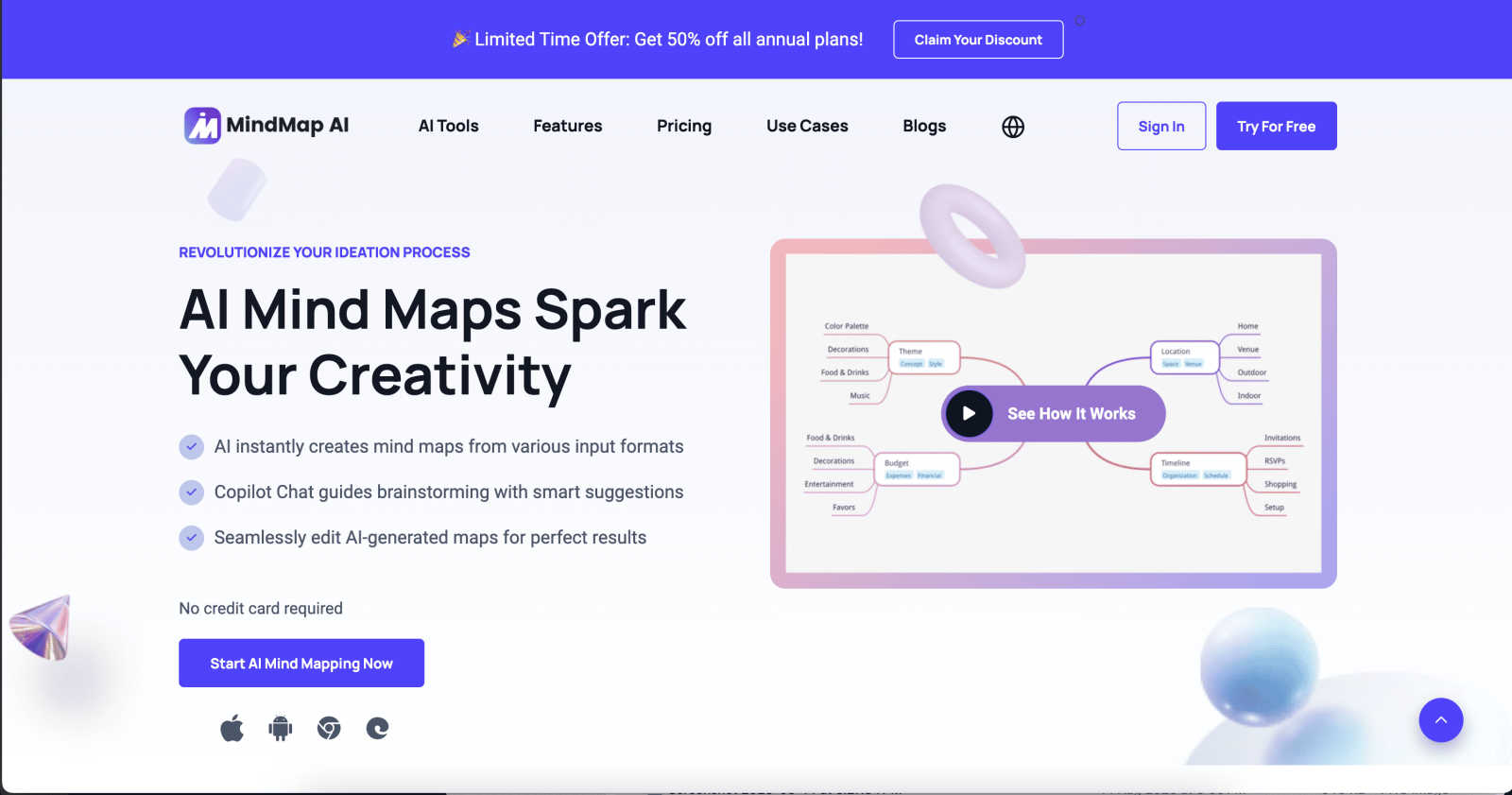
MindMap AI helps you instantly turn your ideas and documents into clear, editable mind maps with smart AI assistance.
Last updated: March 1, 2026

Speak Tech English
Speak Tech English helps non-native tech professionals master the daily English they need to get hired and succeed in global teams.
Last updated: April 13, 2026
Visual Comparison
MindMap AI
Speak Tech English

Feature Comparison
MindMap AI
The New Brain: AI Thinking Mode
This isn't a simple text-to-branch generator. MindMap AI uses a step-by-step reasoning engine that deeply understands context, hierarchy, and relationships before drawing a single line. This ensures every generated mind map is logically structured, meaningful, and accurate on the very first try, saving you from the frustration of untangling random or messy branches.
File-to-Map Conversion
Say goodbye to manual transcription. Instantly transform a wide array of content into a beautiful, clean mind map. Simply upload text files, PDFs, images, audio/video recordings, Markdown, CSV data, and more. This feature lets you dive straight into the thinking and planning phase, bypassing the tedious work of building a map from scratch.
MindMark Stability & Continuous Editing
Enjoy reliable AI collaboration without the fear of losing your work. With MindMark Stability, your manual edits, custom layouts, and personal structure are always preserved. The AI expands and suggests ideas around your work, never overwriting it. You maintain full control to expand, summarize, reorganize, and style your map at any time.
Flexible Layouts & Instant Aesthetics
Visualize your project from every angle. Switch effortlessly between Mind Map, Organizational Chart, and Logic Chart views with a single click—your structure stays perfectly aligned. Then, polish your presentation instantly with a curated library of modern themes or take total control with custom colors, fonts, shapes, and actionable widgets like Priority Flags.
Speak Tech English
Expert-Led by Tech Insiders
The courses are created and taught by certified English coaches who have spent years working in the software and data industries. This unique combination means they don't just teach grammar; they understand the context. They know the pressure of a live coding interview, the nuances of a code review comment, and the jargon used in daily stand-ups. This insider knowledge ensures the material is 100% relevant and practical for a tech environment, taught with authentic British English.
Targeted Practice on Common Mistakes
Instead of a one-size-fits-all curriculum, Speak Tech English builds its lessons around the most frequent and impactful mistakes made by tech professionals learning English. The content focuses on correcting specific errors in pronunciation, grammar, and phrasing that are common in tech contexts. This targeted approach means students spend time fixing what actually holds them back, leading to faster and more efficient improvement in their speaking and writing clarity.
Modern, Real-World Tech English Curriculum
You won't find outdated textbook dialogues here. The curriculum is built from the ground up using the language tech teams use daily. This includes how to describe code, talk about keyboard symbols, explain architectural decisions, write clear PR descriptions, and communicate effectively on tools like Slack and Jira. It's the contemporary, functional English needed to collaborate seamlessly with international colleagues and contribute confidently in meetings.
Goal-Focused, Structured Learning Paths
The platform offers distinct courses tailored to specific career objectives, such as "Get a Global Tech Job" or "Master Your Workflow in English." This allows learners to choose a path that directly aligns with their immediate goal, whether it's acing a technical interview in two weeks or preparing to join an English-speaking development team. Each course is structured to deliver concentrated, relevant practice, ensuring every lesson brings you closer to your professional target.
Use Cases
MindMap AI
Project Planning & Strategy Development
Turn brainstorming sessions and strategic meetings into clear, actionable roadmaps. Input meeting notes or project briefs to instantly generate a visual strategy map. Teams can collaboratively refine the structure, assign tasks with due dates, and switch to a Logic Chart view to present the project plan to stakeholders with professional clarity.
Research Analysis & Knowledge Organization
Perfect for students, academics, and analysts. Upload research papers, articles, or book summaries (PDFs or text) and let MindMap AI distill complex information into a structured knowledge map. This helps in identifying key themes, relationships, and gaps in the research, making study and synthesis far more efficient and effective.
Meeting & Lecture Capture
Never lose a key insight from a long meeting or training session again. Record the audio or upload the transcript, and MindMap AI will convert the discussion into a organized map of topics, decisions, and action items. This creates a living document that teams can refer back to and edit, ensuring everyone is aligned and accountable.
Content Creation & Curriculum Design
Writers, trainers, and educators can use MindMap AI to outline articles, design course curriculums, or plan workshops. Start with a core idea and use the AI to expand on subtopics, or convert existing lesson plans (from documents or slides) into a visual curriculum map. The multi-language support also makes it ideal for creating learning materials for a global audience.
Speak Tech English
Acing Technical and Behavioral Interviews
For software engineers and developers targeting roles at global companies like FAANG, the interview process in English can be a major hurdle. Speak Tech English provides specialized training to articulate technical solutions clearly, walk through code aloud, and answer behavioral questions (like "Tell me about a time...") with compelling, well-structured stories. This preparation turns a nerve-wracking experience into a confident performance.
Integrating Smoothly into an English-Speaking Dev Team
Landing the job is just the beginning. Many tech professionals struggle with the day-to-day communication in their new international team. These courses teach the practical English for participating in stand-ups, asking for help, giving updates, writing clear documentation, and engaging in code reviews—ensuring you can collaborate effectively and build strong professional relationships from day one.
Explaining Complex Technical Concepts Clearly
Whether you're a data engineer presenting a pipeline design to stakeholders or a system architect explaining a migration plan, the ability to break down complex ideas is crucial. Speak Tech English focuses on the language and frameworks needed to structure technical explanations, use appropriate analogies, and field questions confidently, making you a more effective and persuasive communicator.
Enhancing Professional Written Communication
A significant part of a tech professional's work is written: Slack messages, email, commit messages, and technical documentation. The courses provide guidance on tone, clarity, and conciseness in professional writing. This helps non-native speakers avoid misunderstandings, present ideas professionally, and ensure their written communication is as strong as their technical work.
Pricing Comparison
MindMap AI
MindMap AI offers a free plan that provides 50 AI credits monthly at no cost. For users who need more robust capabilities, paid subscription plans are available. These plans offer increased monthly credit allowances, access to advanced features like larger document processing and premium themes, and enhanced collaboration tools for teams. You can explore the specific details of each tier and their respective costs by visiting the "Pricing" page on the MindMap AI website.
Speak Tech English
Speak Tech English offers one-time purchase courses and bundles for self-paced learning. The "English for Programmers" course is priced at $39.99 (originally $59.99). The "English for Technical Interviews" course is $49.99 (originally $69.99). For comprehensive preparation, the "English for Developers Bundle – Get Hired in Tech Kit" bundles resources at $99.00, offering a significant saving from the original combined price of $160.00. They also frequently promote special bundles, like the "English for Tech Bundle," which offers a 40% discount on selected course packages.
Overview
About MindMap AI
MindMap AI is your intelligent partner for visual thinking, designed to transform the way professionals, students, and teams organize ideas and information. It's more than just a digital whiteboard; it's an AI-powered assistant that helps you build structured, editable mind maps from almost any source imaginable. Whether you're starting with a raw idea, a dense PDF, a meeting recording, or a spreadsheet, MindMap AI intelligently processes the content to create a clear, hierarchical visual map. This tool is built for real-world thinking, enabling you to brainstorm, plan projects, analyze research, and develop strategies with unprecedented speed and clarity. Its core value lies in seamlessly blending powerful AI automation with full user control. You can co-edit with an AI that respects your manual work, switch between different chart views, and customize everything to fit your style. By turning chaos into actionable visual plans, MindMap AI empowers over a million thinkers to work smarter, not harder, directly from their web browser or mobile device.
About Speak Tech English
Speak Tech English is a specialized English learning platform designed exclusively for tech professionals. It moves beyond generic business English to focus on the specific language and communication challenges faced by software developers, engineers, data scientists, and other IT specialists. The core mission is to bridge the gap between technical skill and professional communication, empowering non-native speakers to confidently navigate global tech careers. Created by native English coaches who have firsthand experience working in tech, the courses are built around real-world scenarios like technical interviews, code reviews, daily Slack/Teams communication, and explaining complex system designs. Trusted by over 3,000 students from companies like Amazon, Revolut, and Mercado Libre, Speak Tech English offers targeted resources such as "English for Technical Interviews," "English for Programmers," and a CV Upgrade Kit. Their approach is practical and results-driven, promising visible progress and increased confidence in weeks, not months, by teaching the modern, daily English actually used in software teams around the world.
Frequently Asked Questions
MindMap AI FAQ
How does the AI ensure my mind maps are accurate?
MindMap AI uses a proprietary "New Brain" reasoning engine. Instead of just parsing keywords, it analyzes your input in a step-by-step process to understand context, hierarchy, and the relationships between concepts. This deep comprehension ensures the resulting map is logically structured and meaningful, not just a collection of random branches.
Can I edit the mind maps after the AI creates them?
Absolutely! Continuous editing and "MindMark Stability" are core principles. You have full manual control to add, delete, move, and style any node. The AI acts as a co-editor that can make suggestions or expand on your ideas when you ask, but it will never automatically overwrite or change your manual edits.
What file types can I convert into a mind map?
MindMap AI supports a wide range of inputs for conversion. This includes text, PDF documents, PowerPoint slides, images, audio files (like meeting recordings), video, Markdown files, CSV/Excel data, and even code formats like JSON and HTML. It's designed to be a central hub for turning any content into a visual map.
Is there a free plan available?
Yes! MindMap AI offers a generous free plan that includes 50 AI credits every month, with no credit card required to start. This allows you to explore core features, create several mind maps, and experience the AI-powered conversion and editing capabilities firsthand to see if it fits your workflow.
Speak Tech English FAQ
Who is Speak Tech English for?
Speak Tech English is specifically designed for non-native English speakers working in the technology sector. This includes software developers, engineers, data scientists, DevOps specialists, product managers, and IT professionals at any level who need to use English in their daily work, interviews, or while collaborating with global teams. It's perfect for those who find general English courses lack the technical context they need.
How is this different from a regular English course?
Regular English courses teach general vocabulary and grammar for everyday situations. Speak Tech English is built from the ground up for tech contexts. It teaches you how to talk about code, explain system architecture, navigate technical interviews, and communicate on developer tools. The coaches have tech backgrounds, so they understand your specific challenges and the exact language you need to succeed in your career.
I have an interview soon. Can this help me in time?
Absolutely! Many of the courses, especially "English for Technical Interviews," are designed for focused, rapid improvement. The material is structured to target the most critical interview skills—like describing your projects, solving problems aloud, and answering behavioral questions—allowing you to prepare effectively and see significant progress within a few weeks, making you interview-ready.
What if I'm not a beginner in general English?
That's actually ideal! Speak Tech English is best suited for learners who have an intermediate level of general English but struggle to apply it in professional tech settings. The courses assume you know basic grammar and vocabulary, and then build upon that foundation with specialized tech terminology, common professional phrases, and communication strategies used by native speakers in the industry.
Alternatives
MindMap AI Alternatives
MindMap AI is a powerful AI-powered mind mapping tool in the productivity and management software category. It helps professionals and teams visually organize ideas, files, and recordings into dynamic maps to boost creativity and streamline workflows. Users often explore alternatives for various reasons. Some may need a different pricing model or a free tier, while others might require specific integrations, a different user interface, or features tailored to niche use cases like advanced project management or real-time whiteboarding. When evaluating other options, consider your core needs. Look at the types of inputs the software can handle, the flexibility of visual layouts, collaboration features for teams, and export capabilities. The goal is to find a tool that matches your workflow and helps turn scattered information into clear, actionable plans.
Speak Tech English Alternatives
Speak Tech English is a specialized online learning platform designed for non-native English speakers working in the technology sector. It focuses on the specific language and communication skills needed for tech roles, such as technical interviews, code reviews, and team collaboration, moving beyond generic business English courses. People often explore alternatives for various reasons. Budget considerations, a preference for different learning formats like live tutoring or app-based practice, or a need for a broader curriculum that includes general fluency might lead someone to look at other options. It's a common step to find the perfect fit for one's individual goals and learning style. When evaluating other platforms, it's wise to consider a few key points. Look for content relevance to your specific tech role, the teaching methodology, and whether the platform offers practical, real-world practice. The ideal alternative should effectively address your unique communication hurdles in a tech environment.